
Skip

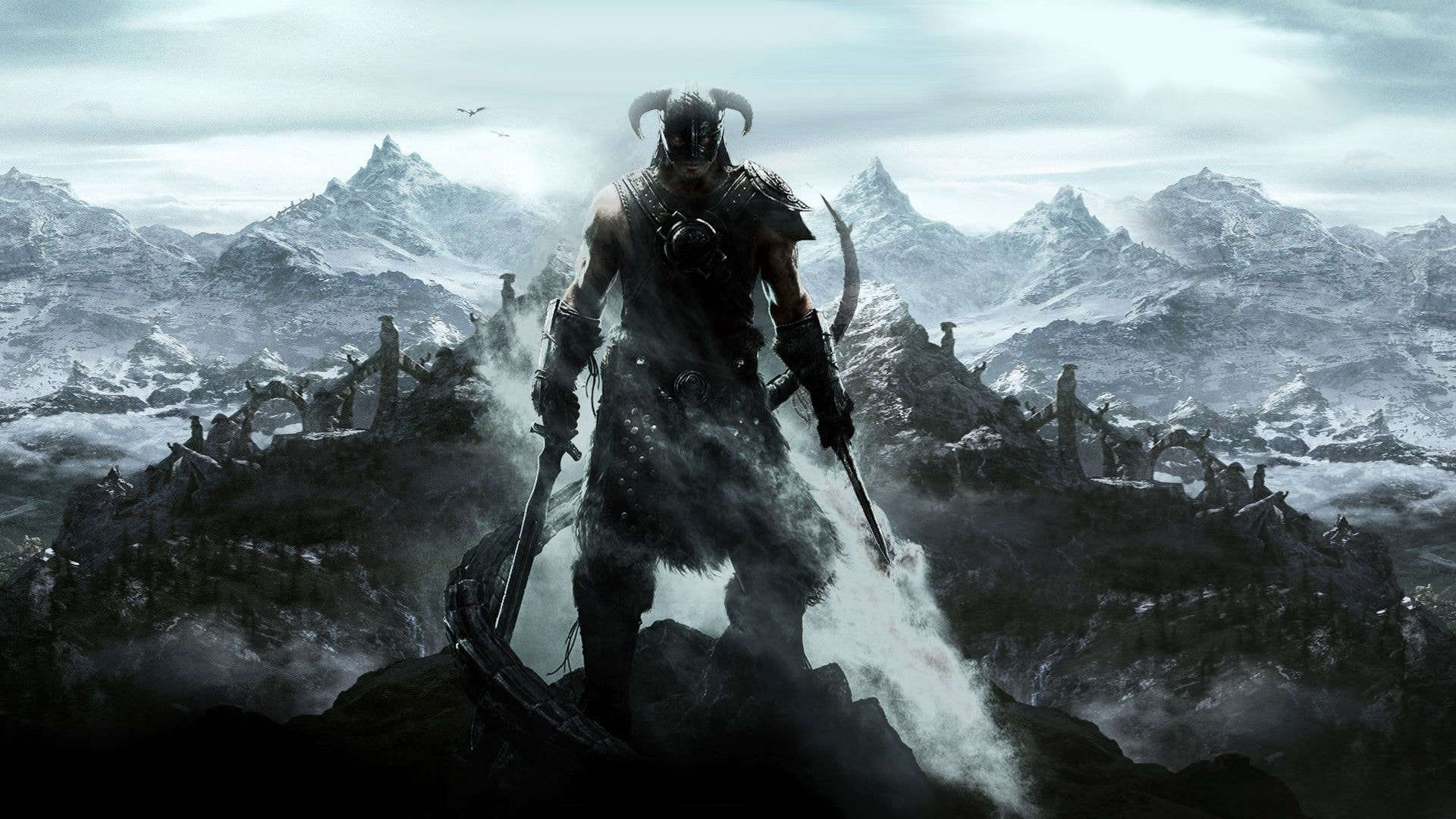
The following gameplay mechanics will only apply if you enabled the Gore option during the Installion.
In Nolvus Awakening, you can customize how dismembering and gore are implemnted
To do the following go to the Dismembering Framework MCM menu.

You can apply dismembering settings on a per weapon basis, first select a weapon type

The tailor the settings to your liking

You can also customize some blood and impact features
To do the following go to the Sanguine Symphony MCM menu.

Finally, You can customize the slowing time when you kill an enemy.
To do the following go to the Dismembering Framework MCM menu.

And also in the Sanguine Symphony MCM menu
