
Skip

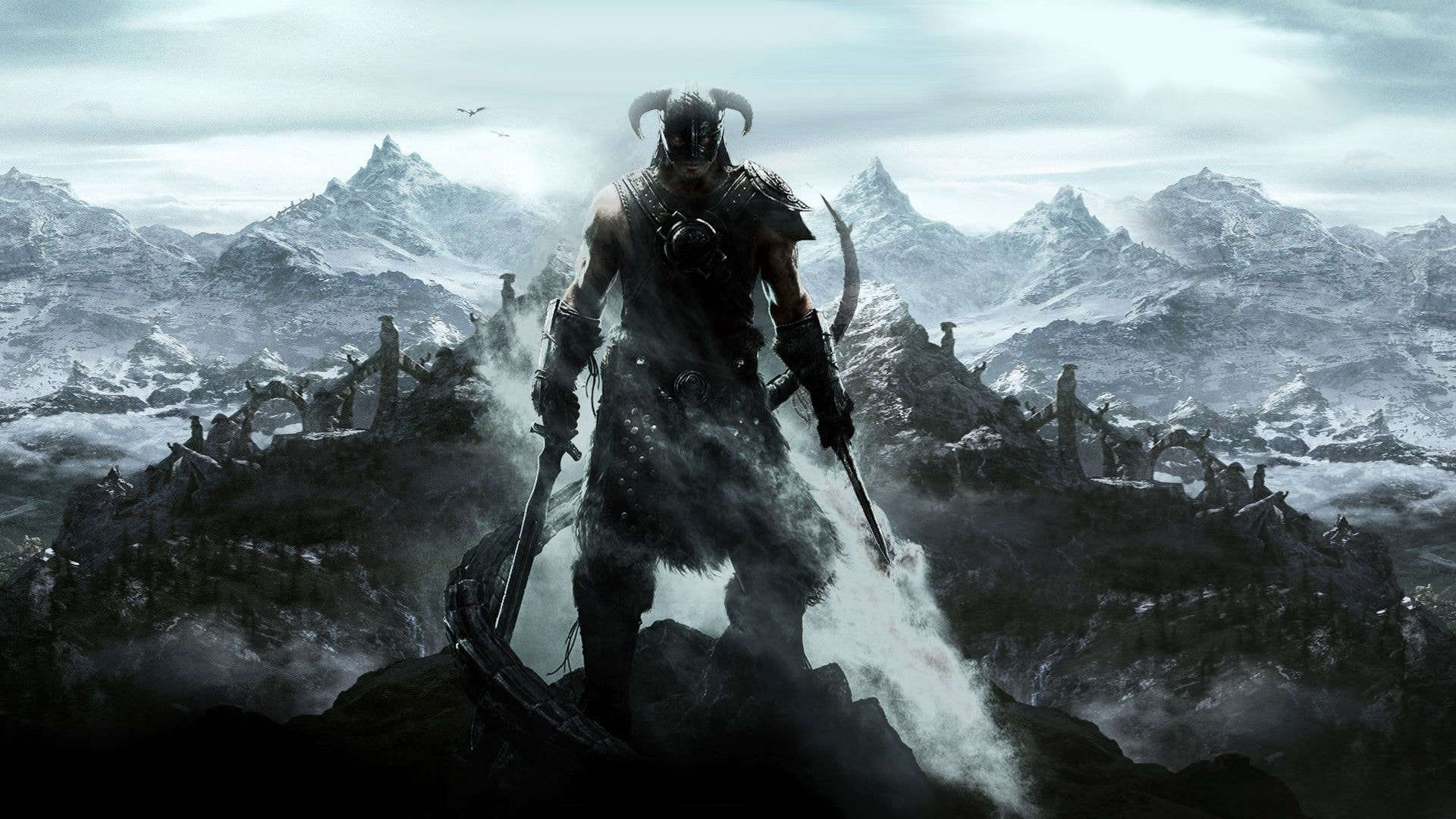
In Nolvus Awakening, the Survival mode from the base game is disabled. The survival aspects of the game is now handled by several mods
Some of these mods need to be manually activated if you want to use them.
SunHelm manages needs and includes many features such as Hunger, Thirst, Fatigue, and even Hypothermia.
SunHlem is disabled by default. To enable it you have 2 possible ways

In game, press the ESC key then Mod Configuration and SunHelm.
Click to enable SunHelm

Your can tailor the mod to your liking

If you answered NO to the question the first time you slept, you can always activate/disable SunHelm through its MCM menu at any time.
With the Dirt & Blood mod, your character will accumulate dirt and blood dynamically, which you can clean by swimming, standing in the rain or taking a bath. The effects are mostly visual only and do not affect gameplay. NPCs will also get bloody as a result of battles.
You can tailor some aspects of the mod in its MCM menu

To wash yourself, you need to equip the Wash and Rince Power. Press on the p button on your keyboard or B + DPAD-LEFT on your controller to display the magic menu.
Select Wash and rince
Then press the Press on the z button on your keyboard or A + RT on your controller when you are in the water to wash yourself.

Campfire is a camping mod, allowing you to do the following
To build a campfire you need to equip the Build Campfire Power. Press on the p button on your keyboard or B + DPAD-LEFT on your controller to display the magic menu.
Select Build Campfire

Then press the Press on the z button on your keyboard or A + RT on your controller to place your campfire.
The first time, the game will ask the way you want to create your campfire, select the option you prefer.

Then place your campfire, move your character to change the campfire position and then press the activation key e on keyboard or A on controller.

You can harvest woods to add fuel to your campfire by equipping the Harvest Wood Power. Press on the p button on your keyboard or B + DPAD-LEFT on your controller to display the magic menu.
Select Harvest Woods

Then press the z button on your keyboard or A + RT
To interact with your campfire (refuel, sit, destroy,...), go near it, then press the activation key.
You will get this screen.

Campfire also features a stand alone skill system to improve your camping skills.
To access the skill tree, interact with your campfire (as explained above) and select skill

You can then select different trees and aquire skills
For the full documentation of Campfire, click here
A simple hunting overhaul that puts gameplay first, while still remaining immersive, quick and responsive.
How it works?
You can tailor some aspects of the mod in its MCM menu

Immersive Hunting is a complement of Simple Hunting Overhaul and add special animations as well as providing more interactions when skinning animal, also allows you to carry whole carcass to sell.
This mod is disabled by default, to enable it you need to go to its MCM menu

This mod provides the following features
You can tailor your experiecne with its MCM menu
