
Skip
Make sure you install the following mods in the specified order.
Click on a mod to expand the content
As for the previous step , we will create a separator for our user interface mods.
Right click on OUPUTS select All Mods -> create separator.

Type 5.14 INTERIORS


Overhauls and enhances Skyrim's dungeons. Doubles the size of most dungeons and makes them much more interesting to visit.
Click here to manually download the mod OR here to automatically download the mod through Mod Organizer 2.
When downloaded go to the folder where the file has been downloaded, cut the file Dungeons - Revisited-51798-1-0-1625039482.7z and copy it to your NOLVUS\ARCHIVE\5_VISUALS\5.14_INTERIORS directoryNexus mod page here
In Mod Organizer 2 click on add mod button

Browse to NOLVUS\ARCHIVE\5_VISUALS\5.14_INTERIORS\Dungeons - Revisited-51798-1-0-1625039482.7z and select OK
Fill informations as shown and click on OK.
 Drag and drop Dungeons - Revisited above OUTPUTS and check the mod.
In MO2 right panel (plugins), check the following plugin.


Underground dungeon system
Click here to manually download the mod OR here to automatically download the mod through Mod Organizer 2.
When downloaded go to the folder where the file has been downloaded, cut the file Skyrim Underground - esm-131-4-6-1-1579955800.7z and copy it to your NOLVUS\ARCHIVE\5_VISUALS\5.14_INTERIORS directoryNexus mod page here
In Mod Organizer 2 click on add mod button
Browse to NOLVUS\ARCHIVE\5_VISUALS\5.14_INTERIORS\Skyrim Underground - esm-131-4-6-1-1579955800.7z and select OK
Fill informations as shown and click on OK.
 Drag and drop Skyrim Underground above OUTPUTS and check the mod.
On MO2 right panel (plugins), check the following plugin.

Underground dungeon system
Click here to manually download the mod OR here to automatically download the mod through Mod Organizer 2.
When downloaded go to the folder where the file has been downloaded, cut the file SkyrimUnderground_Add-On-131-5-0-1645006543.7z and copy it to your NOLVUS\ARCHIVE\5_VISUALS\5.14_INTERIORS directoryNexus mod page here
In Mod Organizer 2 click on add mod button
Browse to NOLVUS\ARCHIVE\5_VISUALS\5.14_INTERIORS\SkyrimUnderground_Add-On-131-5-0-1645006543.7z and select OK
Fill informations as shown and click on OK.
 Drag and drop Skyrim Underground - Add-On above OUTPUTS and check the mod.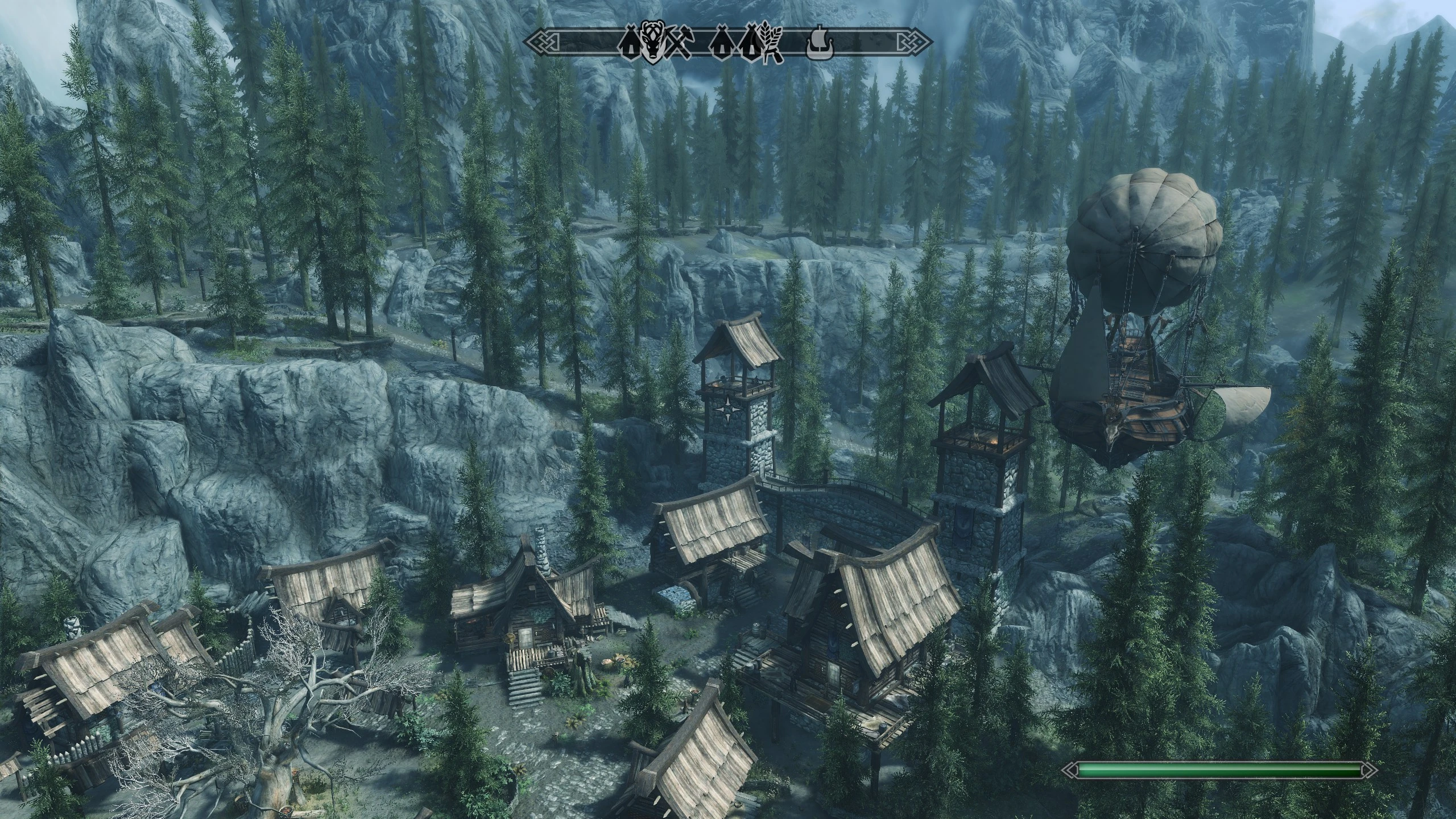
A collection of patches for Cities of the North - Falkreath, primarily moving object placements to match the new interiors, along with a few Worldspace patches
Click here to manually download the mod OR here to automatically download the mod through Mod Organizer 2.
When downloaded go to the folder where the file has been downloaded, cut the file COTN Falkreath - Skyrim Underground Patch-56734-1-1-1633839420.7z and copy it to your NOLVUS\ARCHIVE\5_VISUALS\5.14_INTERIORS directoryNexus mod page here
In Mod Organizer 2 click on add mod button
Browse to NOLVUS\ARCHIVE\5_VISUALS\5.14_INTERIORS\COTN Falkreath - Skyrim Underground Patch-56734-1-1-1633839420.7z and select OK
Fill informations as shown and click on OK.
 Drag and drop Skyrim Underground - Cities of the North - Falkreath Patch above OUTPUTS and check the mod.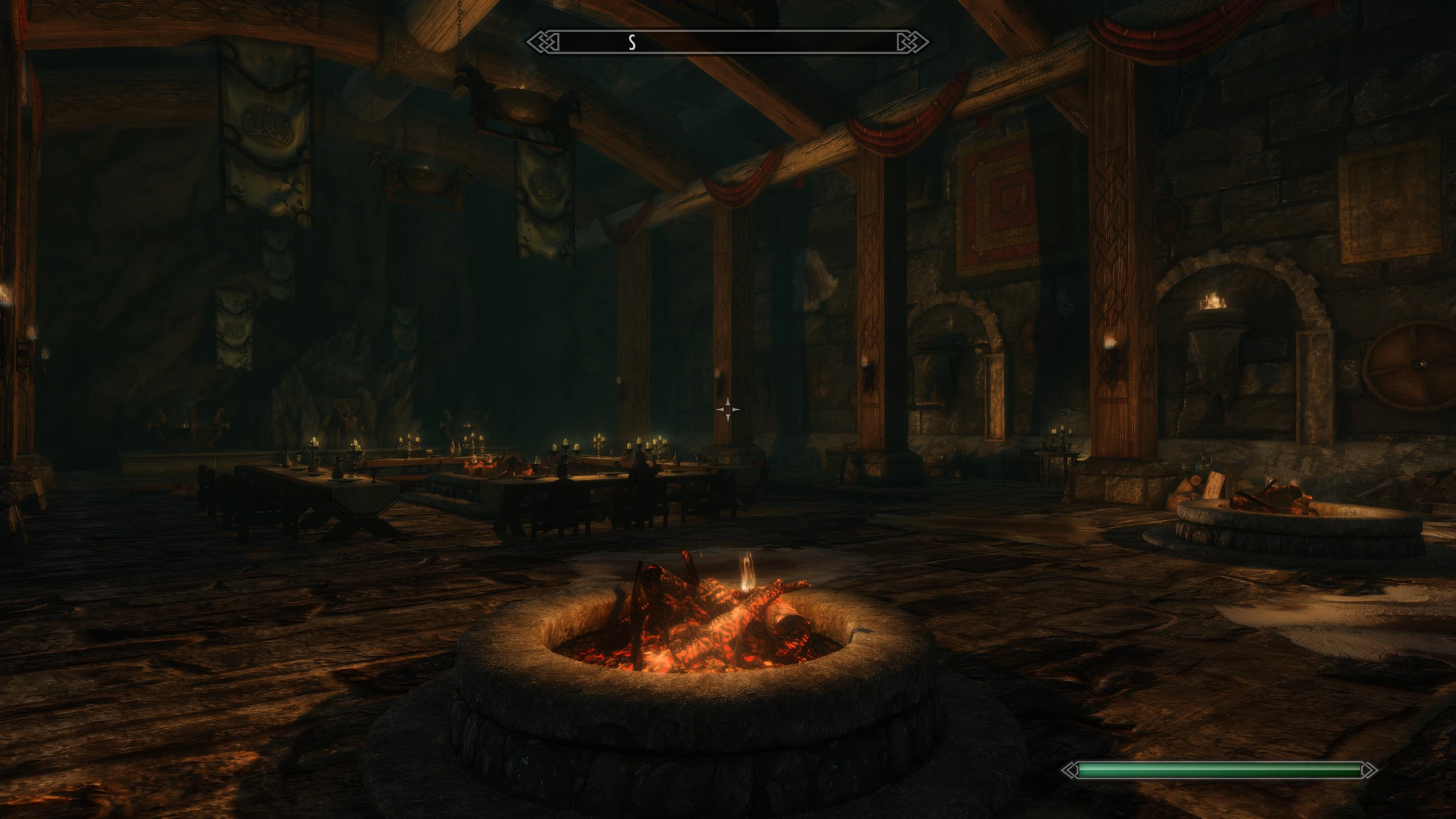
A collection of patches for Cities of the North - Winterhold, primarily moving object placements to match the new interiors, along with a few Worldspace patches
Click here to manually download the mod OR here to automatically download the mod through Mod Organizer 2.
When downloaded go to the folder where the file has been downloaded, cut the file COTN Winterhold - Skyrim Underground Patch-40181-1-0-1599457812.7z and copy it to your NOLVUS\ARCHIVE\5_VISUALS\5.14_INTERIORS directoryNexus mod page here
In Mod Organizer 2 click on add mod button
Browse to NOLVUS\ARCHIVE\5_VISUALS\5.14_INTERIORS\COTN Winterhold - Skyrim Underground Patch-40181-1-0-1599457812.7z and select OK
Fill informations as shown and click on OK.
 Drag and drop Skyrim Underground - Cities of the North - Winterhold Patch above OUTPUTS and check the mod.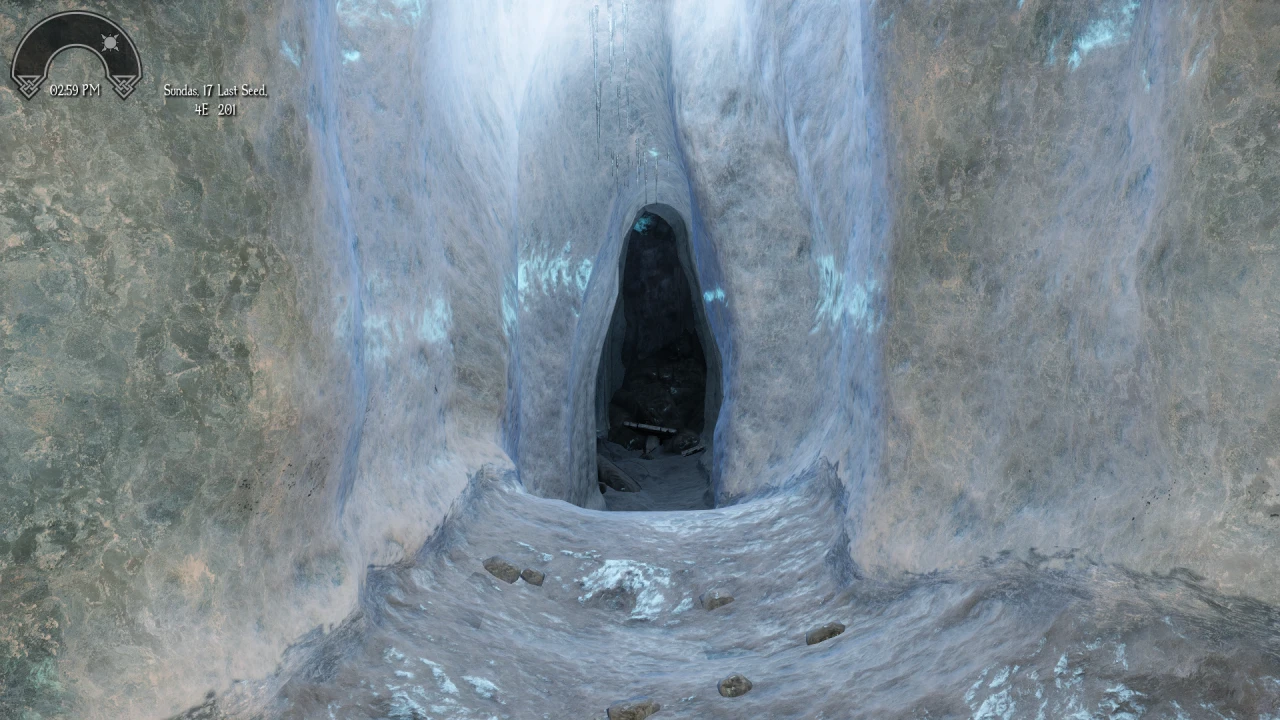
A retexture of Skyrim's caves, with a complete overhaul for the ice caves to make them look like actual ice. Offered in 4k, 2k, and 1k texture quality with parallax options.
Click here to manually download the mod OR here to automatically download the mod through Mod Organizer 2.
When downloaded go to the folder where the file has been downloaded, cut the file Skyrim Remastered - Caves 4K Parallax-38220-1-00-1594581521.7z and copy it to your NOLVUS\ARCHIVE\5_VISUALS\5.14_INTERIORS directoryNexus mod page here
In Mod Organizer 2 click on add mod button
Browse to NOLVUS\ARCHIVE\5_VISUALS\5.14_INTERIORS\Skyrim Remastered - Caves 4K Parallax-38220-1-00-1594581521.7z and select OK
Fill informations as shown and click on OK
 Drag and drop Skyrim Remastered - Caves above OUTPUTS and check the mod.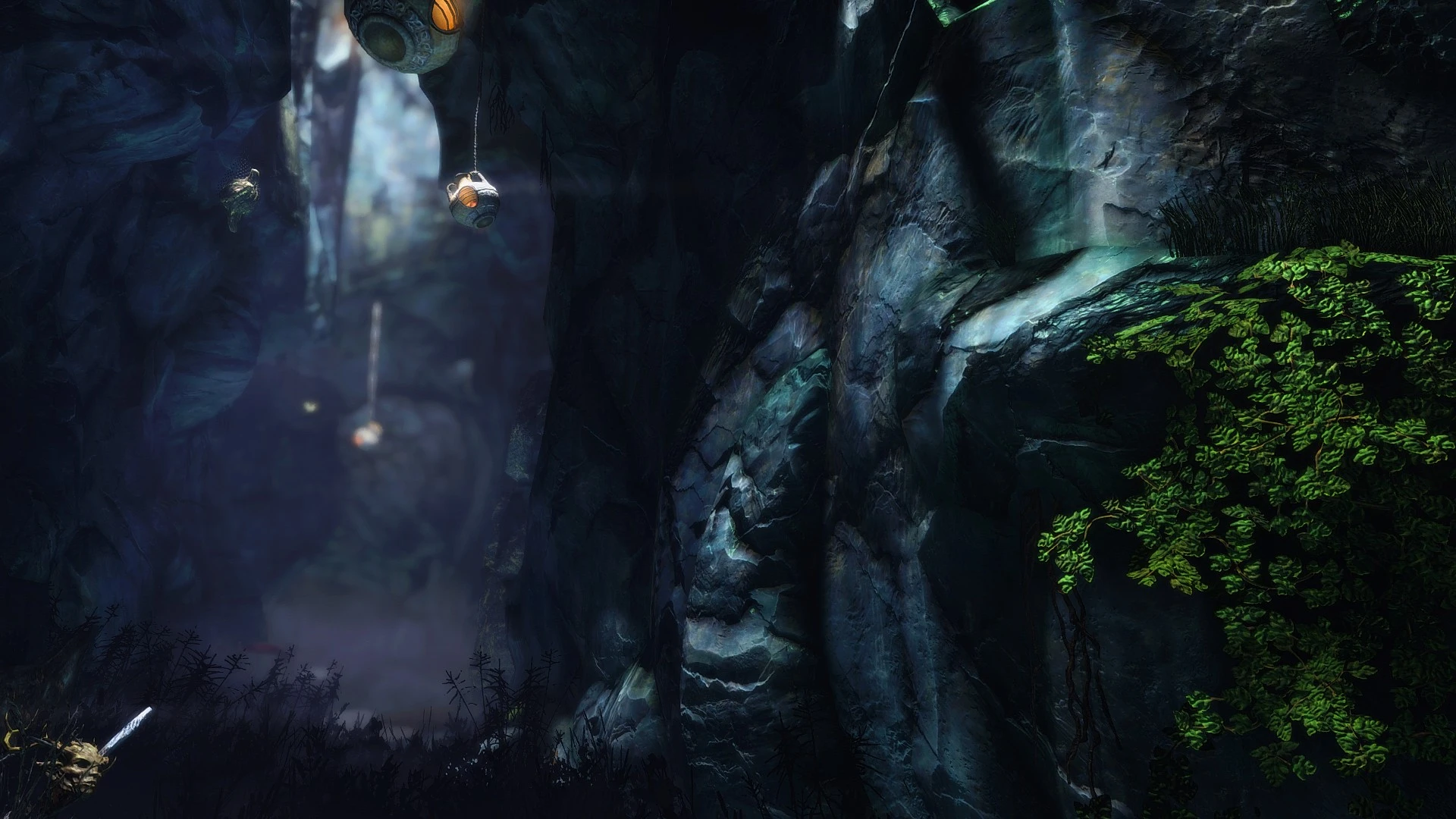
This is a retexture of the Cavewalls and the Cavefloor. All textures handmade by me using Substance Designer 6.
Click here to manually download the mod OR here to automatically download the mod through Mod Organizer 2.
When downloaded go to the folder where the file has been downloaded, cut the file CC's HQ Caves - 4K - 1.1-8448-1-1.7z and copy it to your NOLVUS\ARCHIVE\5_VISUALS\5.14_INTERIORS directoryNexus mod page here
In Mod Organizer 2 click on add mod button
Browse to NOLVUS\ARCHIVE\5_VISUALS\5.14_INTERIORS\CC's HQ Caves - 4K - 1.1-8448-1-1.7z and select OK
1. Select options as shown and click on Install.
 Drag and drop CC's HQ Caves above OUTPUTS and check the mod.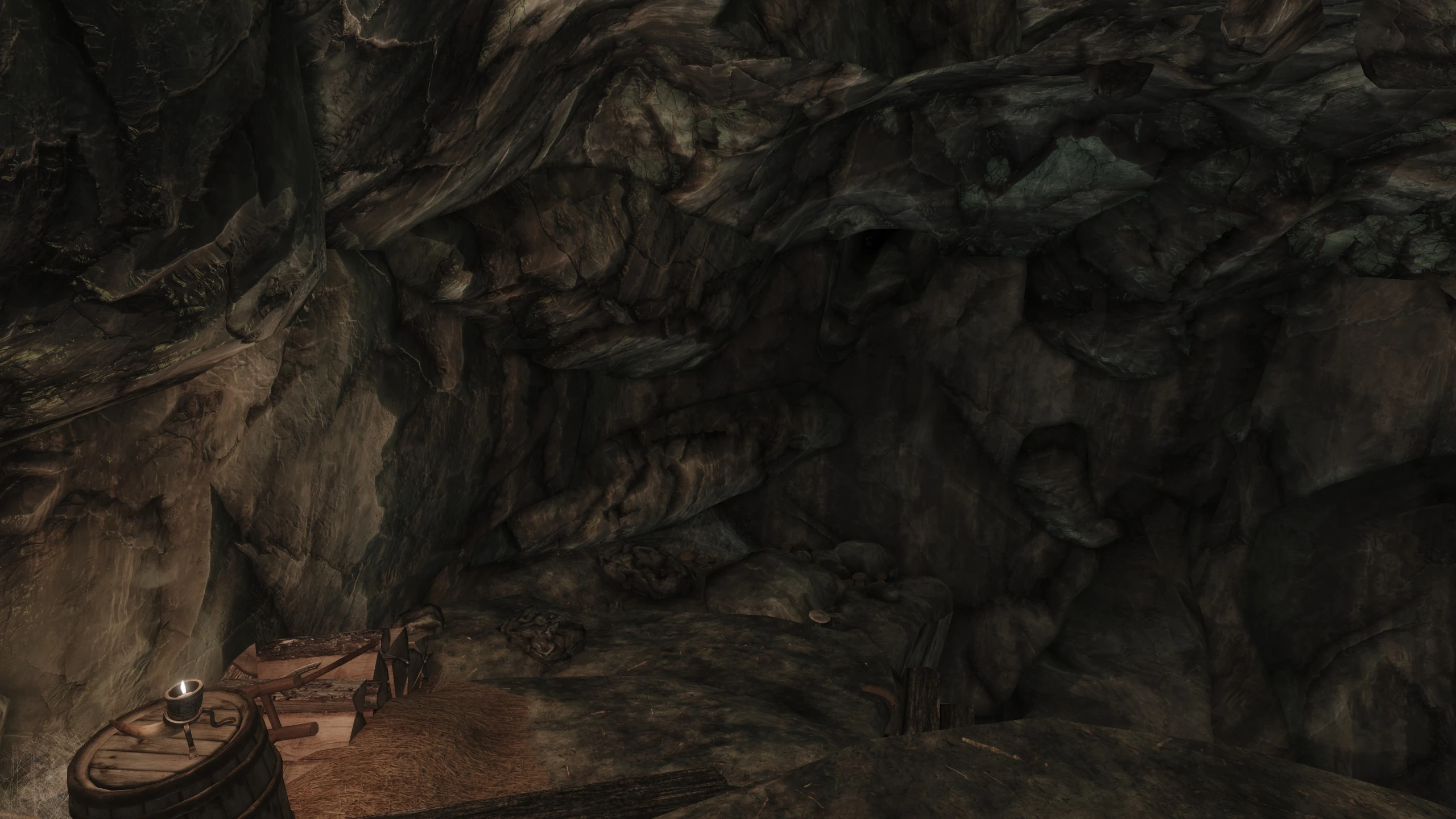
Parallax textures for CC's HQ Caves; requires Skyrim Remastered - Caves and SSE Parallax Shader Fix
Click here to manually download the mod OR here to automatically download the mod through Mod Organizer 2.
When downloaded go to the folder where the file has been downloaded, cut the file CC's HQ Caves Parallax-44877-2-2-1625862976.7z and copy it to your NOLVUS\ARCHIVE\5_VISUALS\5.14_INTERIORS directoryNexus mod page here
In Mod Organizer 2 click on add mod button
Browse to NOLVUS\ARCHIVE\5_VISUALS\5.14_INTERIORS\CC's HQ Caves Parallax-44877-2-2-1625862976.7z and select OK
Fill informations as shown and click on OK
 Drag and drop CC's HQ Caves Parallax Textures above OUTPUTS and check the mod.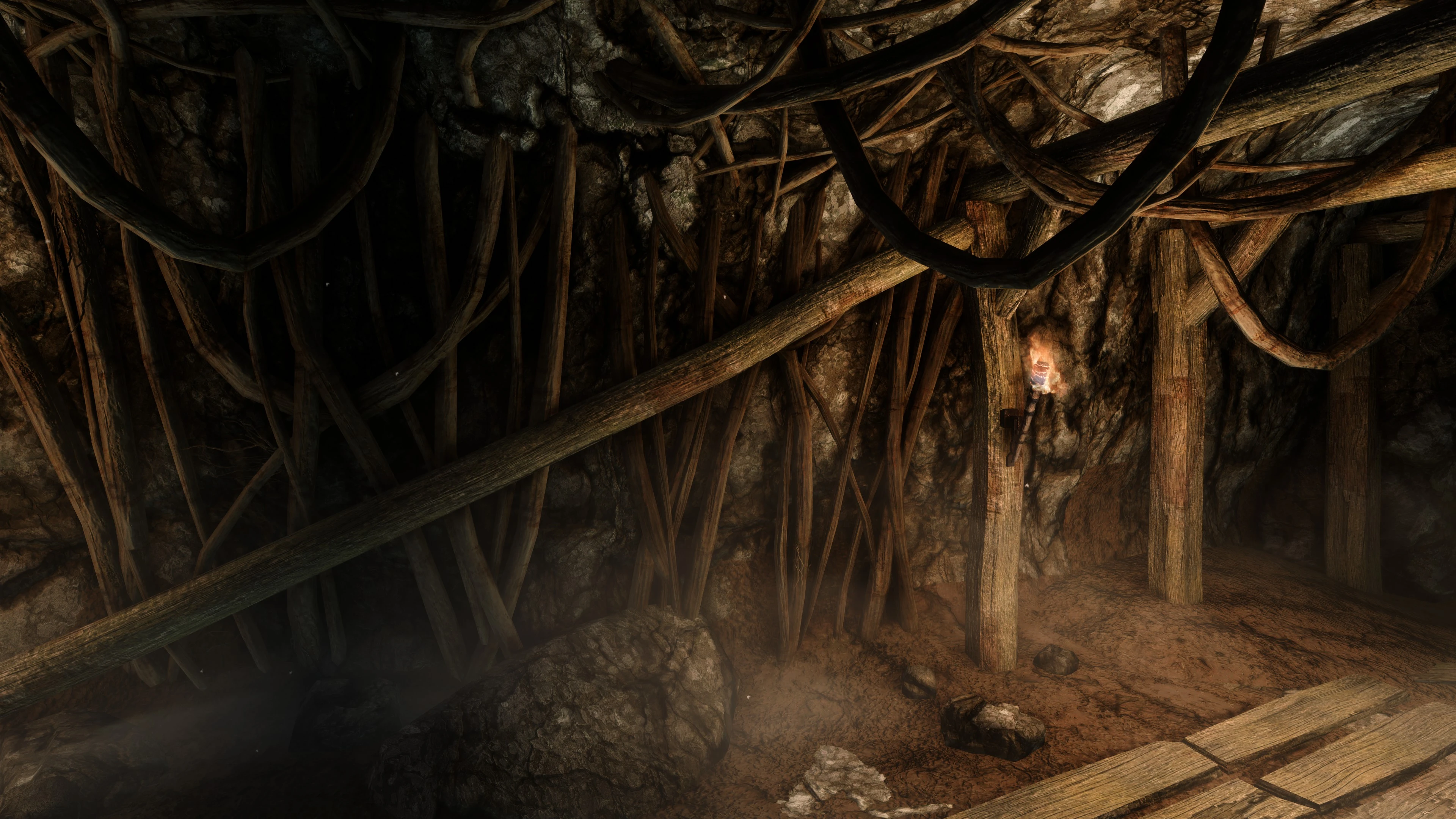
This is a retexture of the Mines in skyrim. All textures handmade by me using Substance Designer 2018.
Click here to manually download the mod OR here to automatically download the mod through Mod Organizer 2.
When downloaded go to the folder where the file has been downloaded, cut the file CC's HQ Mines Redone - AiO - 1.5-18044-1-5-1580762220.7z and copy it to your NOLVUS\ARCHIVE\5_VISUALS\5.14_INTERIORS directoryNexus mod page here
In Mod Organizer 2 click on add mod button
Browse to NOLVUS\ARCHIVE\5_VISUALS\5.14_INTERIORS\CC's HQ Mines Redone - AiO - 1.5-18044-1-5-1580762220.7z and select OK
1. Select options as shown and click on Install.
 Drag and drop CC's HQ Mines Redone above OUTPUTS and check the mod.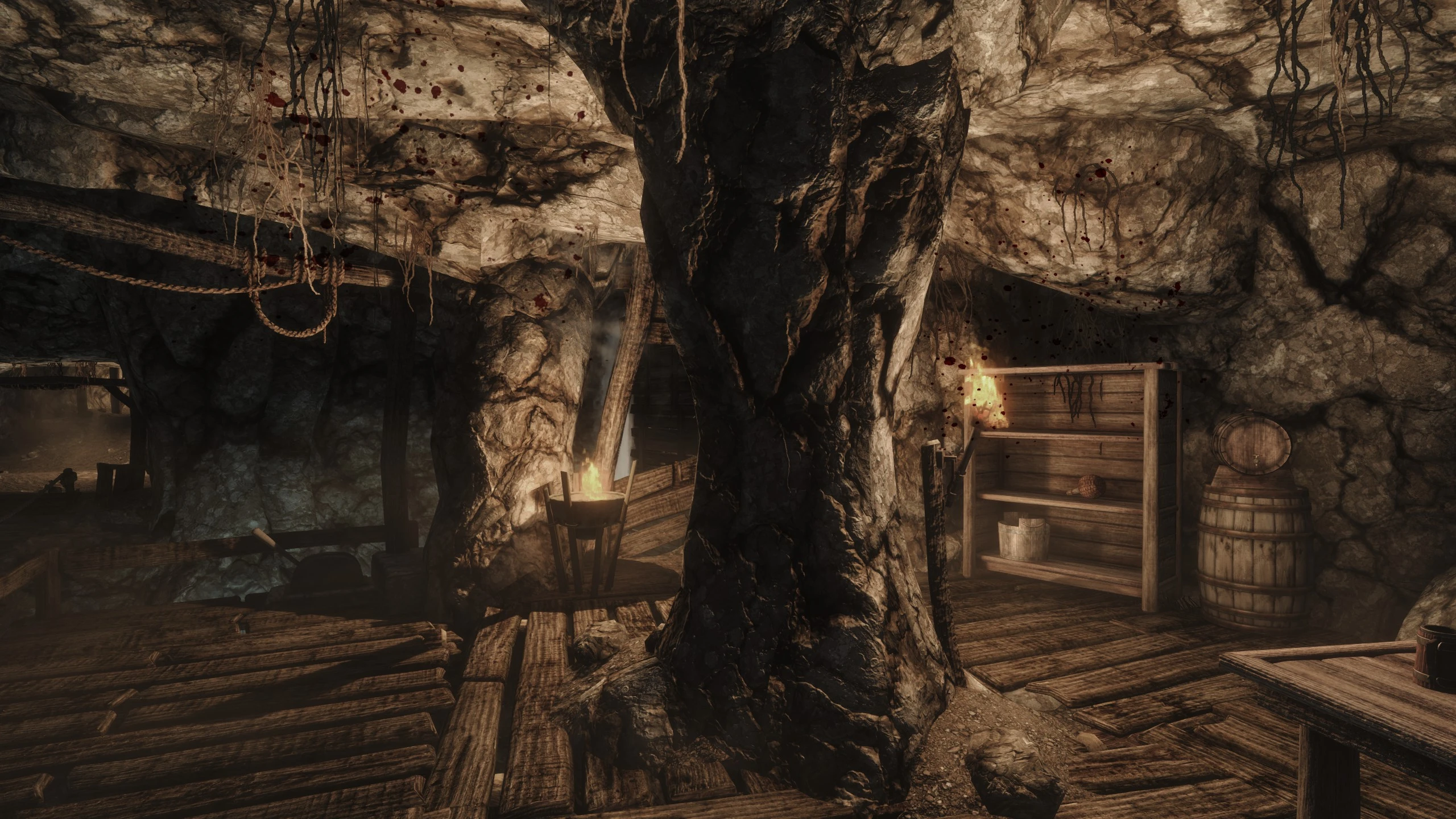
Parallax Textures for CC's HQ Mines Redone
Click here to manually download the mod OR here to automatically download the mod through Mod Organizer 2.
When downloaded go to the folder where the file has been downloaded, cut the file CC's HQ Mines Redone Parallax-51261-2-4-1638639304.7z and copy it to your NOLVUS\ARCHIVE\5_VISUALS\5.14_INTERIORS directoryNexus mod page here
In Mod Organizer 2 click on add mod button
Browse to NOLVUS\ARCHIVE\5_VISUALS\5.14_INTERIORS\CC's HQ Mines Redone Parallax-51261-2-4-1638639304.7z and select OK
Fill informations as shown and click on OK.
 Drag and drop CC's HQ Mines Redone Parallax above OUTPUTS and check the mod.
Small, simple changes to make interiors more distinct and recognizable.
Click here to manually download the mod OR here to automatically download the mod through Mod Organizer 2.
When downloaded go to the folder where the file has been downloaded, cut the file All-In-One-6130-1-82.zip and copy it to your NOLVUS\ARCHIVE\5_VISUALS\5.14_INTERIORS directoryNexus mod page here
In Mod Organizer 2 click on add mod button
Browse to NOLVUS\ARCHIVE\5_VISUALS\5.14_INTERIORS\All-In-One-6130-1-82.zip and select OK
Fill informations as shown and click on OK
 Drag and drop Distinct interiors above OUTPUTS and check the mod.
In MO2 right panel (plugins), check the following plugin.


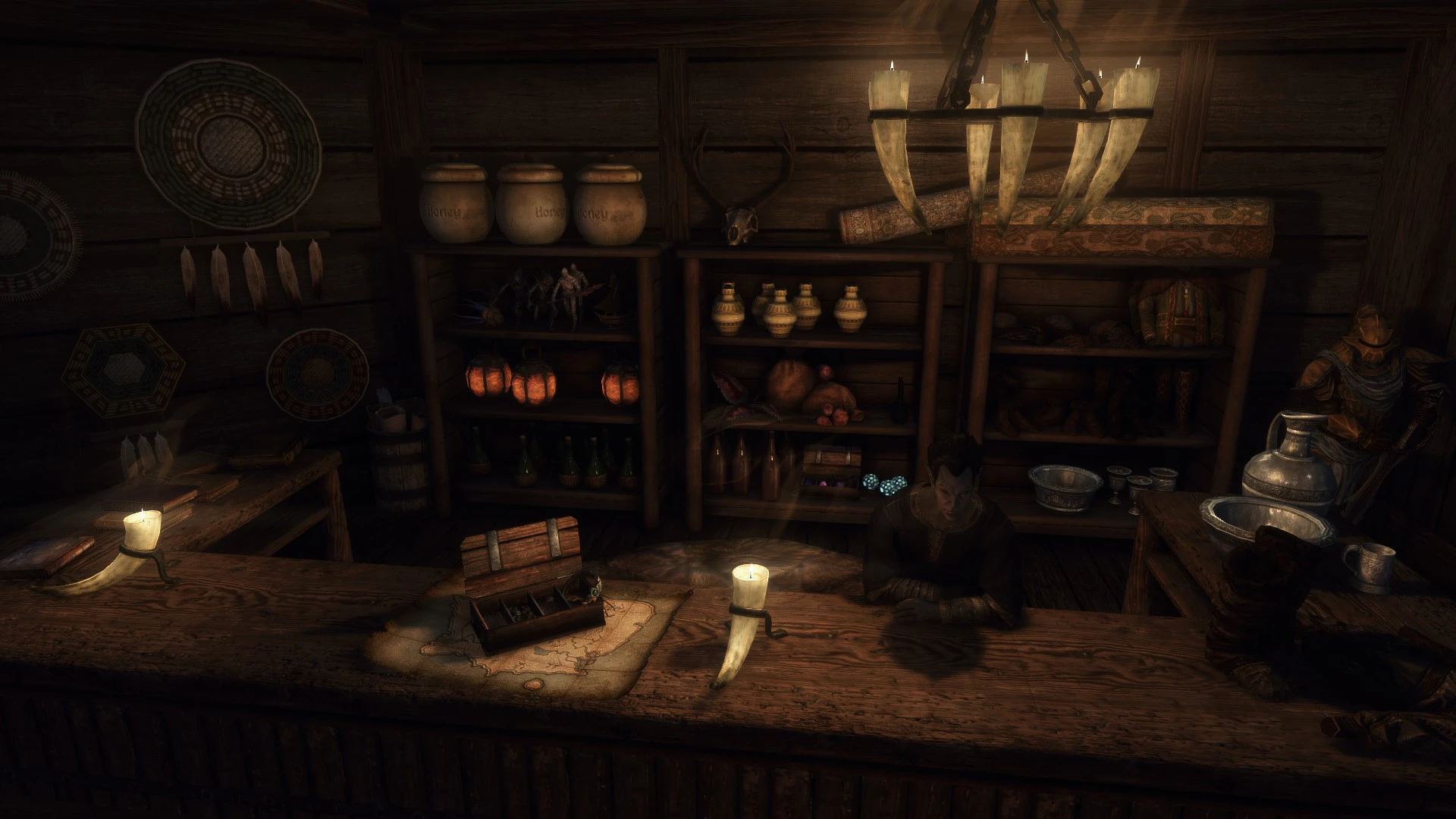
Fixes for Distinct Interiors
Click here to manually download the mod OR here to automatically download the mod through Mod Organizer 2.
When downloaded go to the folder where the file has been downloaded, cut the file Distinct Interiors - Fixes 1.3.1-23831-1-3-1-1592749939.rar and copy it to your NOLVUS\ARCHIVE\5_VISUALS\5.14_INTERIORS directoryNexus mod page here
In Mod Organizer 2 click on add mod button
Browse to NOLVUS\ARCHIVE\5_VISUALS\5.14_INTERIORS\Distinct Interiors - Fixes 1.3.1-23831-1-3-1-1592749939.rar and select OK
Fill informations as shown and click on OK
 Drag and drop Distinct Interiors - Fixes above OUTPUTS and check the mod.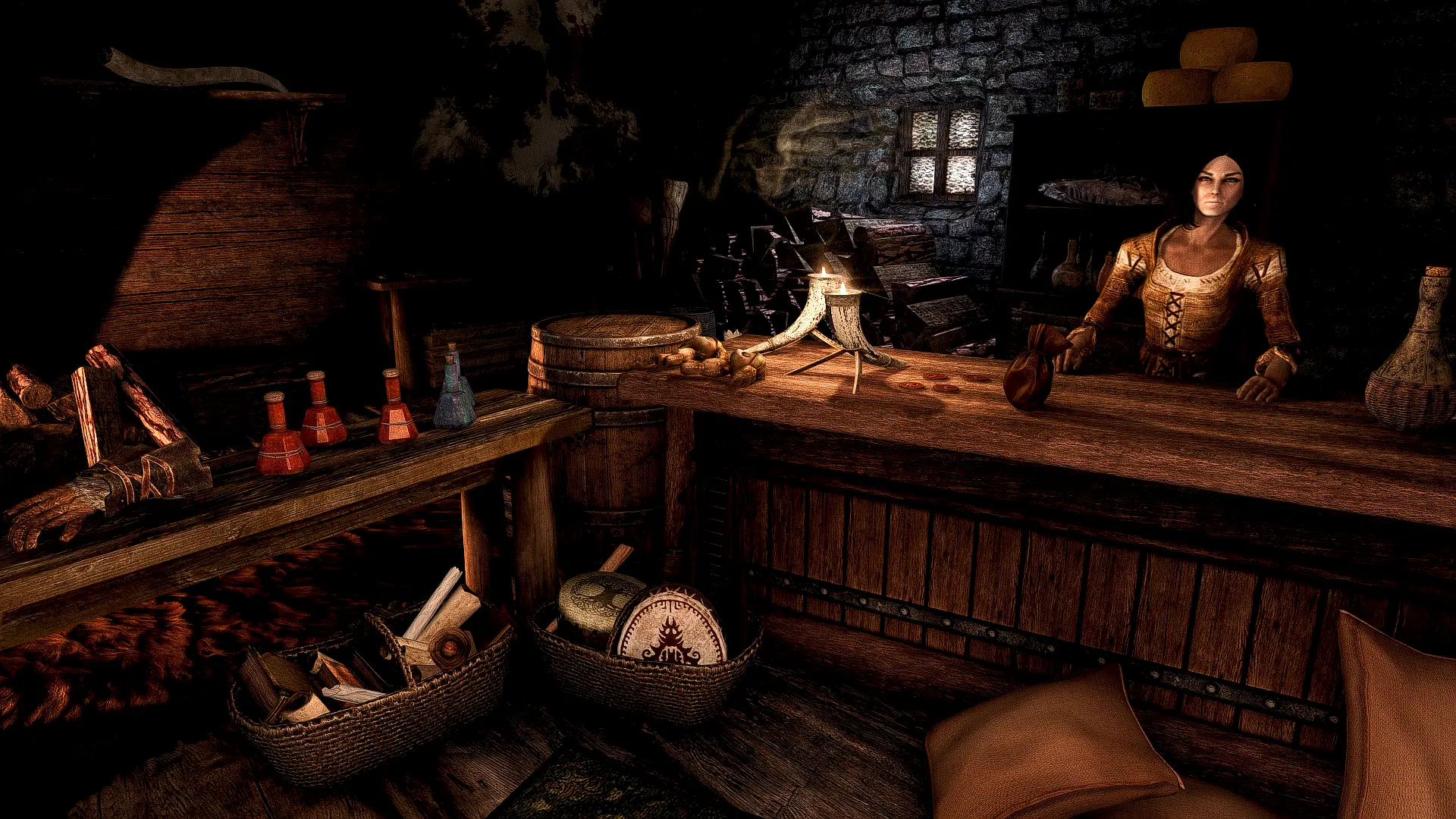
Compatibility patches for the Cities of the North and Distinct Interiors
Click here to manually download the mod OR here to automatically download the mod through Mod Organizer 2.
When downloaded go to the folder where the file has been downloaded, cut the file The Distinct Cities of the North Interiors-46359-2-1-1634134119.7z and copy it to your NOLVUS\ARCHIVE\5_VISUALS\5.14_INTERIORS directoryNexus mod page here
In Mod Organizer 2 click on add mod button
Browse to NOLVUS\ARCHIVE\5_VISUALS\5.14_INTERIORS\The Distinct Cities of the North Interiors-46359-2-1-1634134119.7z and select OK
1. Select options as shown and click on Install.
 Drag and drop The Distinct Cities of the North Interiors above OUTPUTS and check the mod.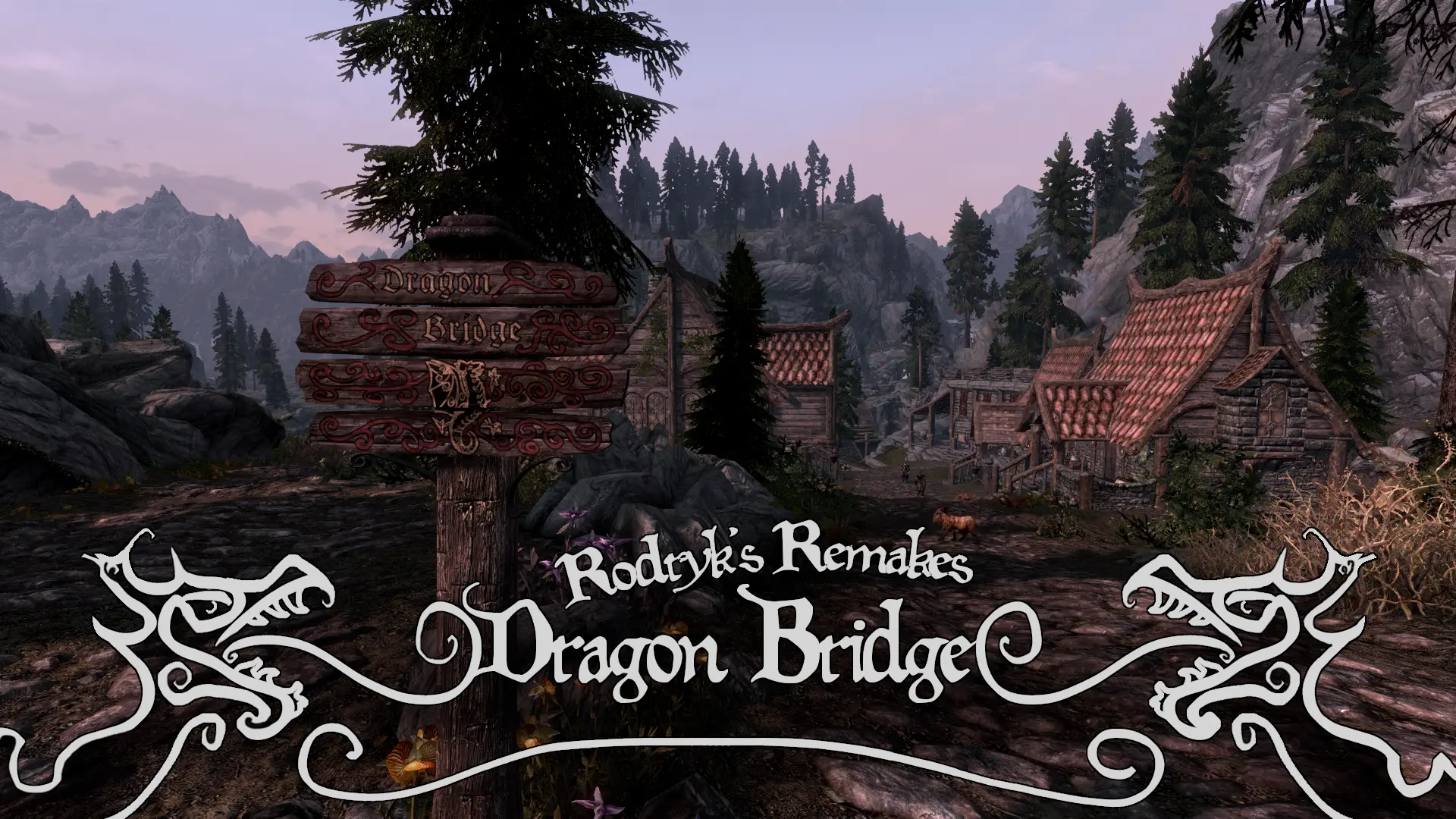
A new set of custom, unique buildings for Dragon Bridge.
Click here to manually download the mod OR here to automatically download the mod through Mod Organizer 2.
When downloaded go to the folder where the file has been downloaded, cut the file Distinct Interiors Patch-42510-1-0-1607025325.7z and copy it to your NOLVUS\ARCHIVE\5_VISUALS\5.14_INTERIORS directoryNexus mod page here
In Mod Organizer 2 click on add mod button
Browse to NOLVUS\ARCHIVE\5_VISUALS\5.14_INTERIORS\Distinct Interiors Patch-42510-1-0-1607025325.7z and select OK
Fill informations as shown and click on OK.
 Drag and drop Distinct Interiors - Rodryk's Dragon Bridge Patch above OUTPUTS and check the mod.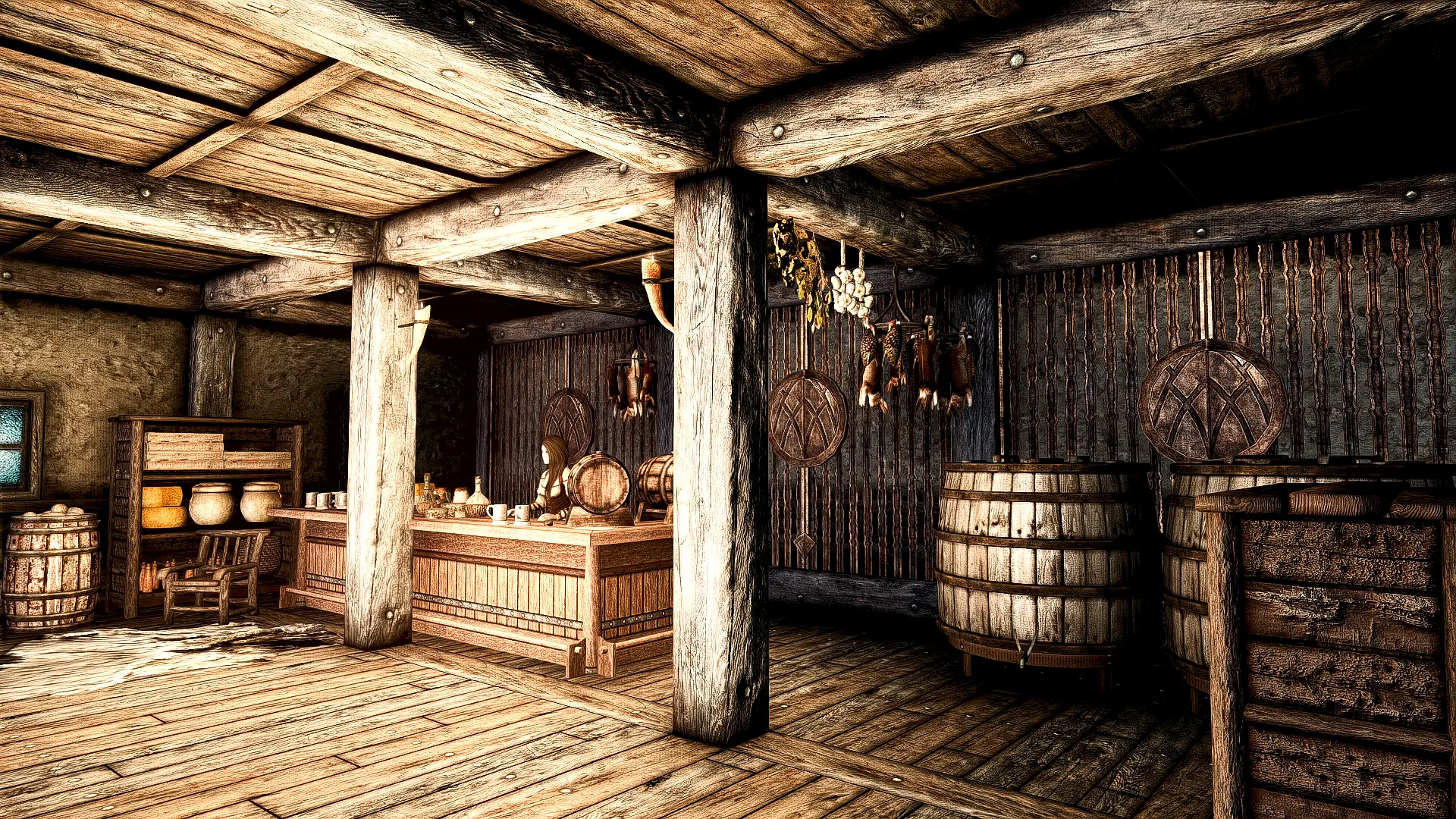
A compatibility patch for the Great Village of Old Hroldan and Distinct Interiors.
Click here to manually download the mod OR here to automatically download the mod through Mod Organizer 2.
When downloaded go to the folder where the file has been downloaded, cut the file The Distinct Great Old Hroldan Inn-45726-1-1-1625756001.zip and copy it to your NOLVUS\ARCHIVE\5_VISUALS\5.14_INTERIORS directoryNexus mod page here
In Mod Organizer 2 click on add mod button
Browse to NOLVUS\ARCHIVE\5_VISUALS\5.14_INTERIORS\The Distinct Great Old Hroldan Inn-45726-1-1-1625756001.zip and select OK
Fill informations as shown and click on OK.
 Drag and drop The Distinct Great Old Hroldan Inn above OUTPUTS and check the mod.
A compatibility patch for the Great Village of Old Hroldan and Distinct Interiors.
Click here to manually download the mod OR here to automatically download the mod through Mod Organizer 2.
When downloaded go to the folder where the file has been downloaded, cut the file The Distinct Great Old Hroldan Inn - Lux patch-45726-1-0-1625756101.zip and copy it to your NOLVUS\ARCHIVE\5_VISUALS\5.14_INTERIORS directoryNexus mod page here
In Mod Organizer 2 click on add mod button
Browse to NOLVUS\ARCHIVE\5_VISUALS\5.14_INTERIORS\The Distinct Great Old Hroldan Inn - Lux patch-45726-1-0-1625756101.zip and select OK
Fill informations as shown and click on OK.
 Drag and drop The Distinct Great Old Hroldan Inn - Lux Patch above OUTPUTS and check the mod.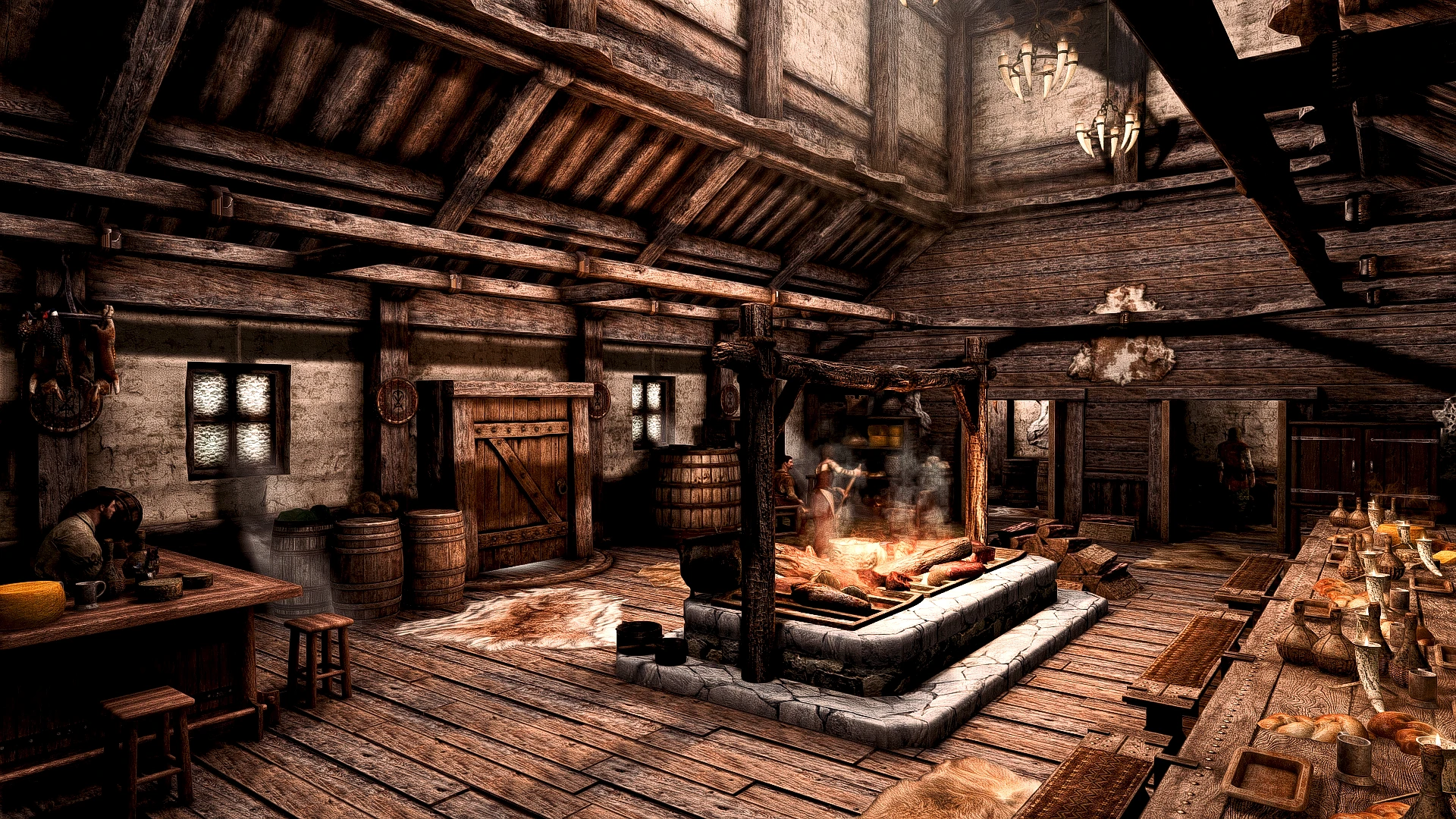
Compatibility patch for The Great Town of Ivarstead and Distinct Interiors
Click here to manually download the mod OR here to automatically download the mod through Mod Organizer 2.
When downloaded go to the folder where the file has been downloaded, cut the file The Distinct Great Ivarstead Interiors-46021-1-00-1613943446.zip and copy it to your NOLVUS\ARCHIVE\5_VISUALS\5.14_INTERIORS directoryNexus mod page here
In Mod Organizer 2 click on add mod button
Browse to NOLVUS\ARCHIVE\5_VISUALS\5.14_INTERIORS\The Distinct Great Ivarstead Interiors-46021-1-00-1613943446.zip and select OK
Fill informations as shown and click on OK
 Drag and drop The Distinct Great Ivarstead Interiors above OUTPUTS and check the mod.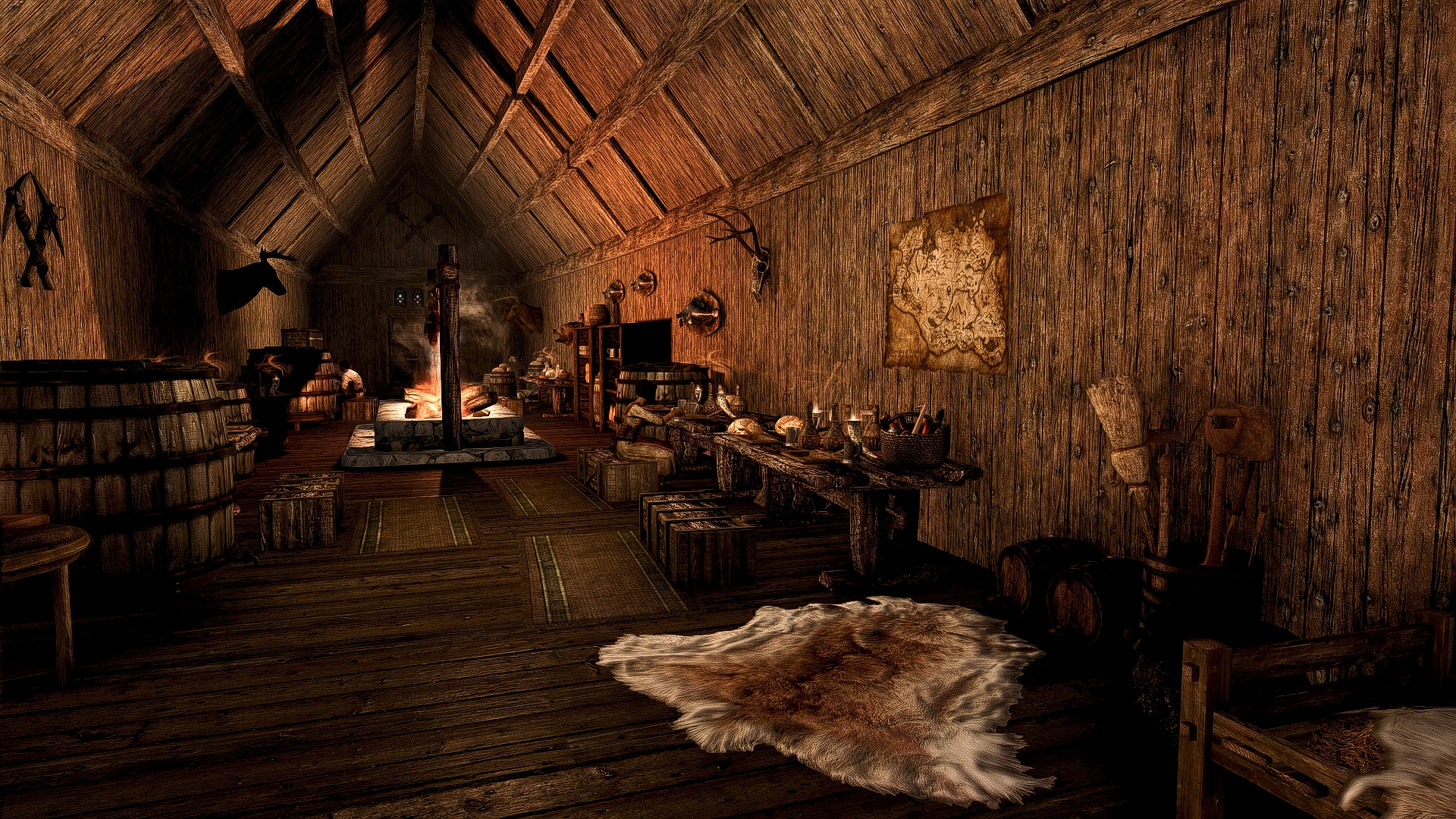
Compatibility patch for The Great Village of Kynesgrove and Distinct Interiors
Click here to manually download the mod OR here to automatically download the mod through Mod Organizer 2.
When downloaded go to the folder where the file has been downloaded, cut the file The Distinct Great Kynesgrove Interiors-46510-1-00-1614817337.zip and copy it to your NOLVUS\ARCHIVE\5_VISUALS\5.14_INTERIORS directoryNexus mod page here
In Mod Organizer 2 click on add mod button
Browse to NOLVUS\ARCHIVE\5_VISUALS\5.14_INTERIORS\The Distinct Great Kynesgrove Interiors-46510-1-00-1614817337.zip and select OK
Fill informations as shown and click on OK
 Drag and drop The Distinct Great Kynesgrove Interiors above OUTPUTS and check the mod.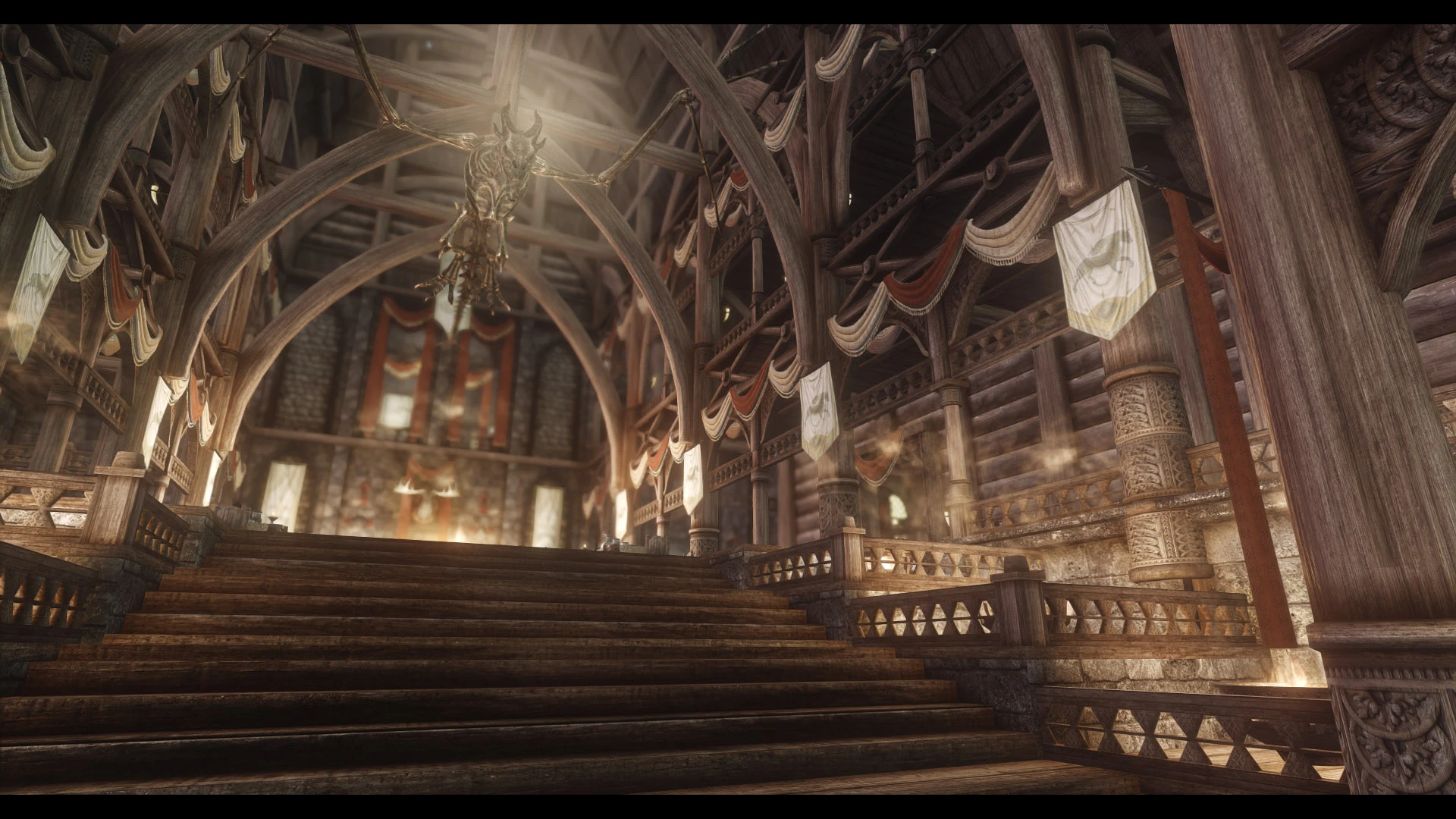
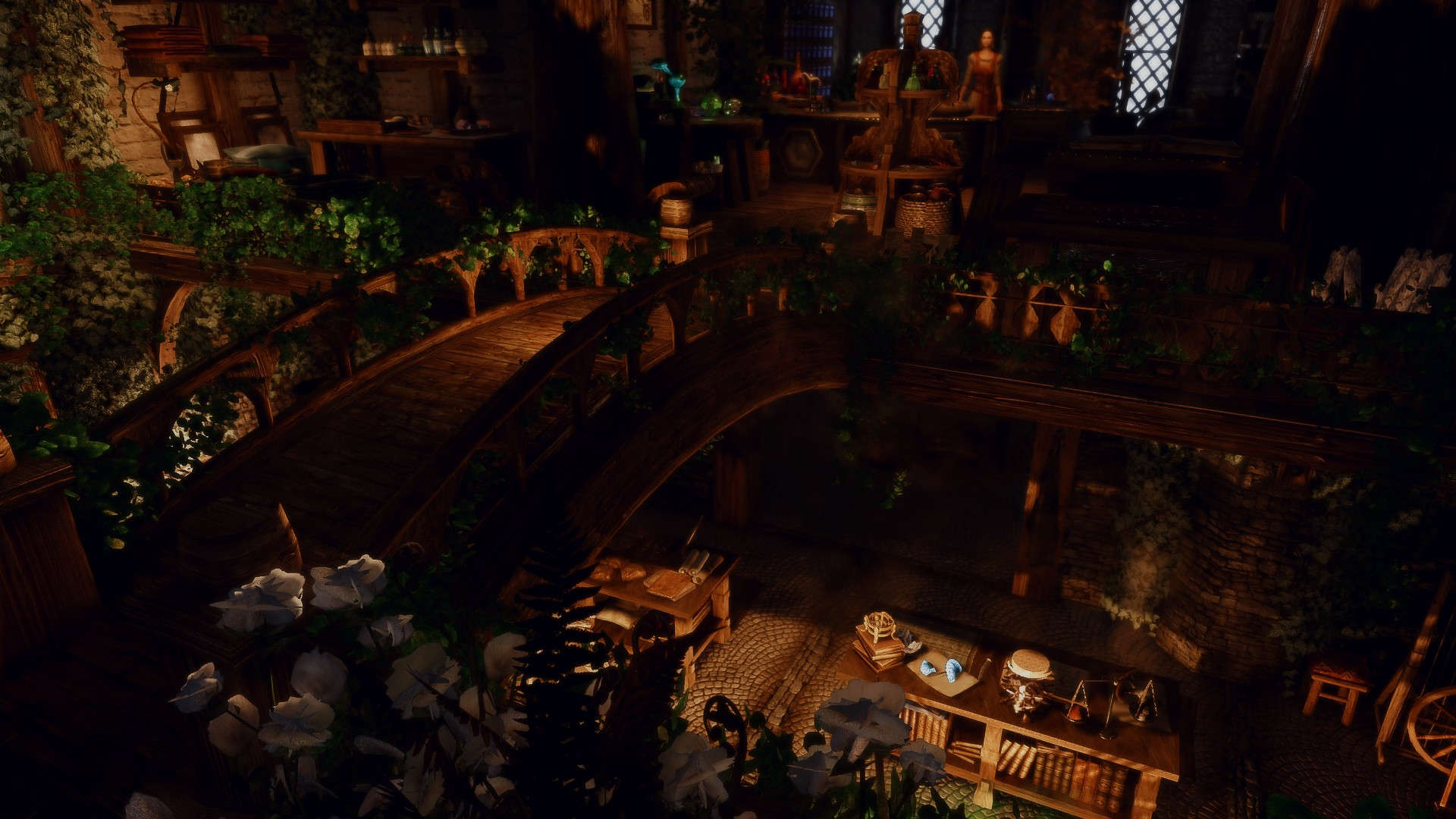
An enhanced Palace overhaul
Click here to manually download the mod OR here to automatically download the mod through Mod Organizer 2.
When downloaded go to the folder where the file has been downloaded, cut the file JK's Dragonsreach-34000-1-1-0-1585285027.rar and copy it to your NOLVUS\ARCHIVE\5_VISUALS\5.14_INTERIORS directoryNexus mod page here
In Mod Organizer 2 click on add mod button
Browse to NOLVUS\ARCHIVE\5_VISUALS\5.14_INTERIORS\JK's Dragonsreach-34000-1-1-0-1585285027.rar and select OK
Fill informations as shown and click on OK
 Drag and drop JK's Dragonsreach above OUTPUTS and check the mod.
In MO2 right panel (plugins), check the following plugin.


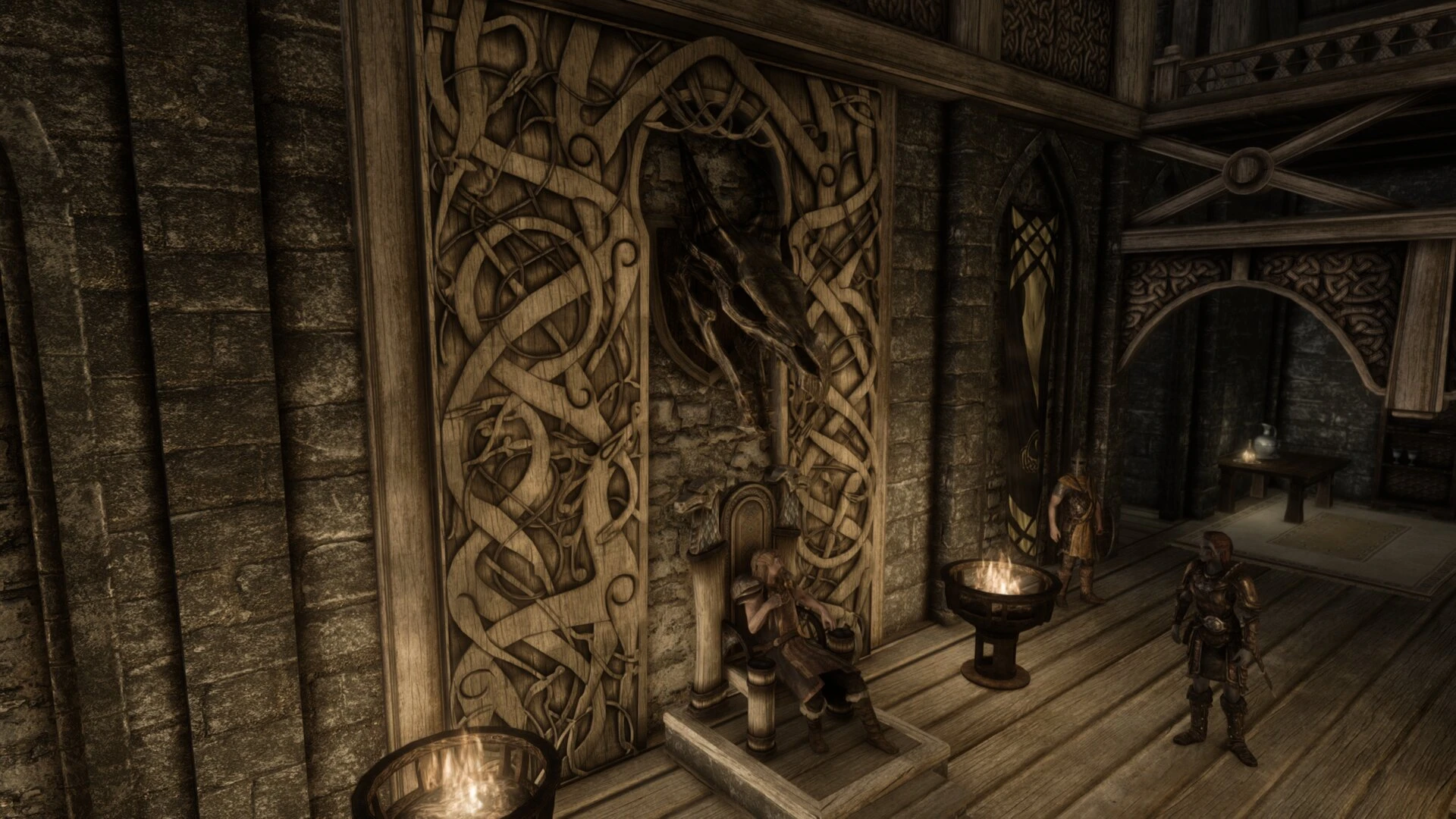
Adds various custom made 3D objects to Dragonsreach interior.
Click here to manually download the mod OR here to automatically download the mod through Mod Organizer 2.
When downloaded go to the folder where the file has been downloaded, cut the file RedBag's Dragonsreach-41870-1-4b-1625847526.7z and copy it to your NOLVUS\ARCHIVE\5_VISUALS\5.14_INTERIORS directoryNexus mod page here
In Mod Organizer 2 click on add mod button
Browse to NOLVUS\ARCHIVE\5_VISUALS\5.14_INTERIORS\RedBag's Dragonsreach-41870-1-4b-1625847526.7z and select OK
Fill informations as shown and click on OK.
 Drag and drop RedBag's Dragonsreach above OUTPUTS and check the mod.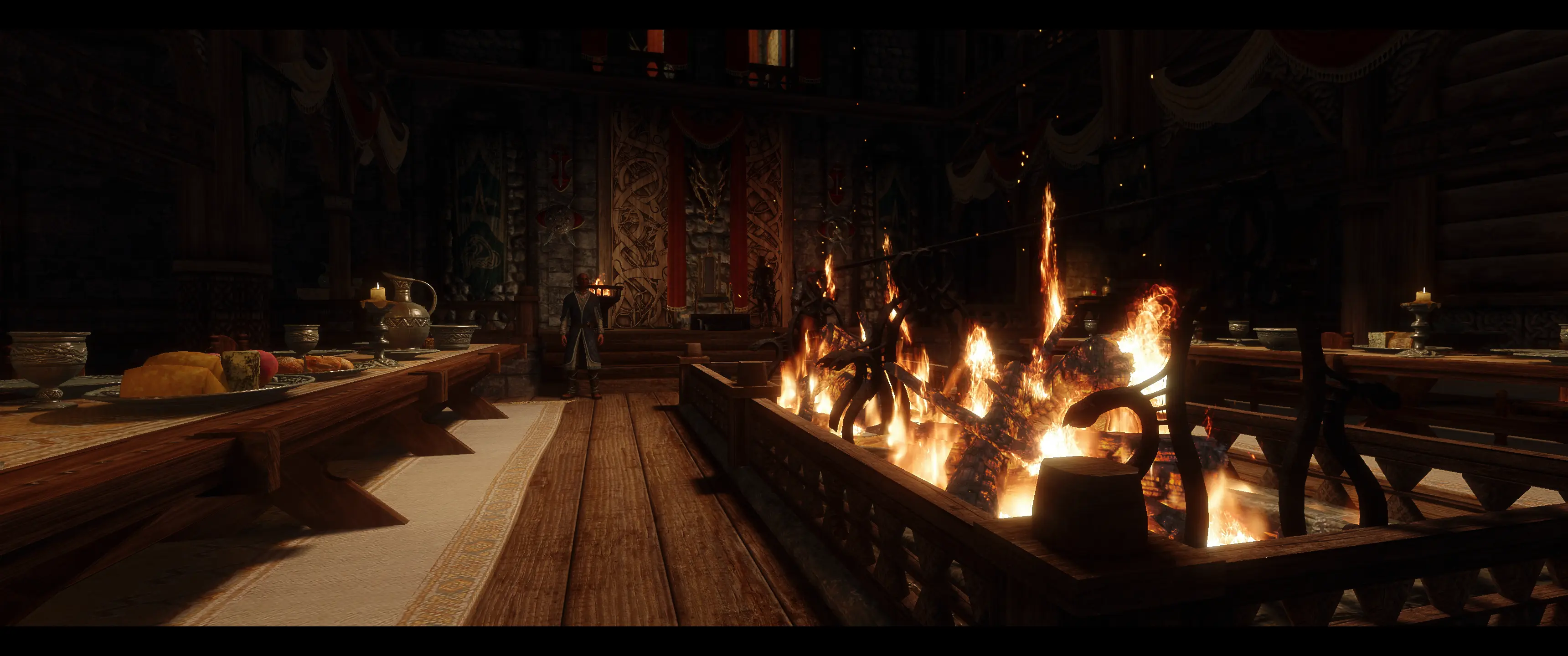
The best of both worlds! A beautiful synergy between JK's Dragonsreach and Redbag's Dragonsreach. Flagged as ESL.
Click here to manually download the mod OR here to automatically download the mod through Mod Organizer 2.
When downloaded go to the folder where the file has been downloaded, cut the file JK's and Redbag's Dragonsreach Patch-45686-1-2-1631322178.7z and copy it to your NOLVUS\ARCHIVE\5_VISUALS\5.14_INTERIORS directoryNexus mod page here
In Mod Organizer 2 click on add mod button
Browse to NOLVUS\ARCHIVE\5_VISUALS\5.14_INTERIORS\JK's and Redbag's Dragonsreach Patch-45686-1-2-1631322178.7z and select OK
Fill informations as shown and click on OK.
 Drag and drop Redbag's Dragonsreach - Jk's Patch above OUTPUTS and check the mod.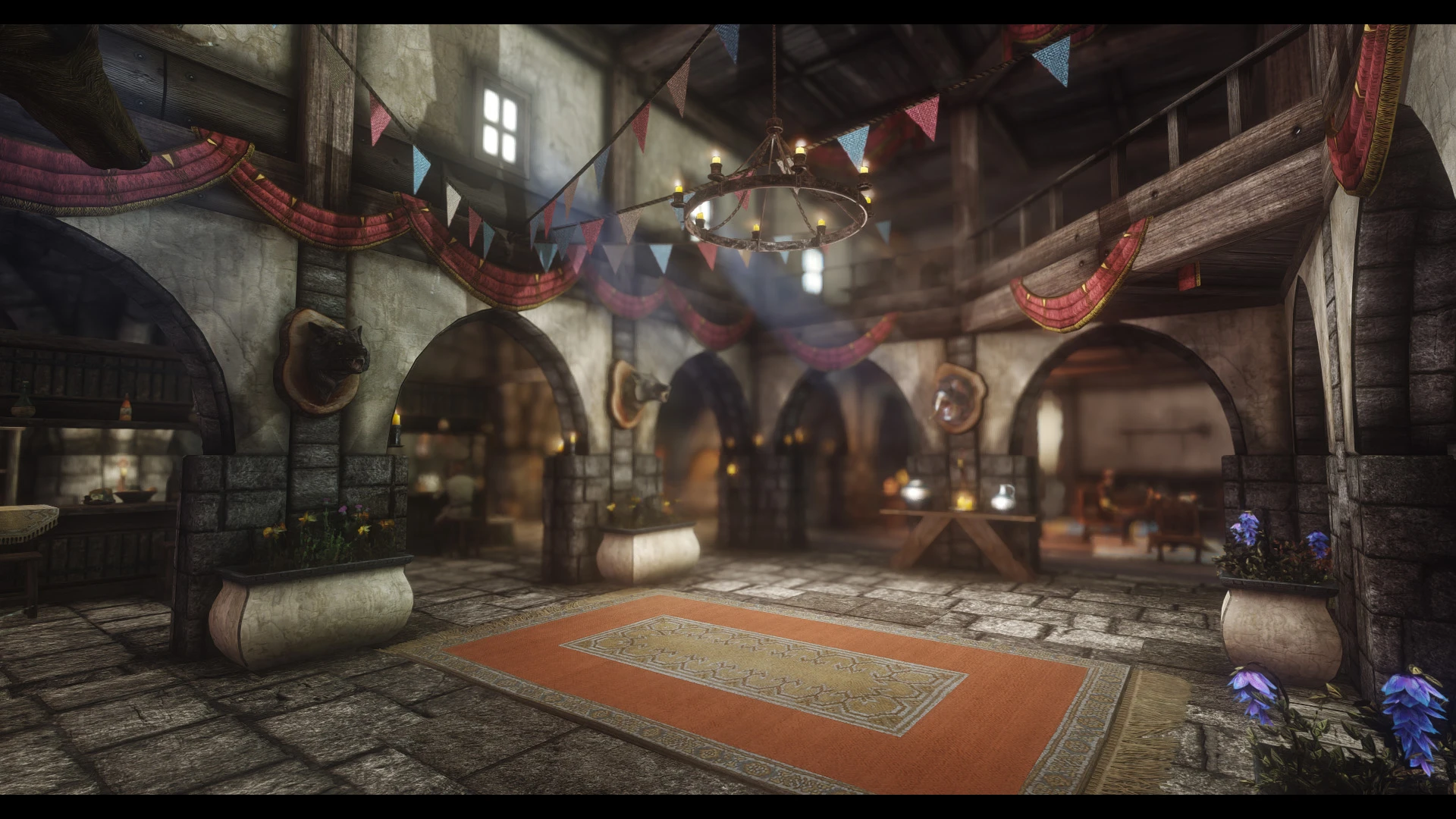
An enhanced Inn overhaul.
Click here to manually download the mod OR here to automatically download the mod through Mod Organizer 2.
When downloaded go to the folder where the file has been downloaded, cut the file Jk's The Winking Skeever-43991-1-4-0-1637974516.7z and copy it to your NOLVUS\ARCHIVE\5_VISUALS\5.14_INTERIORS directoryNexus mod page here
In Mod Organizer 2 click on add mod button
Browse to NOLVUS\ARCHIVE\5_VISUALS\5.14_INTERIORS\Jk's The Winking Skeever-43991-1-4-0-1637974516.7z and select OK
Fill informations as shown and click on OK
 Drag and drop JK's The Winking Skeever above OUTPUTS and check the mod.
In MO2 right panel (plugins), check the following plugin.


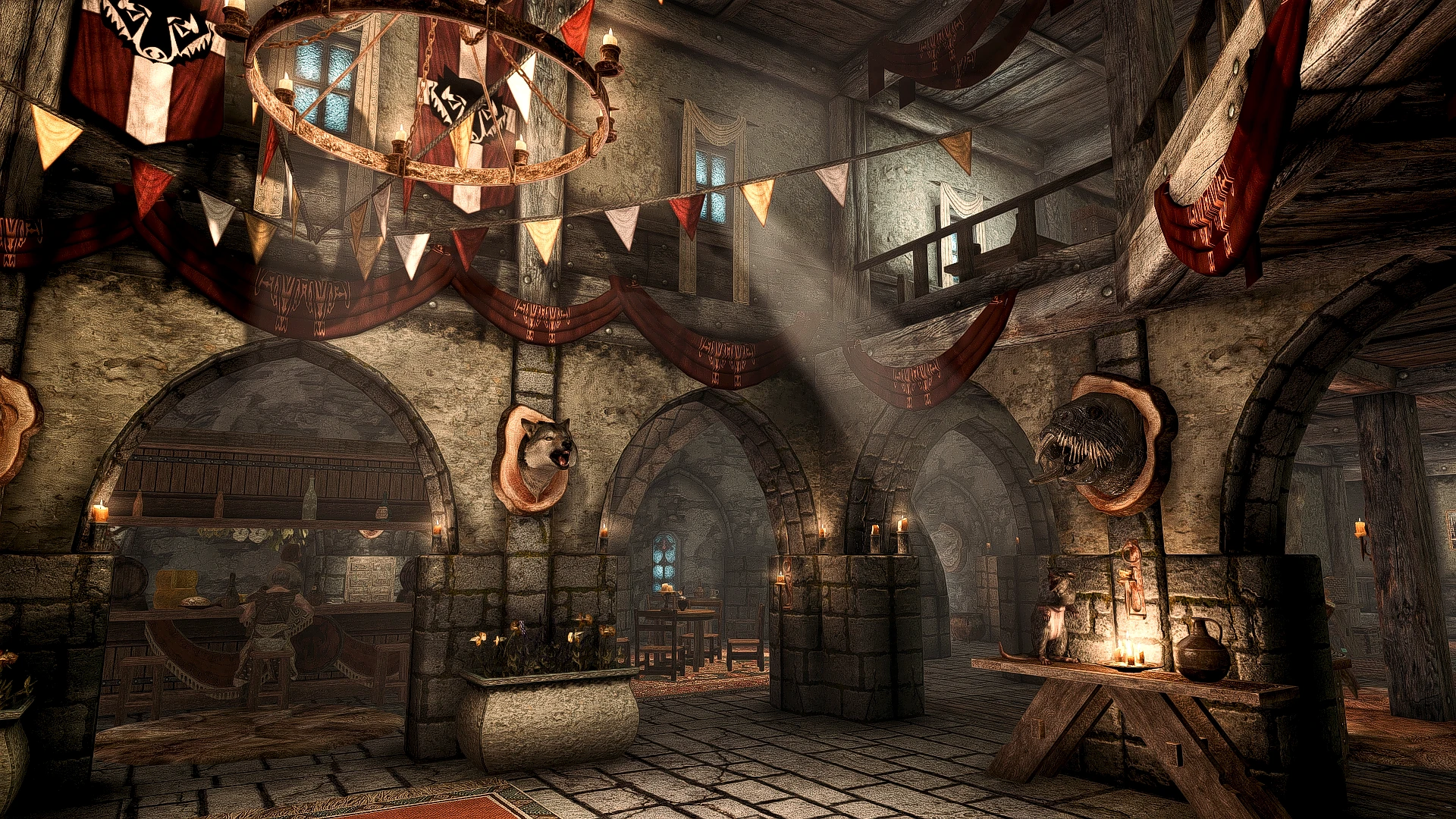
A simple compatibility patch for JK's Winking Skeever and Distinct Interiors
Click here to manually download the mod OR here to automatically download the mod through Mod Organizer 2.
When downloaded go to the folder where the file has been downloaded, cut the file Distinct JK's Winking Skeever-44112-1-2-1636930437.7z and copy it to your NOLVUS\ARCHIVE\5_VISUALS\5.14_INTERIORS directoryNexus mod page here
In Mod Organizer 2 click on add mod button
Browse to NOLVUS\ARCHIVE\5_VISUALS\5.14_INTERIORS\Distinct JK's Winking Skeever-44112-1-2-1636930437.7z and select OK
Fill informations as shown and click on OK
 Drag and drop JK's The Winking Skeever - Distinct Interiors Patch above OUTPUTS and check the mod.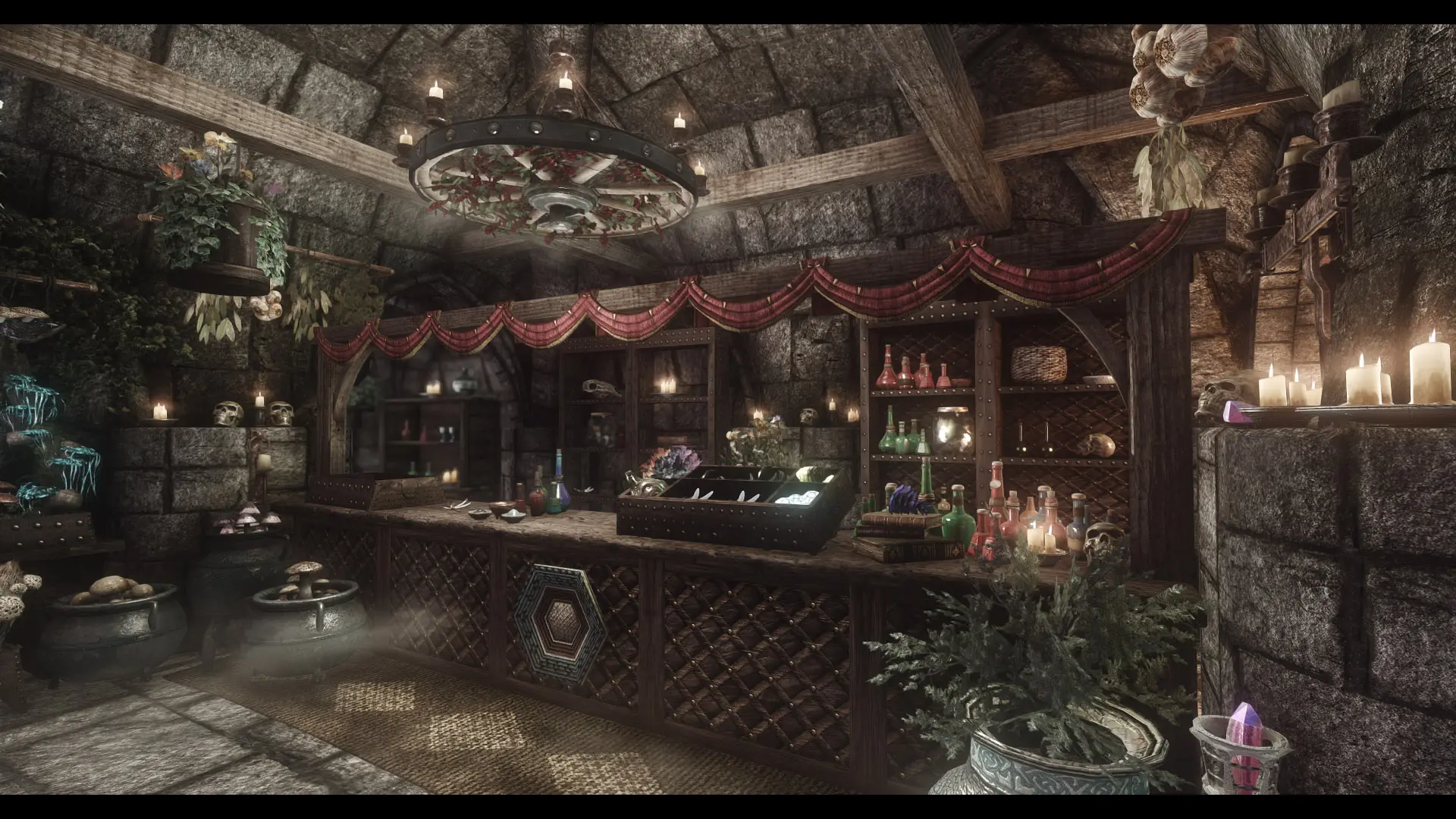
An enhanced shop overhaul.
Click here to manually download the mod OR here to automatically download the mod through Mod Organizer 2.
When downloaded go to the folder where the file has been downloaded, cut the file Jk's Angeline's Aromatics-44482-1-0-0-1610939190.rar and copy it to your NOLVUS\ARCHIVE\5_VISUALS\5.14_INTERIORS directoryNexus mod page here
In Mod Organizer 2 click on add mod button
Browse to NOLVUS\ARCHIVE\5_VISUALS\5.14_INTERIORS\Jk's Angeline's Aromatics-44482-1-0-0-1610939190.rar and select OK
Fill informations as shown and click on OK
 Drag and drop JK's Angeline's Aromatics above OUTPUTS and check the mod.
In MO2 right panel (plugins), check the following plugin.

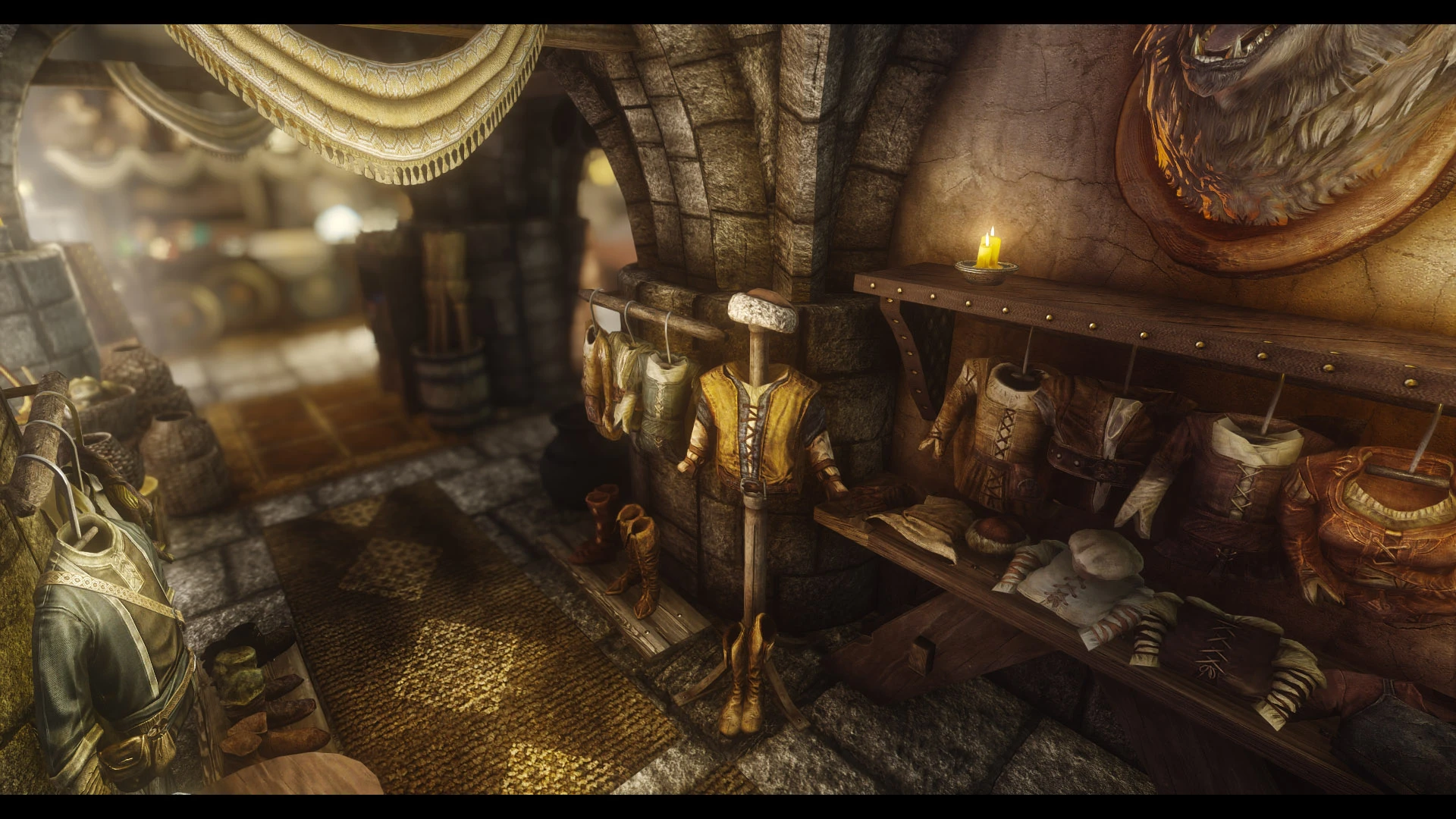
An enhanced shop overhaul.
Click here to manually download the mod OR here to automatically download the mod through Mod Organizer 2.
When downloaded go to the folder where the file has been downloaded, cut the file JK's Bits and Pieces-44642-1-0-0-1611364361.rar and copy it to your NOLVUS\ARCHIVE\5_VISUALS\5.14_INTERIORS directoryNexus mod page here
In Mod Organizer 2 click on add mod button
Browse to NOLVUS\ARCHIVE\5_VISUALS\5.14_INTERIORS\JK's Bits and Pieces-44642-1-0-0-1611364361.rar and select OK
Fill informations as shown and click on OK
 Drag and drop JK's Bits and Pieces above OUTPUTS and check the mod.
In MO2 right panel (plugins), check the following plugin.

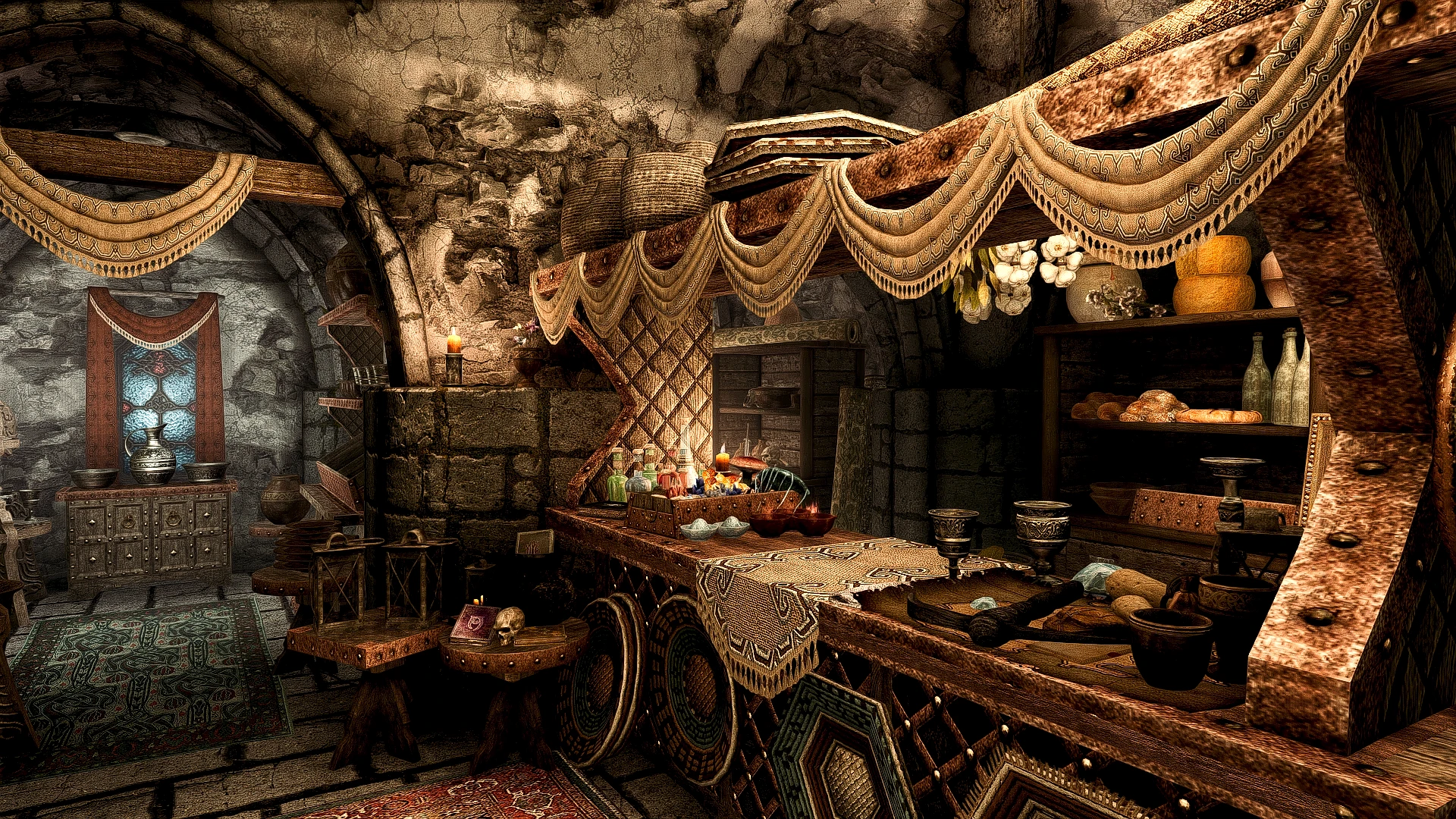
A simple compatibility patch for JK's Bits and Pieces and Distinct Interiors
Click here to manually download the mod OR here to automatically download the mod through Mod Organizer 2.
When downloaded go to the folder where the file has been downloaded, cut the file Distinct JK's Bits and Pieces-44790-1-1-1641431540.7z and copy it to your NOLVUS\ARCHIVE\5_VISUALS\5.14_INTERIORS directoryNexus mod page here
In Mod Organizer 2 click on add mod button
Browse to NOLVUS\ARCHIVE\5_VISUALS\5.14_INTERIORS\Distinct JK's Bits and Pieces-44790-1-1-1641431540.7z and select OK
Fill informations as shown and click on OK
 Drag and drop JK's Bits and Pieces - Distinct Interiors Patch above OUTPUTS and check the mod.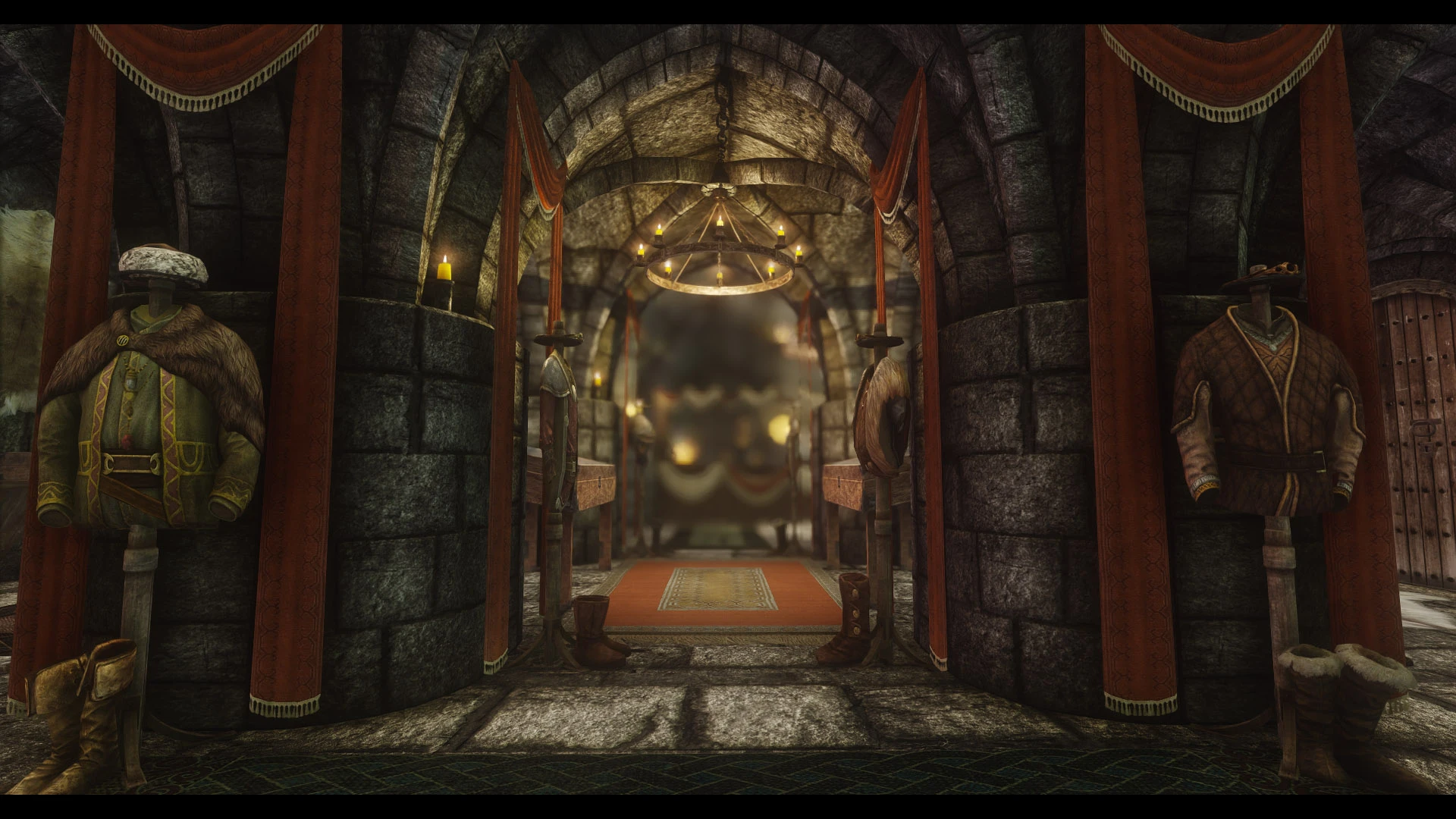
An enhanced shop overhaul.
Click here to manually download the mod OR here to automatically download the mod through Mod Organizer 2.
When downloaded go to the folder where the file has been downloaded, cut the file JK's Radiant Raiment-44858-1-0-0-1611865690.rar and copy it to your NOLVUS\ARCHIVE\5_VISUALS\5.14_INTERIORS directoryNexus mod page here
In Mod Organizer 2 click on add mod button
Browse to NOLVUS\ARCHIVE\5_VISUALS\5.14_INTERIORS\JK's Radiant Raiment-44858-1-0-0-1611865690.rar and select OK
Fill informations as shown and click on OK
 Drag and drop JK's Radiant Raiment above OUTPUTS and check the mod.
In MO2 right panel, check the following plugin.


A simple compatibility patch for JK's Radiant Raiment and Distinct Interiors
Click here to manually download the mod OR here to automatically download the mod through Mod Organizer 2.
When downloaded go to the folder where the file has been downloaded, cut the file Distinct JK's Radiant Raiment-45109-1-0-1612121205.zip and copy it to your NOLVUS\ARCHIVE\5_VISUALS\5.14_INTERIORS directoryNexus mod page here
In Mod Organizer 2 click on add mod button
Browse to NOLVUS\ARCHIVE\5_VISUALS\5.14_INTERIORS\Distinct JK's Radiant Raiment-45109-1-0-1612121205.zip and select OK
Fill informations as shown and click on OK
 Drag and drop JK's Radiant Raiment - Distinct Interiors Patch above OUTPUTS and check the mod.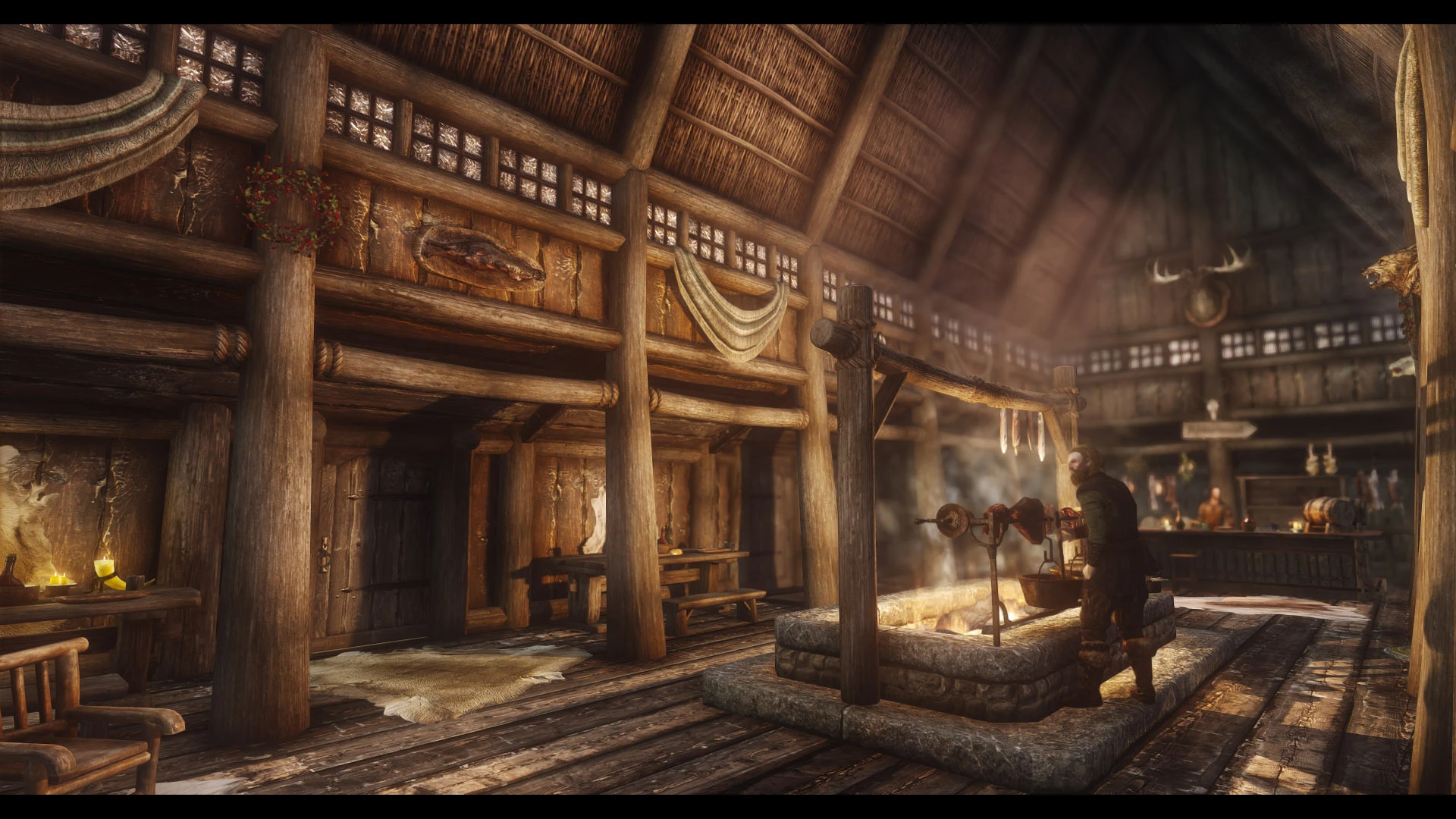
An enhanced inn overhaul.
Click here to manually download the mod OR here to automatically download the mod through Mod Organizer 2.
When downloaded go to the folder where the file has been downloaded, cut the file JK's Sleeping Giant Inn-35806-1-1-0-1621125007.7z and copy it to your NOLVUS\ARCHIVE\5_VISUALS\5.14_INTERIORS directoryNexus mod page here
In Mod Organizer 2 click on add mod button
Browse to NOLVUS\ARCHIVE\5_VISUALS\5.14_INTERIORS\JK's Sleeping Giant Inn-35806-1-1-0-1621125007.7z and select OK
Fill informations as shown and click on OK
 Drag and drop JK's Sleeping Giant Inn above OUTPUTS and check the mod.
In MO2 right panel (plugins), check the following plugin.

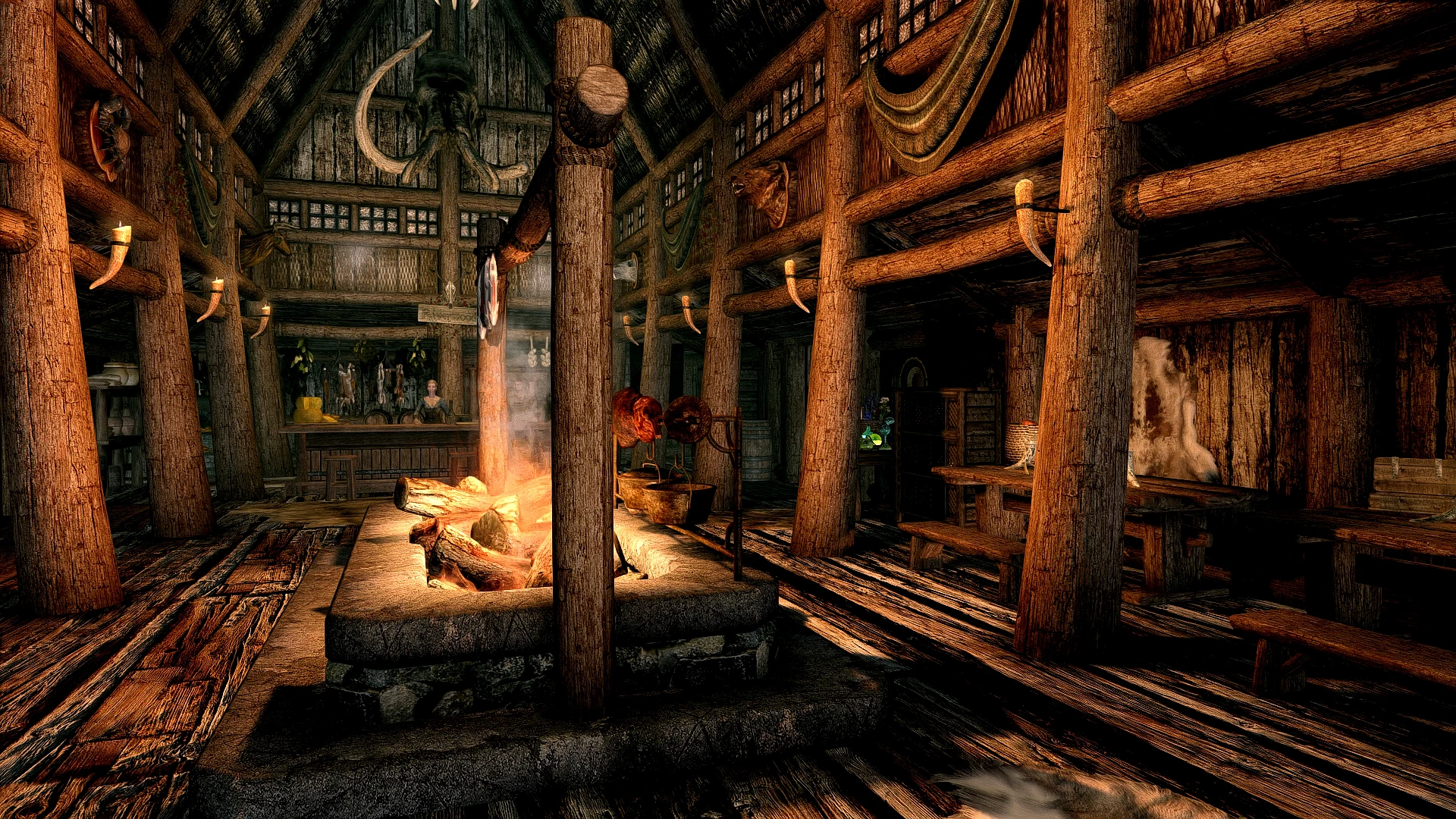
A simple compatibility patch for JK's Sleeping Giant Inn and Distinct Interiors
Click here to manually download the mod OR here to automatically download the mod through Mod Organizer 2.
When downloaded go to the folder where the file has been downloaded, cut the file Distinct JK's Sleeping Giant Inn-35813-1-01-1589179965.zip and copy it to your NOLVUS\ARCHIVE\5_VISUALS\5.14_INTERIORS directoryNexus mod page here
In Mod Organizer 2 click on add mod button
Browse to NOLVUS\ARCHIVE\5_VISUALS\5.14_INTERIORS\Distinct JK's Sleeping Giant Inn-35813-1-01-1589179965.zip and select OK
Fill informations as shown and click on OK
 Drag and drop JK's Sleeping Giant Inn - Distinct Interiors Patch above OUTPUTS and check the mod.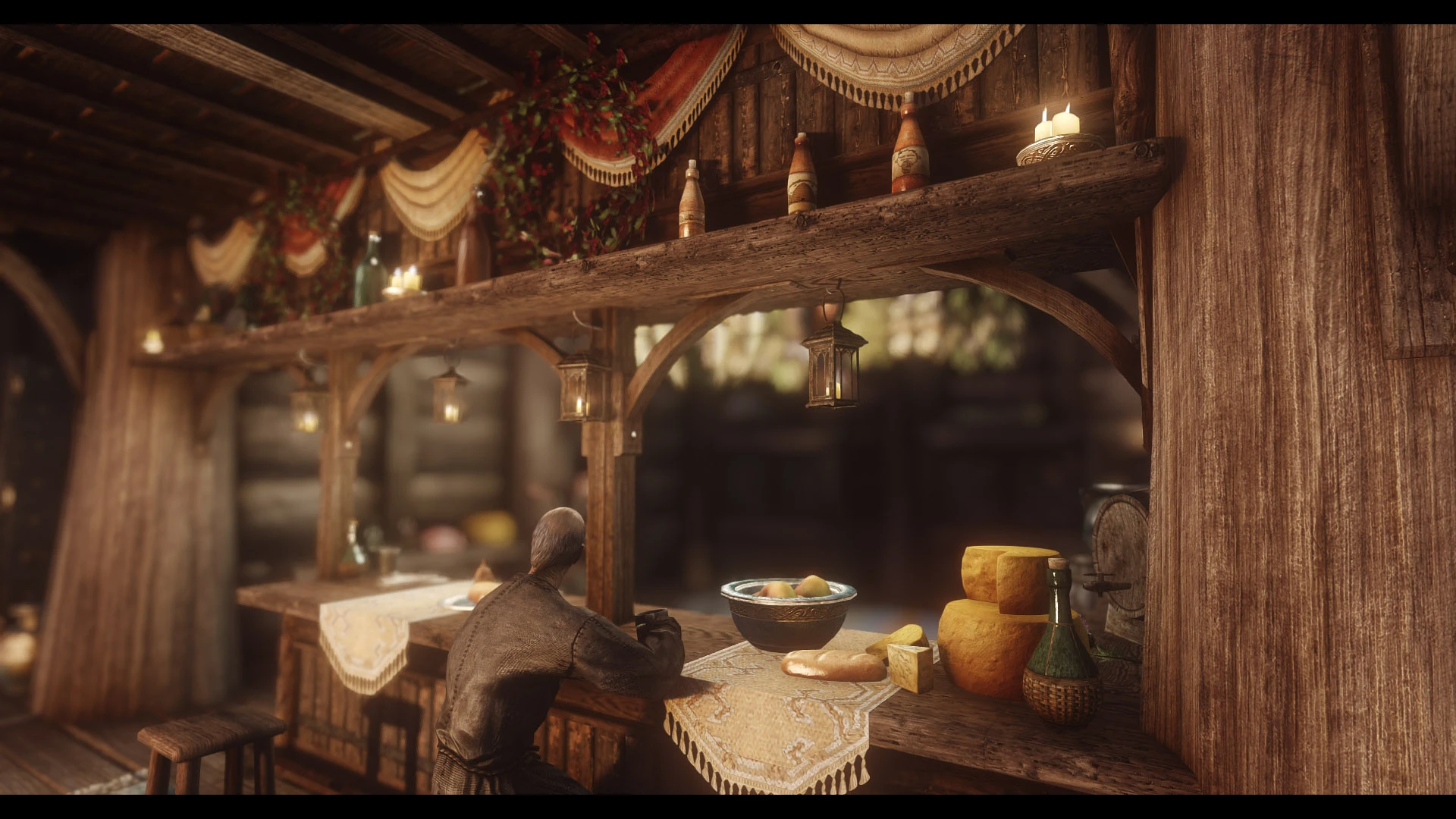
A lore friendly an script-free Inn overhaul of The Bannered Mare.
Click here to manually download the mod OR here to automatically download the mod through Mod Organizer 2.
When downloaded go to the folder where the file has been downloaded, cut the file JK's The Bannered Mare-33845-1-1-0-1635533254.rar and copy it to your NOLVUS\ARCHIVE\5_VISUALS\5.14_INTERIORS directoryNexus mod page here
In Mod Organizer 2 click on add mod button
Browse to NOLVUS\ARCHIVE\5_VISUALS\5.14_INTERIORS\JK's The Bannered Mare-33845-1-1-0-1635533254.rar and select OK
Fill informations as shown and click on OK
 Drag and drop JK's The Bannered Mare above OUTPUTS and check the mod.
In MO2 right panel (plugins), check the following plugin.


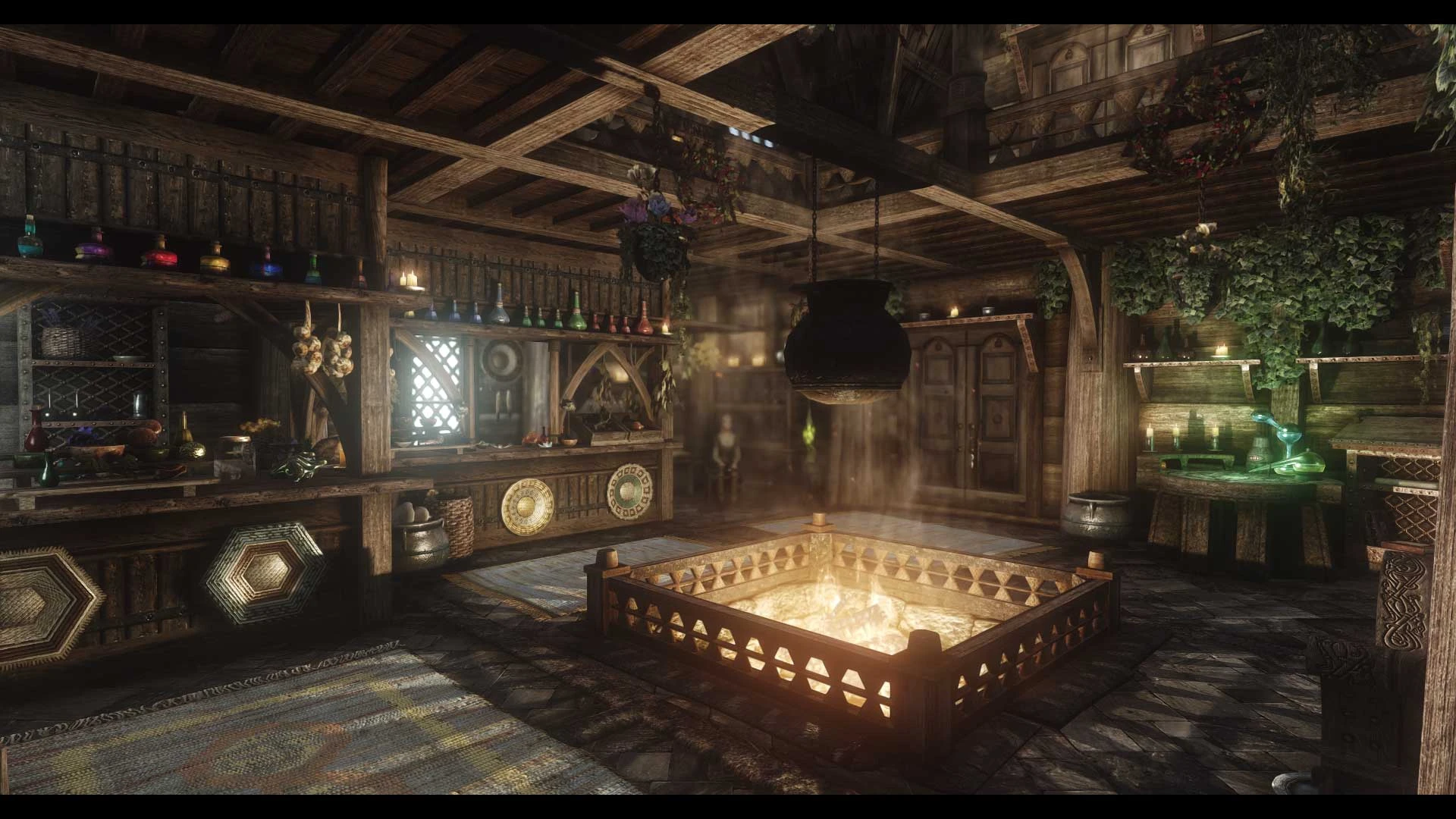
A lore friendly shop overhaul of Arcadia's Cauldron.
Click here to manually download the mod OR here to automatically download the mod through Mod Organizer 2.
When downloaded go to the folder where the file has been downloaded, cut the file JK's Arcadia's Cauldron-33565-1-1584157703.rar and copy it to your NOLVUS\ARCHIVE\5_VISUALS\5.14_INTERIORS directoryNexus mod page here
In Mod Organizer 2 click on add mod button
Browse to NOLVUS\ARCHIVE\5_VISUALS\5.14_INTERIORS\JK's Arcadia's Cauldron-33565-1-1584157703.rar and select OK
Fill informations as shown and click on OK
 Drag and drop JK's Arcadia's Cauldron above OUTPUTS and check the mod.
In MO2 right panel (plugins), check the following plugin.

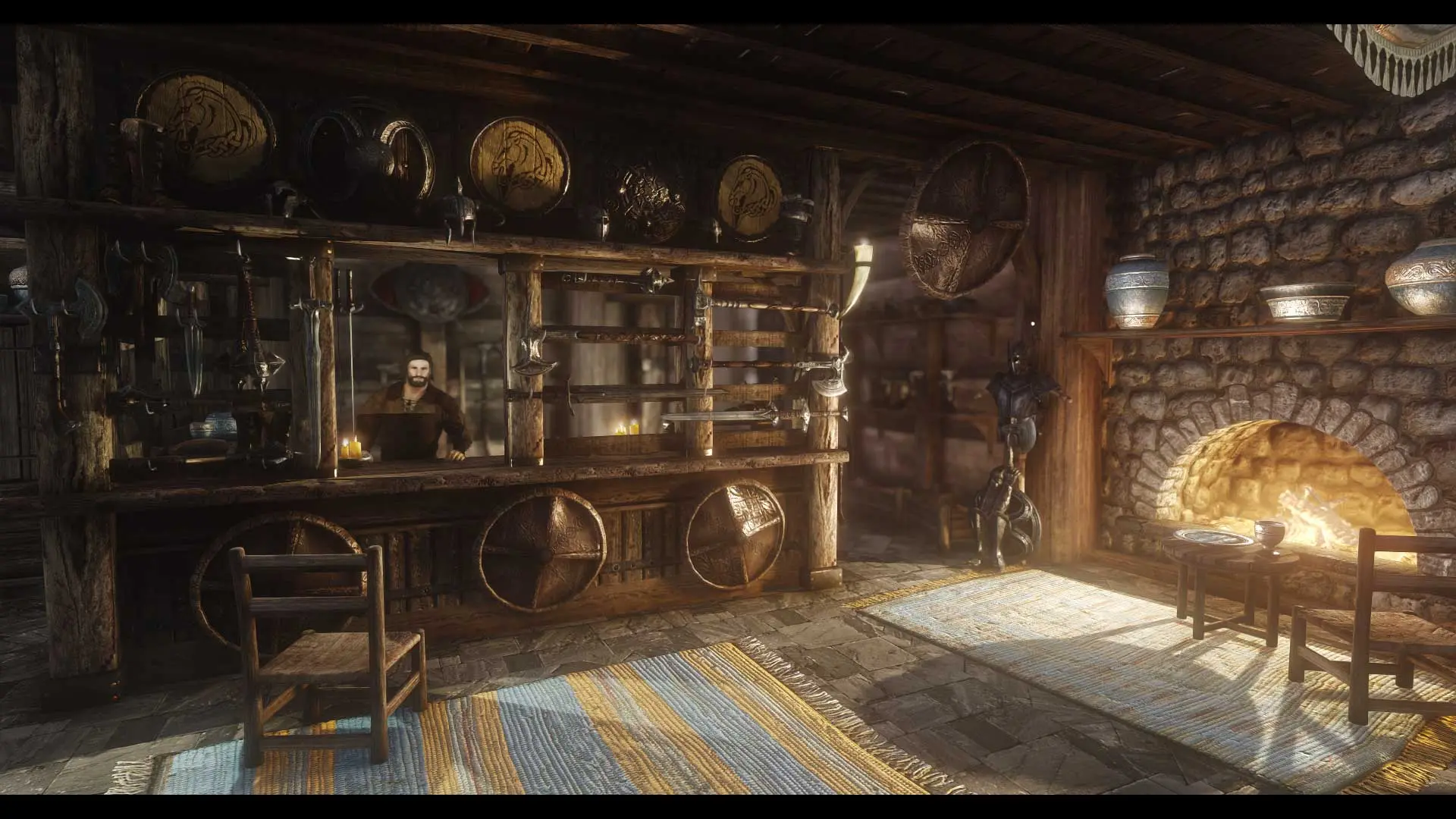
A lore friendly shop overhaul of Warmaiden's.
Click here to manually download the mod OR here to automatically download the mod through Mod Organizer 2.
When downloaded go to the folder where the file has been downloaded, cut the file JK's Warmaiden's-33685-1-2-0-1622950993.7z and copy it to your NOLVUS\ARCHIVE\5_VISUALS\5.14_INTERIORS directoryNexus mod page here
In Mod Organizer 2 click on add mod button
Browse to NOLVUS\ARCHIVE\5_VISUALS\5.14_INTERIORS\JK's Warmaiden's-33685-1-2-0-1622950993.7z and select OK
Fill informations as shown and click on OK
 Drag and drop JK's Warmaiden's above OUTPUTS and check the mod.
In MO2 right panel (plugins), check the following plugin.

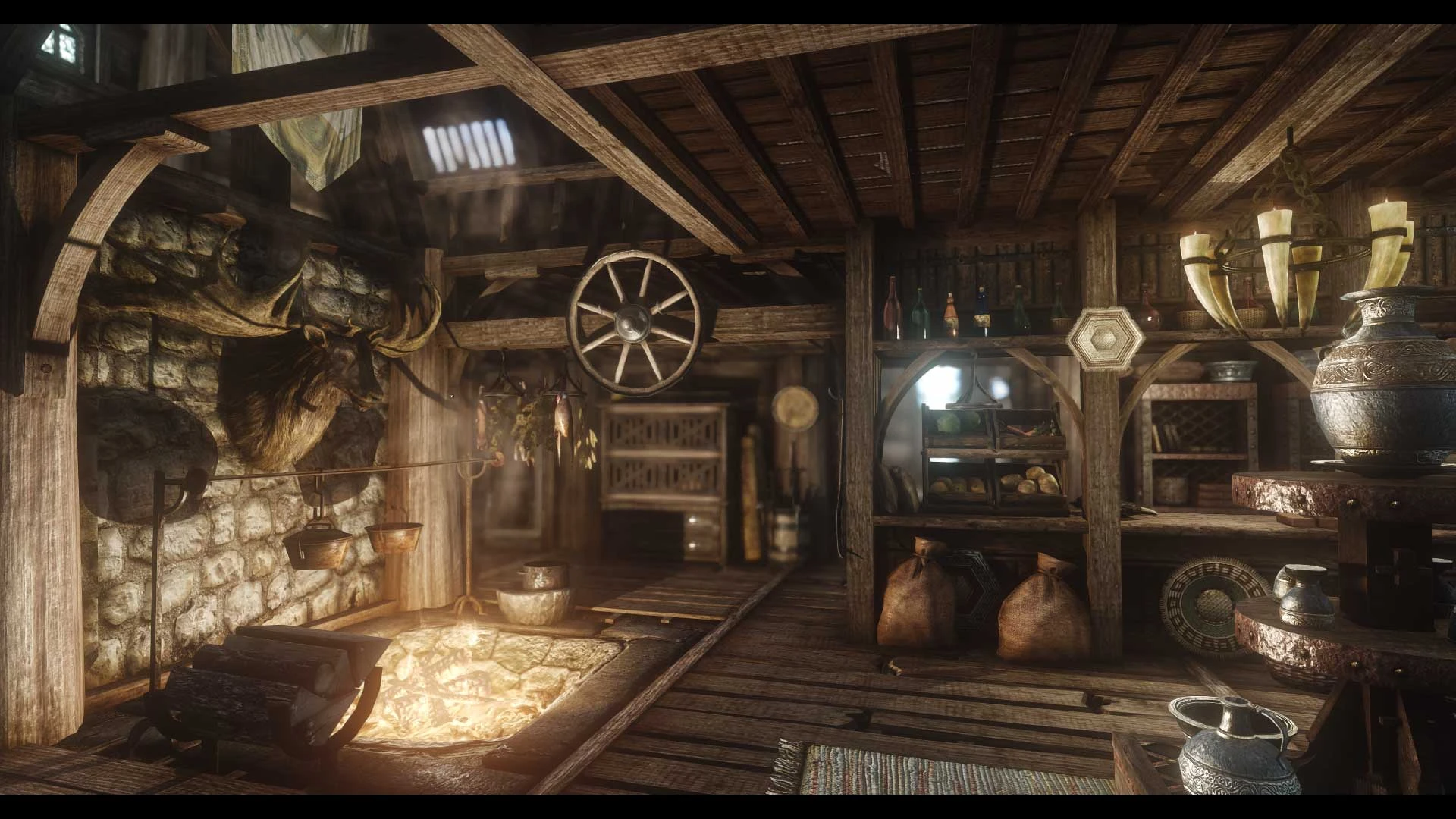
A lore friendly shop overhaul of Belethor's General Goods.
Click here to manually download the mod OR here to automatically download the mod through Mod Organizer 2.
When downloaded go to the folder where the file has been downloaded, cut the file JK's Belethor's General Goods.-33636-1-1-0-1584494034.rar and copy it to your NOLVUS\ARCHIVE\5_VISUALS\5.14_INTERIORS directoryNexus mod page here
In Mod Organizer 2 click on add mod button
Browse to NOLVUS\ARCHIVE\5_VISUALS\5.14_INTERIORS\JK's Belethor's General Goods.-33636-1-1-0-1584494034.rar and select OK
Fill informations as shown and click on OK
 Drag and drop JK's Belethor's General Goods above OUTPUTS and check the mod.
In MO2 right panel (plugins), check the following plugin.

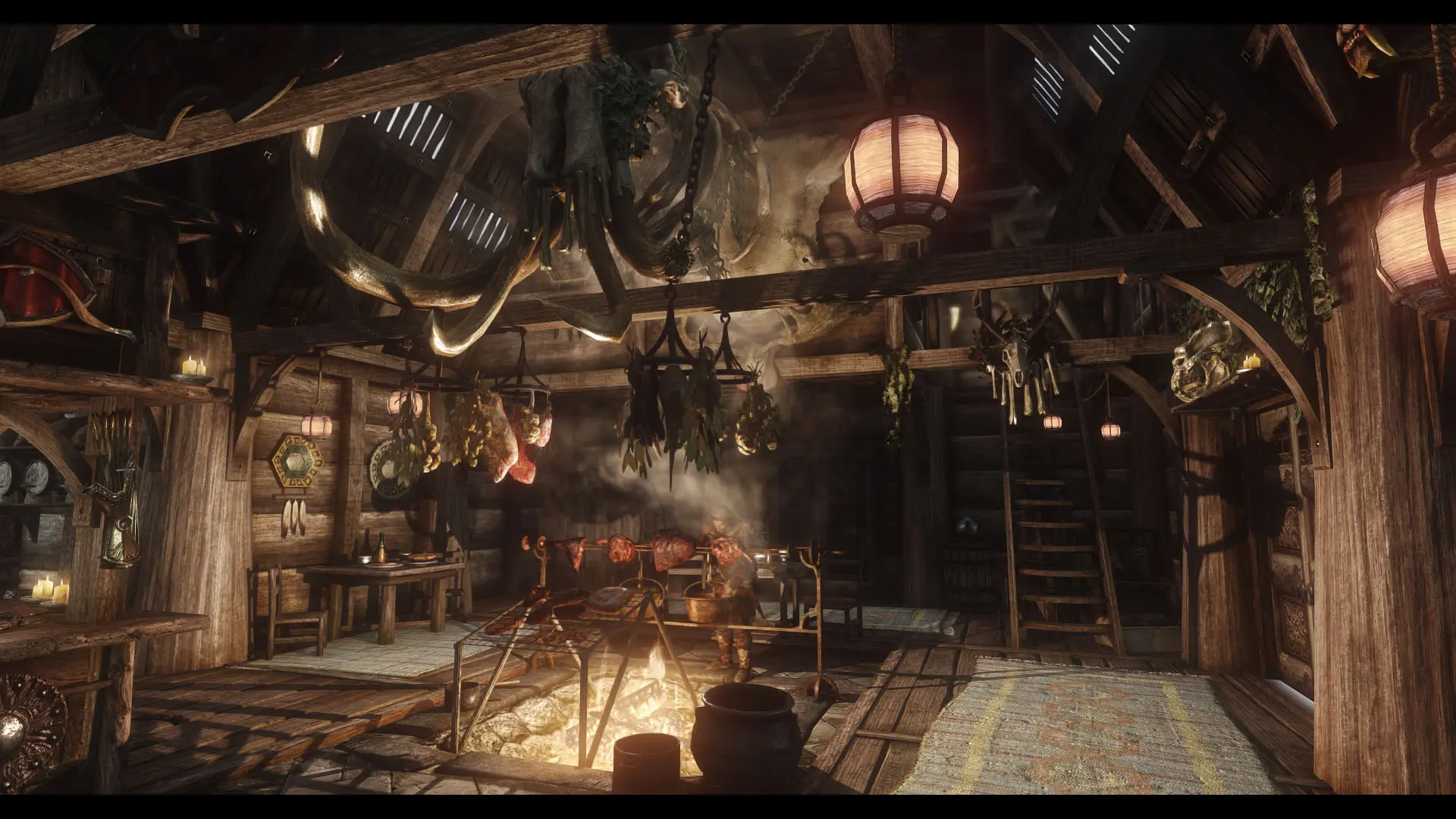
A lore friendly shop overhaul of The Drunken Huntsman.
Click here to manually download the mod OR here to automatically download the mod through Mod Organizer 2.
When downloaded go to the folder where the file has been downloaded, cut the file JK's The Drunken Huntsman-33783-1-0-0-1584680688.rar and copy it to your NOLVUS\ARCHIVE\5_VISUALS\5.14_INTERIORS directoryNexus mod page here
In Mod Organizer 2 click on add mod button
Browse to NOLVUS\ARCHIVE\5_VISUALS\5.14_INTERIORS\JK's The Drunken Huntsman-33783-1-0-0-1584680688.rar and select OK
Fill informations as shown and click on OK
 Drag and drop JK's The Drunken Huntsman above OUTPUTS and check the mod.
In MO2 right panel (plugins), check the following plugin.


A simple compatibility patch for JK's The Drunken Huntsman and Distinct Interiors
Click here to manually download the mod OR here to automatically download the mod through Mod Organizer 2.
When downloaded go to the folder where the file has been downloaded, cut the file Distinct JK's Drunken Huntsman-34869-2-0-1641256303.7z and copy it to your NOLVUS\ARCHIVE\5_VISUALS\5.14_INTERIORS directoryNexus mod page here
In Mod Organizer 2 click on add mod button
Browse to NOLVUS\ARCHIVE\5_VISUALS\5.14_INTERIORS\Distinct JK's Drunken Huntsman-34869-2-0-1641256303.7z and select OK
Fill informatiosn as shown and click on OK
 Drag and drop The Distinct JK's Drunken Huntsman above OUTPUTS and check the mod.
An enhanced shop overhaul.
Click here to manually download the mod OR here to automatically download the mod through Mod Organizer 2.
When downloaded go to the folder where the file has been downloaded, cut the file JK's White Phial-47713-1-1-1-1617829339.rar and copy it to your NOLVUS\ARCHIVE\5_VISUALS\5.14_INTERIORS directoryNexus mod page here
In Mod Organizer 2 click on add mod button
Browse to NOLVUS\ARCHIVE\5_VISUALS\5.14_INTERIORS\JK's White Phial-47713-1-1-1-1617829339.rar and select OK
Fill informations as shown and click on OK
 Drag and drop JK's White Phial above OUTPUTS and check the mod.
In MO2 right panel (plugins), check the following plugin.

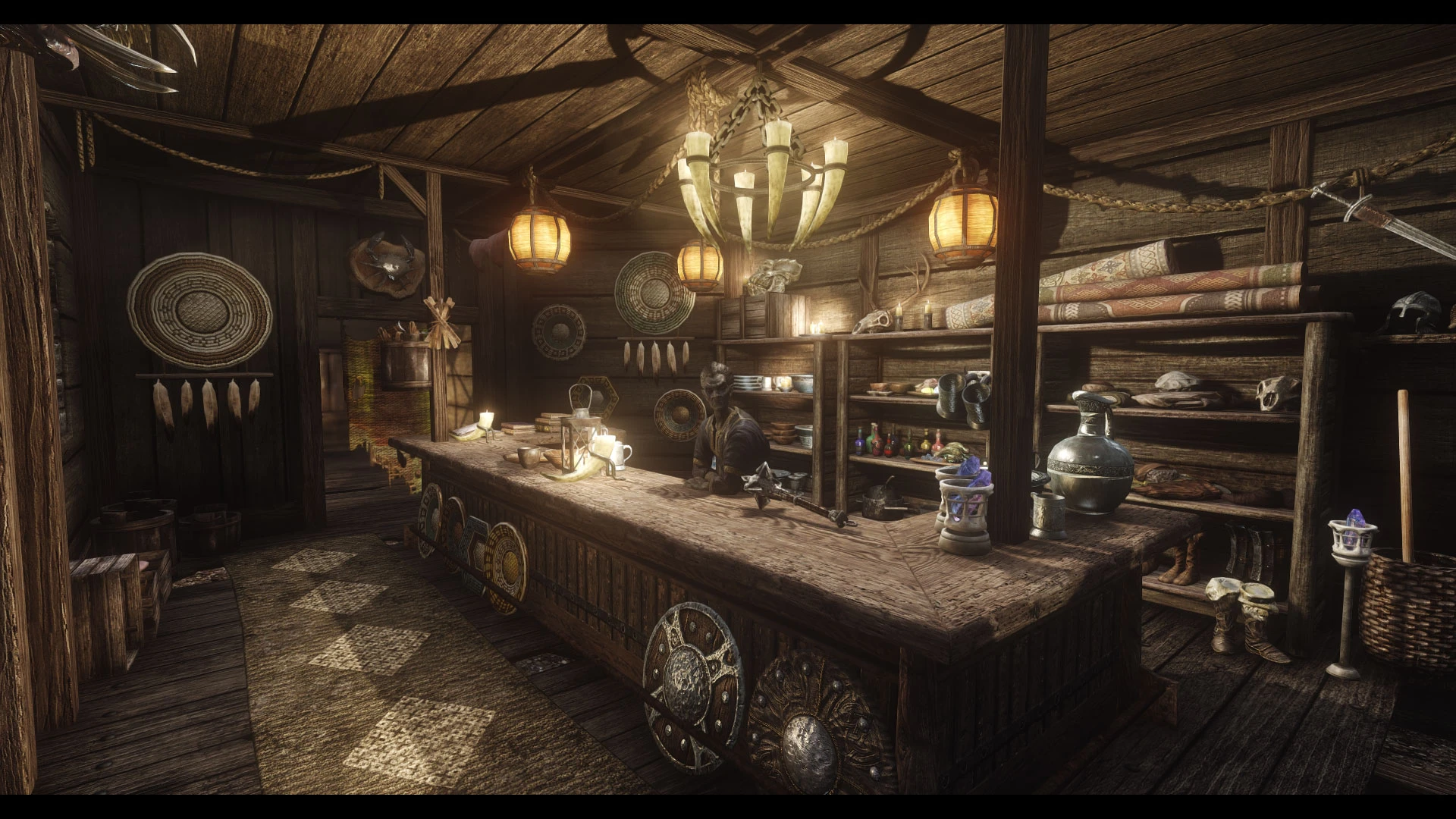
An enhanced shop overhaul.
Click here to manually download the mod OR here to automatically download the mod through Mod Organizer 2.
When downloaded go to the folder where the file has been downloaded, cut the file JK's Sadris Used Wares-47942-1-0-1-1635026346.zip and copy it to your NOLVUS\ARCHIVE\5_VISUALS\5.14_INTERIORS directoryNexus mod page here
In Mod Organizer 2 click on add mod button
Browse to NOLVUS\ARCHIVE\5_VISUALS\5.14_INTERIORS\JK's Sadris Used Wares-47942-1-0-1-1635026346.zip and select OK
Fill informations as shown and click on OK
 Drag and drop JK's Sadris Used Wares above OUTPUTS and check the mod.
In MO2 right panel (plugins), check the following plugin.


A simple compatibility patch for JK's Sadri's Used Wares and Distinct Interiors
Click here to manually download the mod OR here to automatically download the mod through Mod Organizer 2.
When downloaded go to the folder where the file has been downloaded, cut the file The Distinct JK's Sadri's Used Wares-48164-1-00-1617656163.zip and copy it to your NOLVUS\ARCHIVE\5_VISUALS\5.14_INTERIORS directoryNexus mod page here
In Mod Organizer 2 click on add mod button
Browse to NOLVUS\ARCHIVE\5_VISUALS\5.14_INTERIORS\The Distinct JK's Sadri's Used Wares-48164-1-00-1617656163.zip and select OK
Fill informatiosn as shown and click on OK
 Drag and drop The Distinct JK's Sadri's Used Wares above OUTPUTS and check the mod.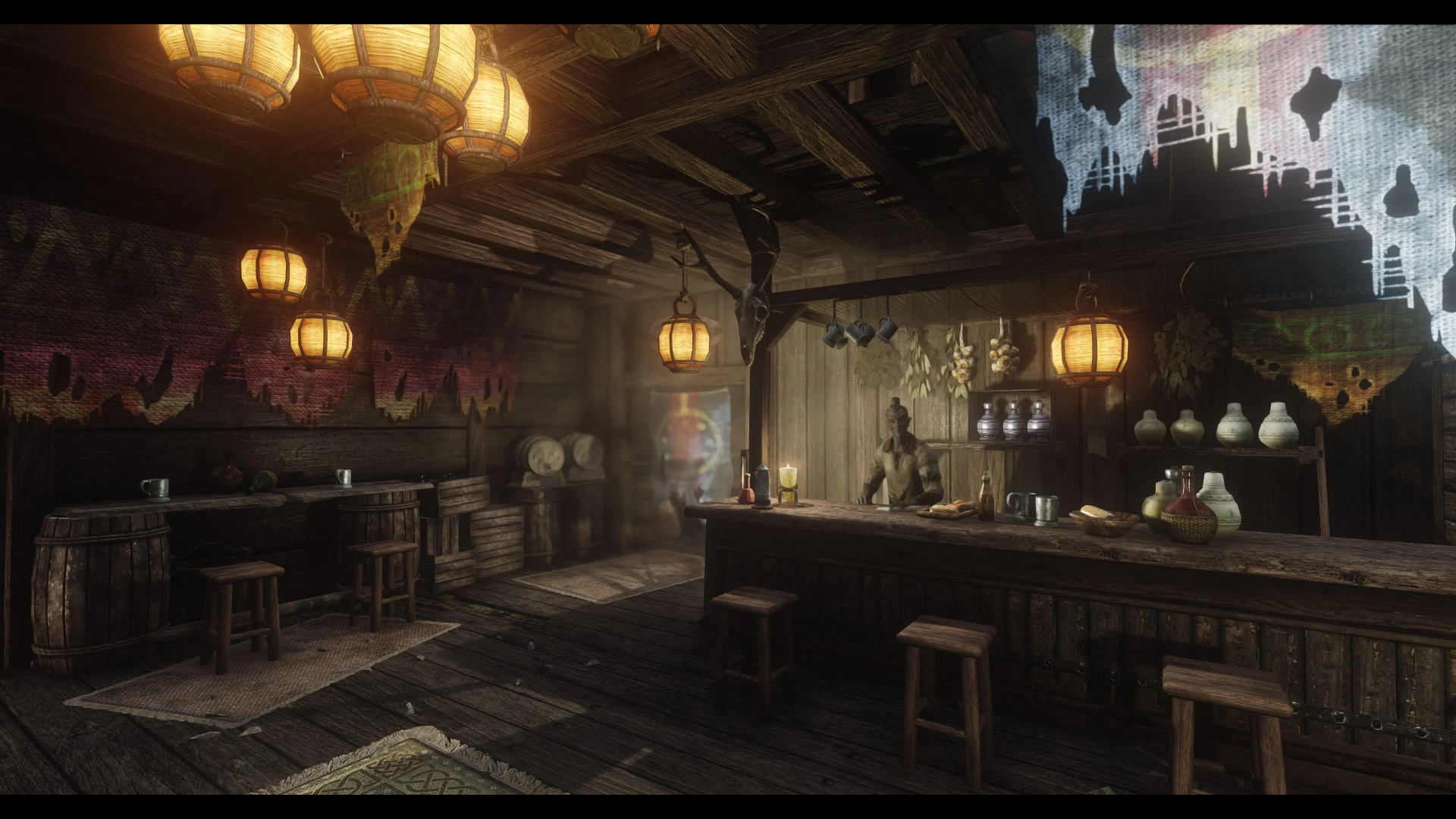
An enhanced tavern overhaul.
Click here to manually download the mod OR here to automatically download the mod through Mod Organizer 2.
When downloaded go to the folder where the file has been downloaded, cut the file JK's New Gnisis Cornerclub-48293-1-1-0-1638561666.rar and copy it to your NOLVUS\ARCHIVE\5_VISUALS\5.14_INTERIORS directoryNexus mod page here
In Mod Organizer 2 click on add mod button
Browse to NOLVUS\ARCHIVE\5_VISUALS\5.14_INTERIORS\JK's New Gnisis Cornerclub-48293-1-1-0-1638561666.rar and select OK
Fill informations as shown and click on OK.
 Drag and drop JK's New Gnisis Cornerclub above OUTPUTS and check the mod.
In MO2 right panel (plugins), check the following plugin.

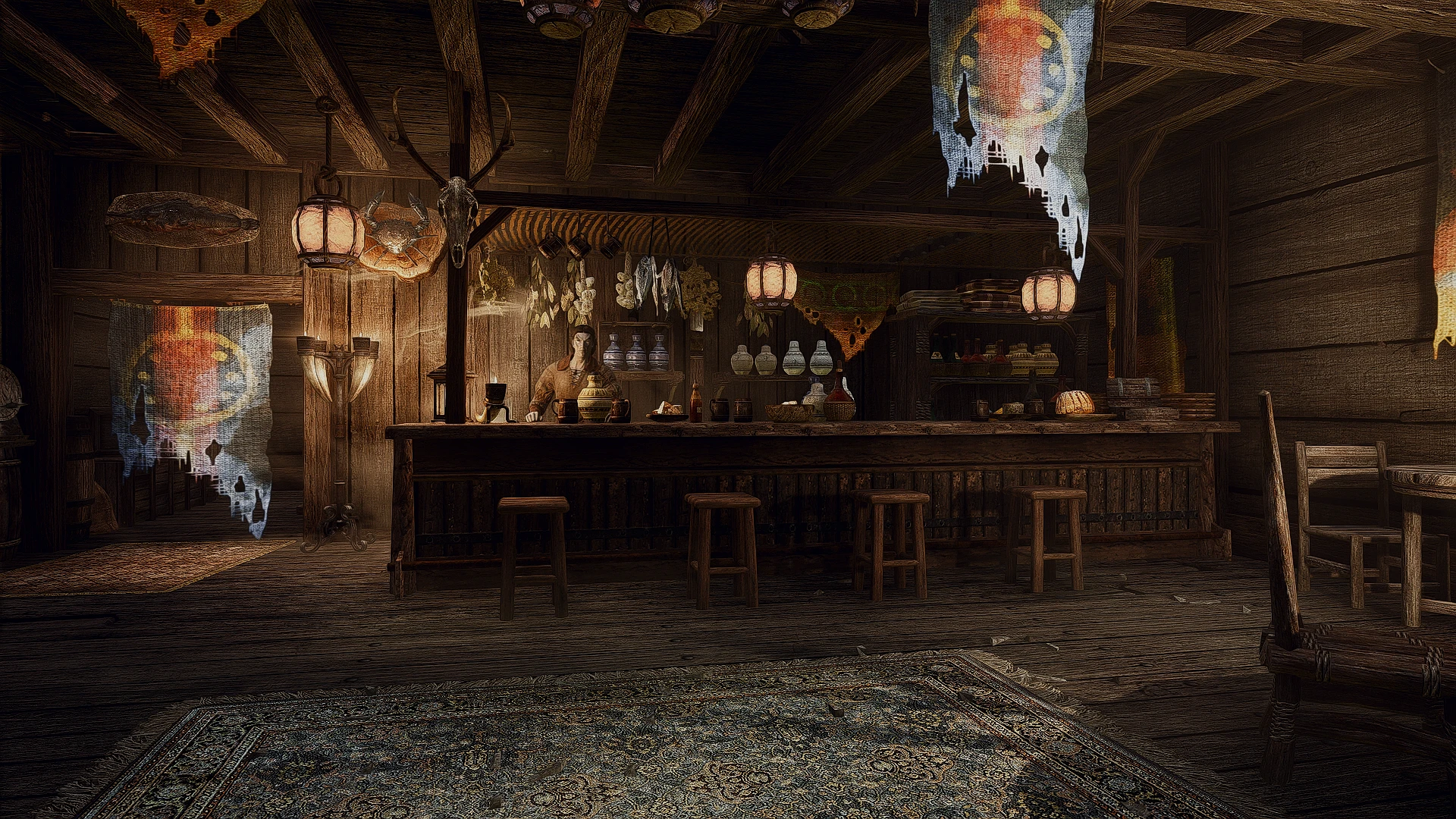
A simple compatibility patch for JK's New Gnisis Cornerclub and Distinct Interiors
Click here to manually download the mod OR here to automatically download the mod through Mod Organizer 2.
When downloaded go to the folder where the file has been downloaded, cut the file The Distinct JK's New Gnisis Cornerclub-48519-2-1-1641198429.7z and copy it to your NOLVUS\ARCHIVE\5_VISUALS\5.14_INTERIORS directoryNexus mod page here
In Mod Organizer 2 click on add mod button
Browse to NOLVUS\ARCHIVE\5_VISUALS\5.14_INTERIORS\The Distinct JK's New Gnisis Cornerclub-48519-2-1-1641198429.7z and select OK
Fill informations as shown and click on OK.
 Drag and drop The Distinct JK's New Gnisis Cornerclub above OUTPUTS and check the mod.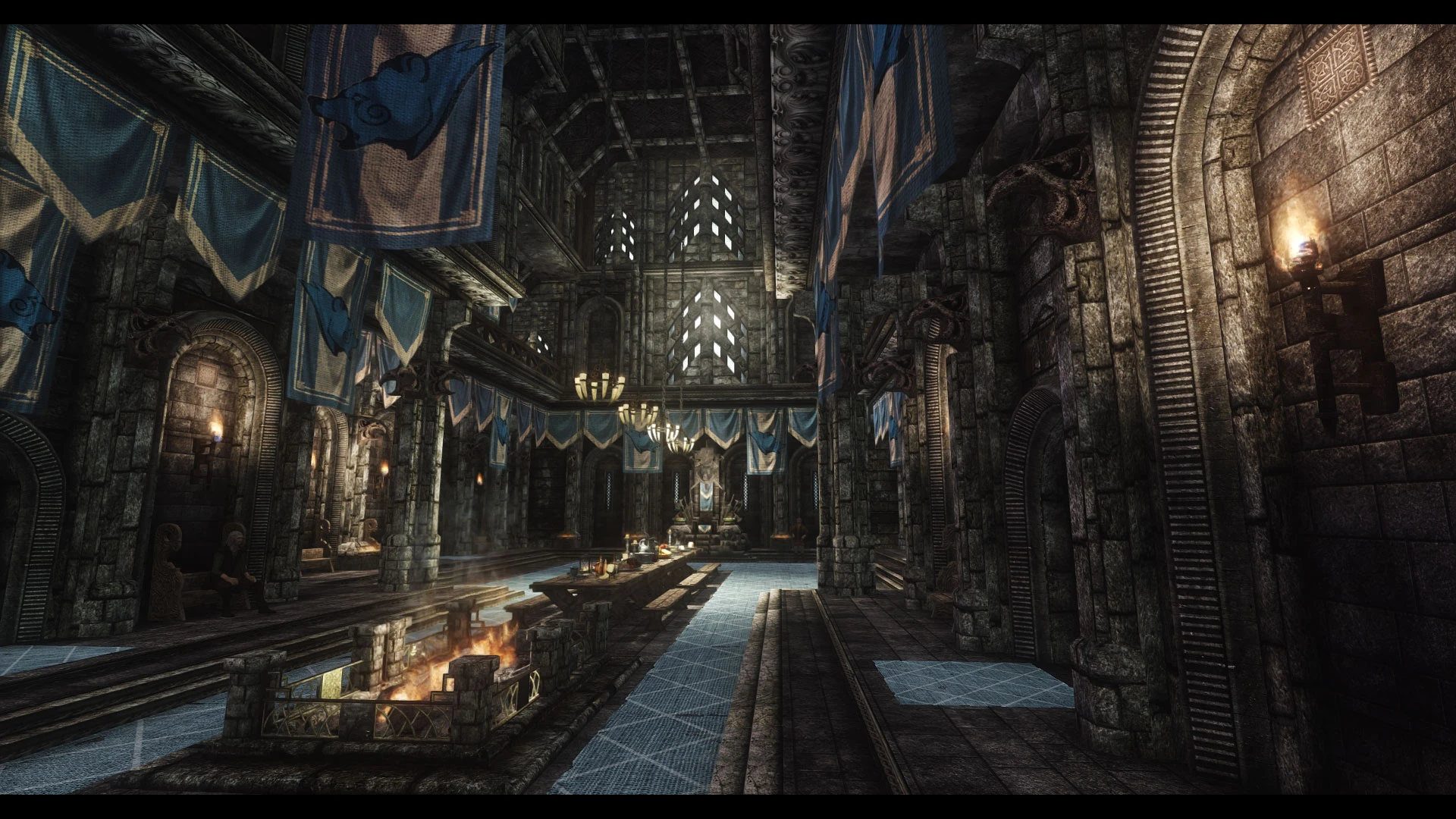
An enhanced Palace overhaul.
Click here to manually download the mod OR here to automatically download the mod through Mod Organizer 2.
When downloaded go to the folder where the file has been downloaded, cut the file JK's Palace of the Kings-48902-1-2-0-1637911630.7z and copy it to your NOLVUS\ARCHIVE\5_VISUALS\5.14_INTERIORS directoryNexus mod page here
In Mod Organizer 2 click on add mod button
Browse to NOLVUS\ARCHIVE\5_VISUALS\5.14_INTERIORS\JK's Palace of the Kings-48902-1-2-0-1637911630.7z and select OK
Fill informations as shown and click on OK.
 Drag and drop JK's Palace of the Kings above OUTPUTS and check the mod.
In MO2 right panel (plugins), check the following plugins.

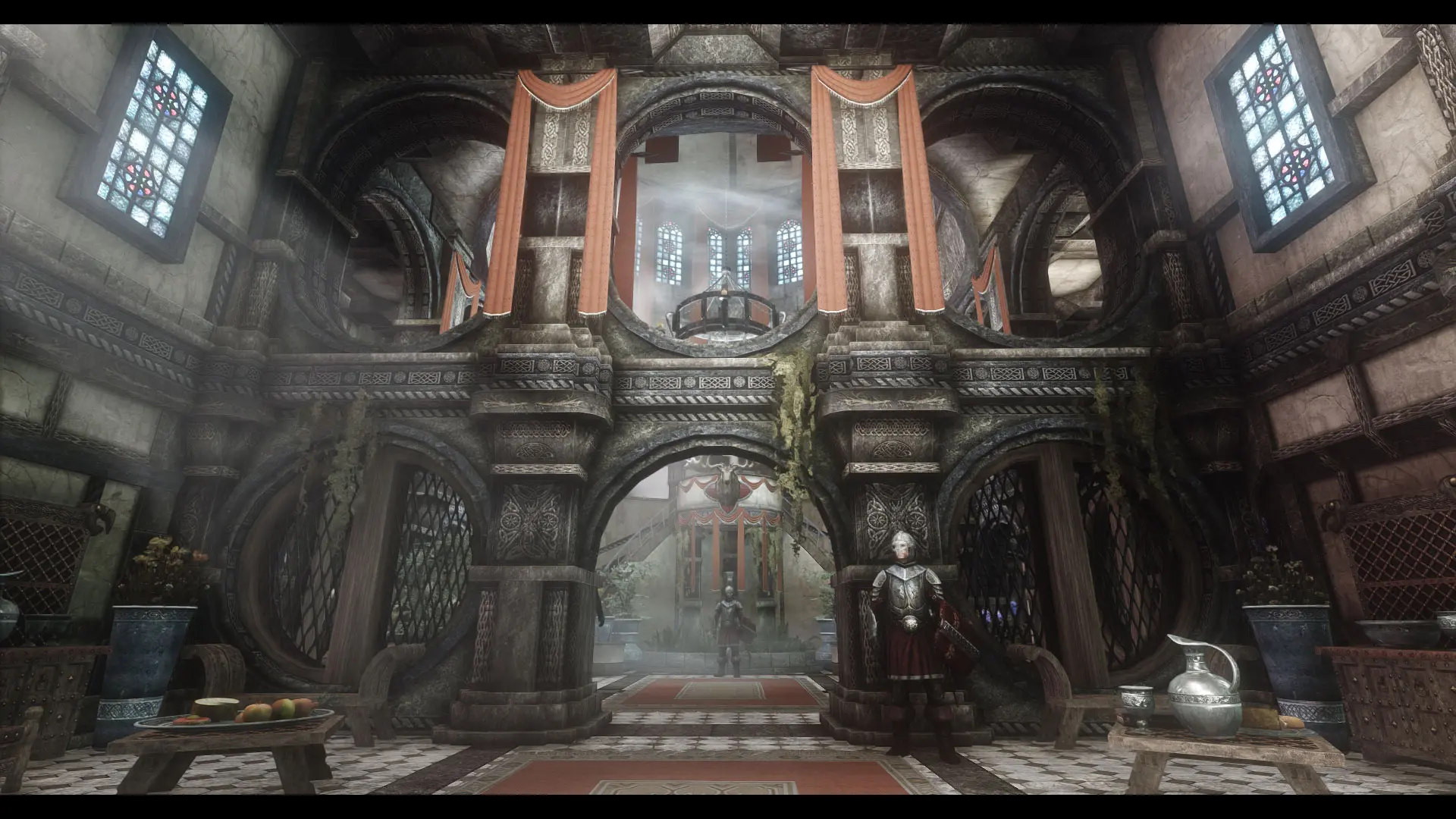
An enhanced Palace overhaul.
Click here to manually download the mod OR here to automatically download the mod through Mod Organizer 2.
When downloaded go to the folder where the file has been downloaded, cut the file JK's Blue Palace-45324-1-2-2-1645208142.zip and copy it to your NOLVUS\ARCHIVE\5_VISUALS\5.14_INTERIORS directoryNexus mod page here
In Mod Organizer 2 click on add mod button
Browse to NOLVUS\ARCHIVE\5_VISUALS\5.14_INTERIORS\JK's Blue Palace-45324-1-2-2-1645208142.zip and select OK
Fill informations as shown and click on OK.
 Drag and drop JK's Blue Palace above OUTPUTS and check the mod.
In MO2 right panel (plugins), check the following plugin.

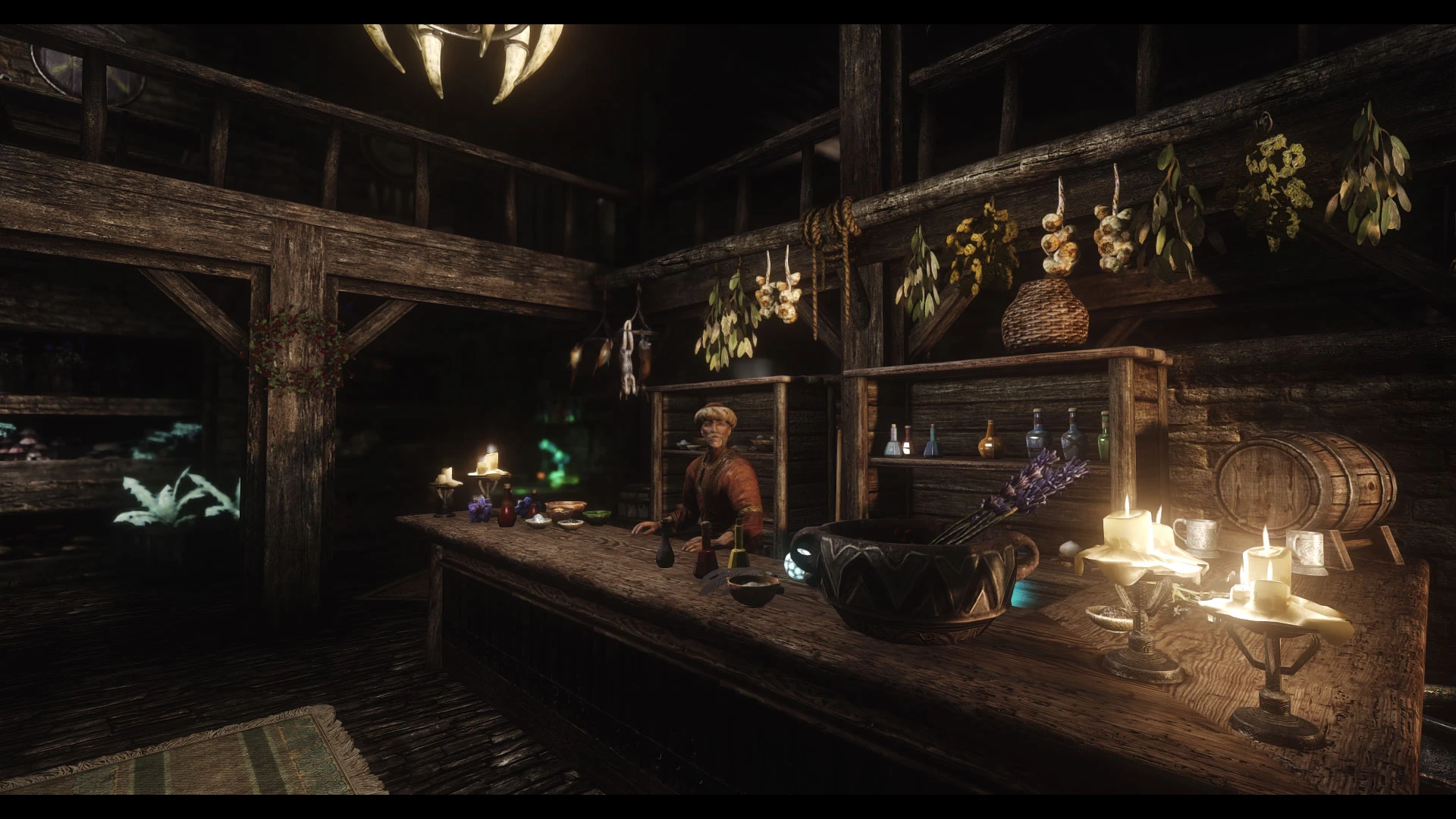
An enhanced shop overhaul.
Click here to manually download the mod OR here to automatically download the mod through Mod Organizer 2.
When downloaded go to the folder where the file has been downloaded, cut the file JK's Elgrims Elixirs-49934-1-0-0-1621051376.rar and copy it to your NOLVUS\ARCHIVE\5_VISUALS\5.14_INTERIORS directoryNexus mod page here
In Mod Organizer 2 click on add mod button
Browse to NOLVUS\ARCHIVE\5_VISUALS\5.14_INTERIORS\JK's Elgrims Elixirs-49934-1-0-0-1621051376.rar and select OK
Fill informations as shown and click on OK.
 Drag and drop JK's Elgrims Elixirs above OUTPUTS and check the mod.
In MO2 right panel (plugins), check the following plugin.

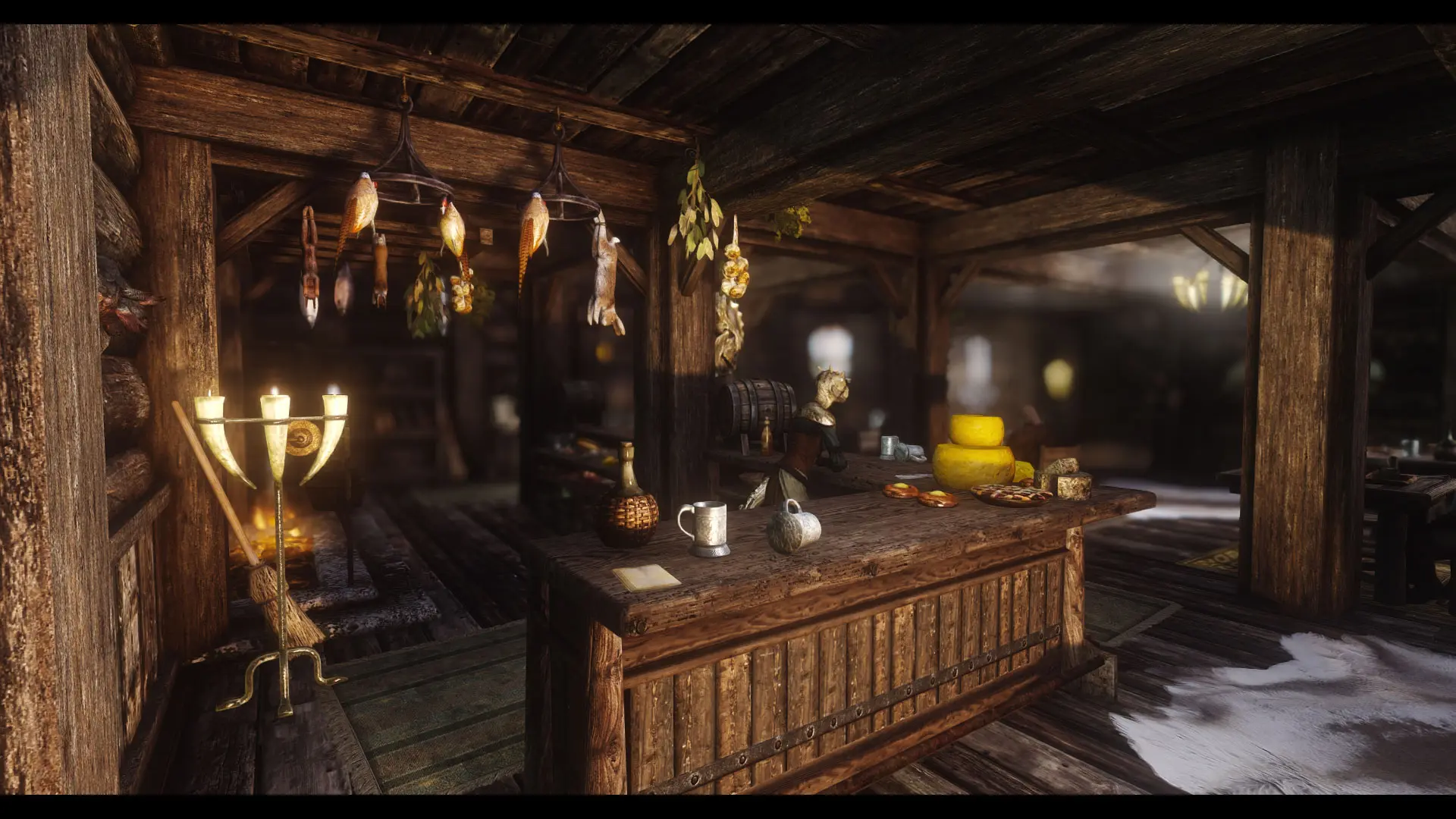
An enhanced Inn overhaul.
Click here to manually download the mod OR here to automatically download the mod through Mod Organizer 2.
When downloaded go to the folder where the file has been downloaded, cut the file JK's The Bee and Barb-49516-1-1-0-1634335857.rar and copy it to your NOLVUS\ARCHIVE\5_VISUALS\5.14_INTERIORS directoryNexus mod page here
In Mod Organizer 2 click on add mod button
Browse to NOLVUS\ARCHIVE\5_VISUALS\5.14_INTERIORS\JK's The Bee and Barb-49516-1-1-0-1634335857.rar and select OK
Fill informations as shown and click on OK.
 Drag and drop JK's The Bee and Barb above OUTPUTS and check the mod.
In MO2 right panel (plugins), check the following plugin.


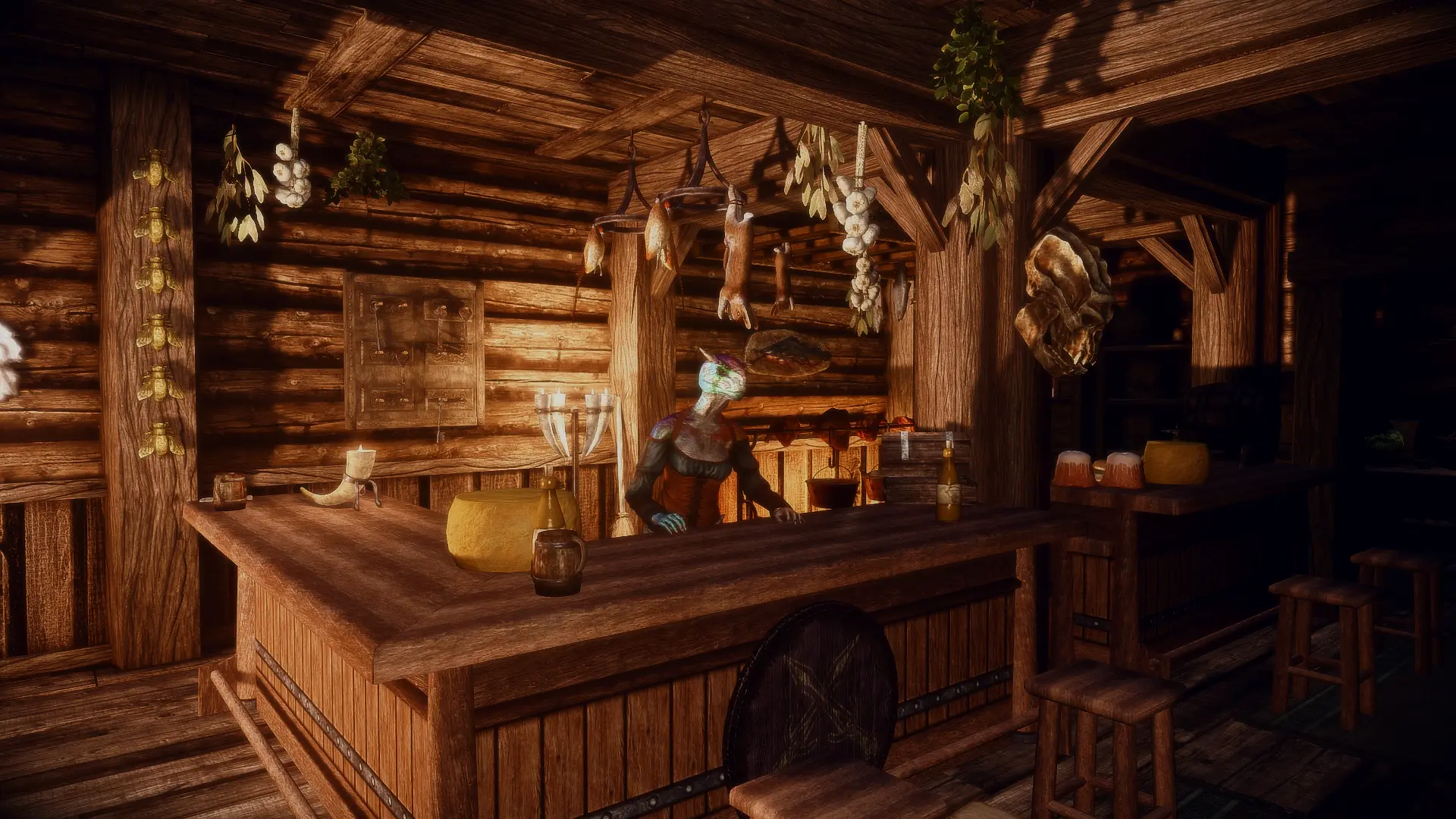
A simple compatibility patch for JK's the Bee and Barb and Distinct Interiors
Click here to manually download the mod OR here to automatically download the mod through Mod Organizer 2.
When downloaded go to the folder where the file has been downloaded, cut the file The Distinct JK's Bee and Barb-49712-1-1-1634410226.7z and copy it to your NOLVUS\ARCHIVE\5_VISUALS\5.14_INTERIORS directoryNexus mod page here
In Mod Organizer 2 click on add mod button
Browse to NOLVUS\ARCHIVE\5_VISUALS\5.14_INTERIORS\The Distinct JK's Bee and Barb-49712-1-1-1634410226.7z and select OK
Fill informations as shown and click on OK.
 Drag and drop The Distinct JK's Bee and Barb above OUTPUTS and check the mod.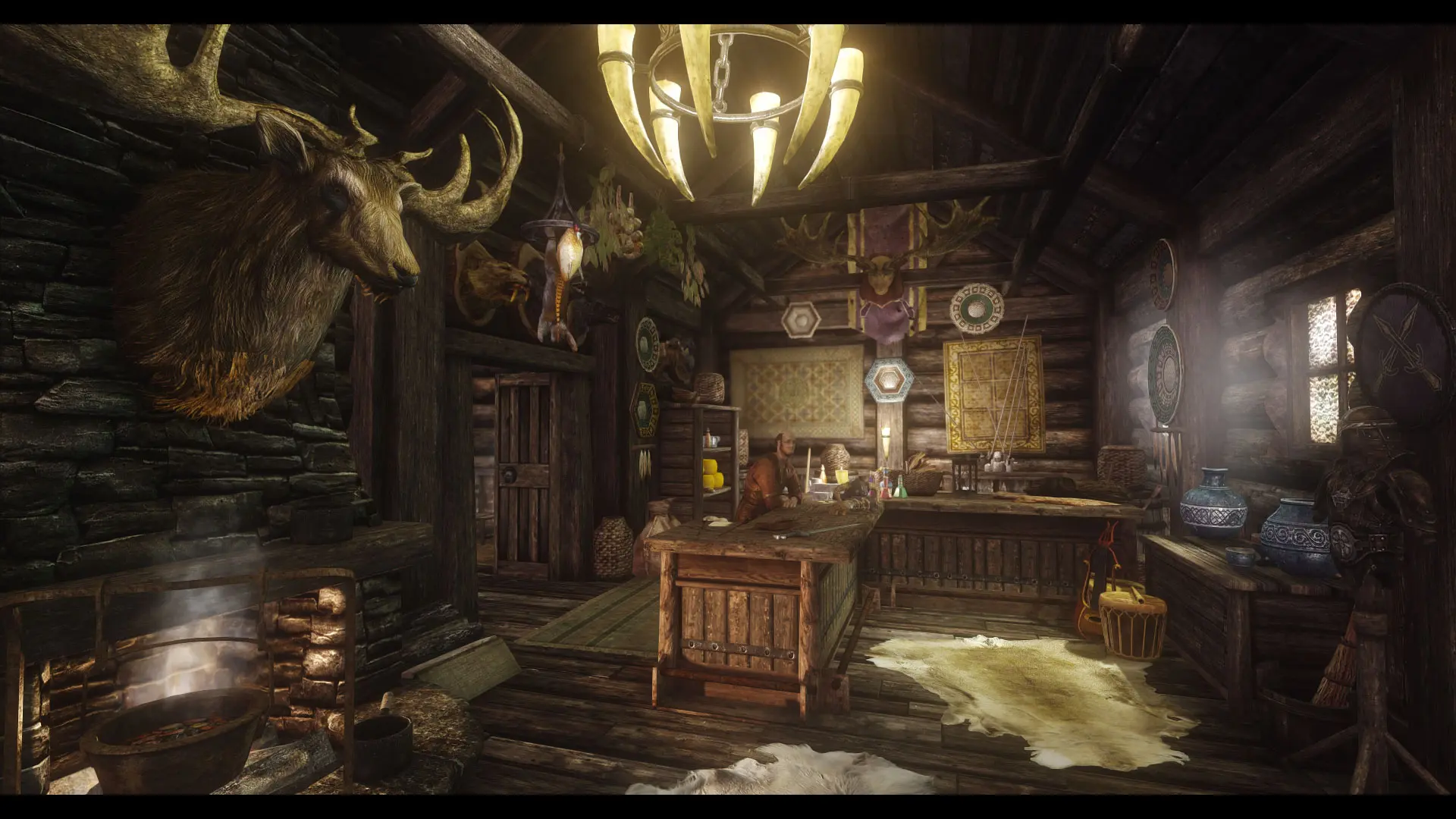
An enhanced shop overhaul.
Click here to manually download the mod OR here to automatically download the mod through Mod Organizer 2.
When downloaded go to the folder where the file has been downloaded, cut the file JK's The Pawned Prawn-50135-1-0-1-1622932088.7z and copy it to your NOLVUS\ARCHIVE\5_VISUALS\5.14_INTERIORS directoryNexus mod page here
In Mod Organizer 2 click on add mod button
Browse to NOLVUS\ARCHIVE\5_VISUALS\5.14_INTERIORS\JK's The Pawned Prawn-50135-1-0-1-1622932088.7z and select OK
Fill informations as shown and click on OK.
 Drag and drop JK's The Pawned Prawn above OUTPUTS and check the mod.
In MO2 right panel (plugins), check the following plugin.

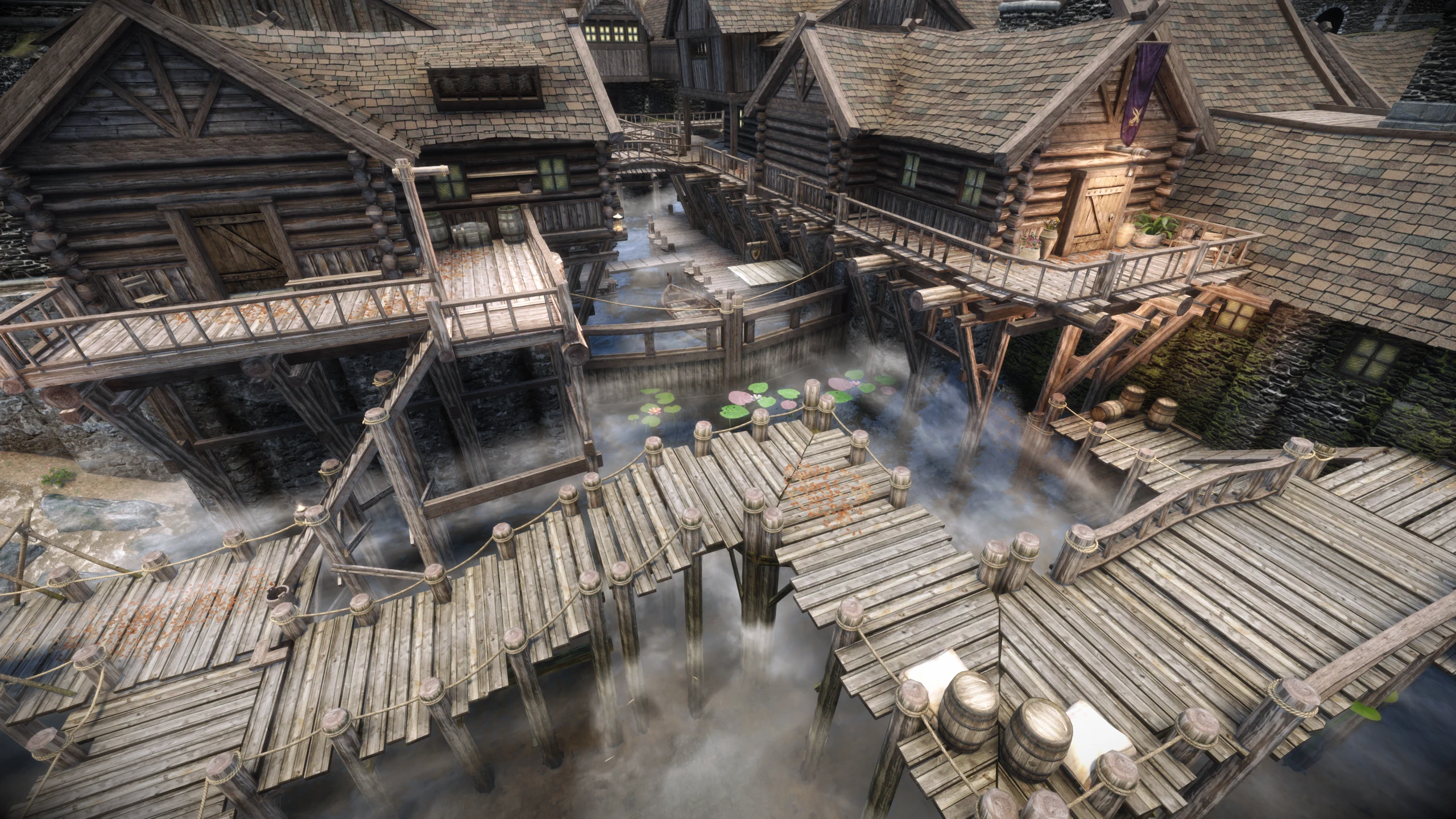
Compatibility Patch between Riften Docks Overhaul and Jk's Pawned Prawn
Click here to manually download the mod OR here to automatically download the mod through Mod Organizer 2.
When downloaded go to the folder where the file has been downloaded, cut the file Jk's Pawned Prawn - Riften Docks Overhaul Patch - Czasior Fix-50881-1-1-1654638468.7z and copy it to your NOLVUS\ARCHIVE\5_VISUALS\5.14_INTERIORS directoryNexus mod page here
In Mod Organizer 2 click on add mod button
Browse to NOLVUS\ARCHIVE\5_VISUALS\5.14_INTERIORS\Jk's Pawned Prawn - Riften Docks Overhaul Patch - Czasior Fix-50881-1-1-1654638468.7z and select OK
Fill informations as shown and click on OK.
 Drag and drop JK's Pawned Prawn - Riften Docks Overhaul Patch above OUTPUTS and check the mod.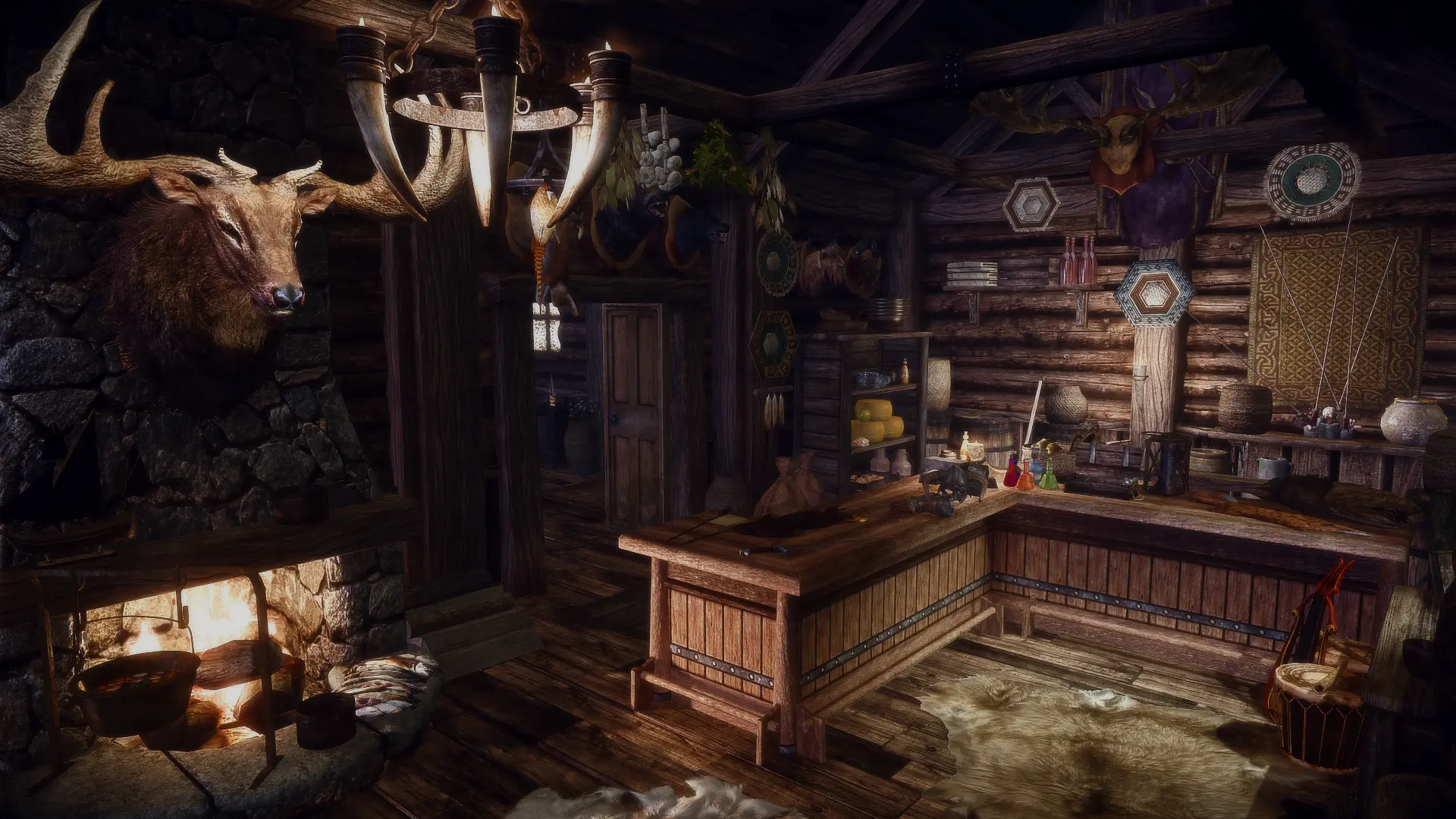
A simple compatibility patch for JK's the Pawned Prawn and Distinct Interiors
Click here to manually download the mod OR here to automatically download the mod through Mod Organizer 2.
When downloaded go to the folder where the file has been downloaded, cut the file The Distinct JK's Pawned Prawn-50503-1-00-1622194166.zip and copy it to your NOLVUS\ARCHIVE\5_VISUALS\5.14_INTERIORS directoryNexus mod page here
In Mod Organizer 2 click on add mod button
Browse to NOLVUS\ARCHIVE\5_VISUALS\5.14_INTERIORS\The Distinct JK's Pawned Prawn-50503-1-00-1622194166.zip and select OK
Fill informations as shown and click on OK.
 Drag and drop The Distinct JK's Pawned Prawn above OUTPUTS and check the mod.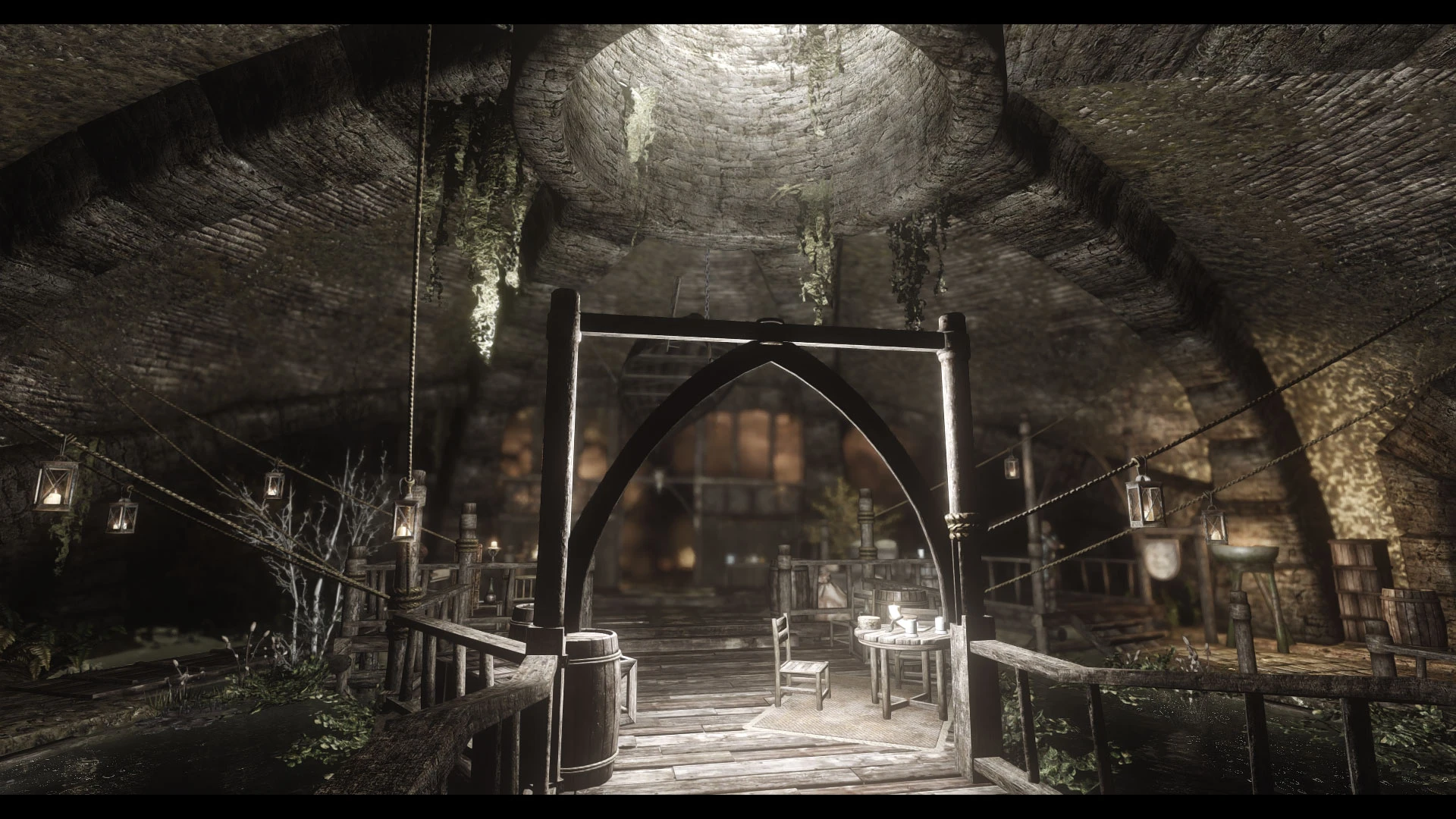
An enhanced Tavern overhaul.
Click here to manually download the mod OR here to automatically download the mod through Mod Organizer 2.
When downloaded go to the folder where the file has been downloaded, cut the file JK's The Ragged Flagon-50765-1-0-0-1622811373.rar and copy it to your NOLVUS\ARCHIVE\5_VISUALS\5.14_INTERIORS directoryNexus mod page here
In Mod Organizer 2 click on add mod button
Browse to NOLVUS\ARCHIVE\5_VISUALS\5.14_INTERIORS\JK's The Ragged Flagon-50765-1-0-0-1622811373.rar and select OK
Fill informations as shown and click on OK.
 Drag and drop JK's The Ragged Flagon above OUTPUTS and check the mod.
In MO2 right panel (plugins), check the following plugin.

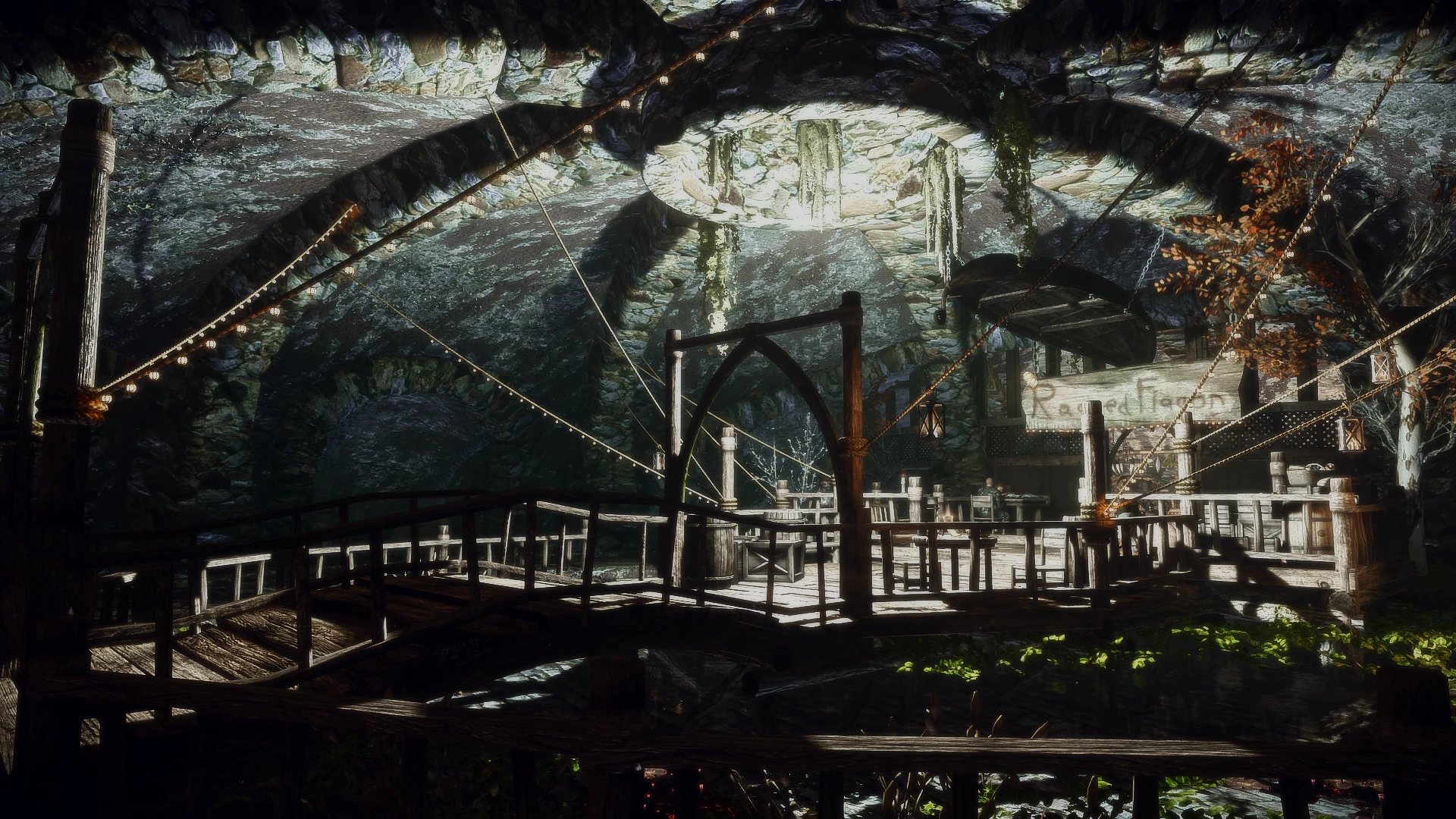
A simple compatibility patch for JK's Ragged Flagon and Distinct Interiors
Click here to manually download the mod OR here to automatically download the mod through Mod Organizer 2.
When downloaded go to the folder where the file has been downloaded, cut the file The Distinct JK's Ragged Flagon-50845-1-3-1628644441.7z and copy it to your NOLVUS\ARCHIVE\5_VISUALS\5.14_INTERIORS directoryNexus mod page here
In Mod Organizer 2 click on add mod button
Browse to NOLVUS\ARCHIVE\5_VISUALS\5.14_INTERIORS\The Distinct JK's Ragged Flagon-50845-1-3-1628644441.7z and select OK
Fill informations as shown and click on OK.
 Drag and drop The Distinct JK's Ragged Flagon above OUTPUTS and check the mod.
A simple compatibility patch for JK's Ragged Flagon and Distinct Interiors
Click here to manually download the mod OR here to automatically download the mod through Mod Organizer 2.
When downloaded go to the folder where the file has been downloaded, cut the file The Distinct JK's Ragged Flagon - Lux patch-50845-1-1-1628796758.7z and copy it to your NOLVUS\ARCHIVE\5_VISUALS\5.14_INTERIORS directoryNexus mod page here
In Mod Organizer 2 click on add mod button
Browse to NOLVUS\ARCHIVE\5_VISUALS\5.14_INTERIORS\The Distinct JK's Ragged Flagon - Lux patch-50845-1-1-1628796758.7z and select OK
Fill informations as shown and click on OK.
 Drag and drop The Distinct JK's Ragged Flagon - Lux Patch above OUTPUTS and check the mod.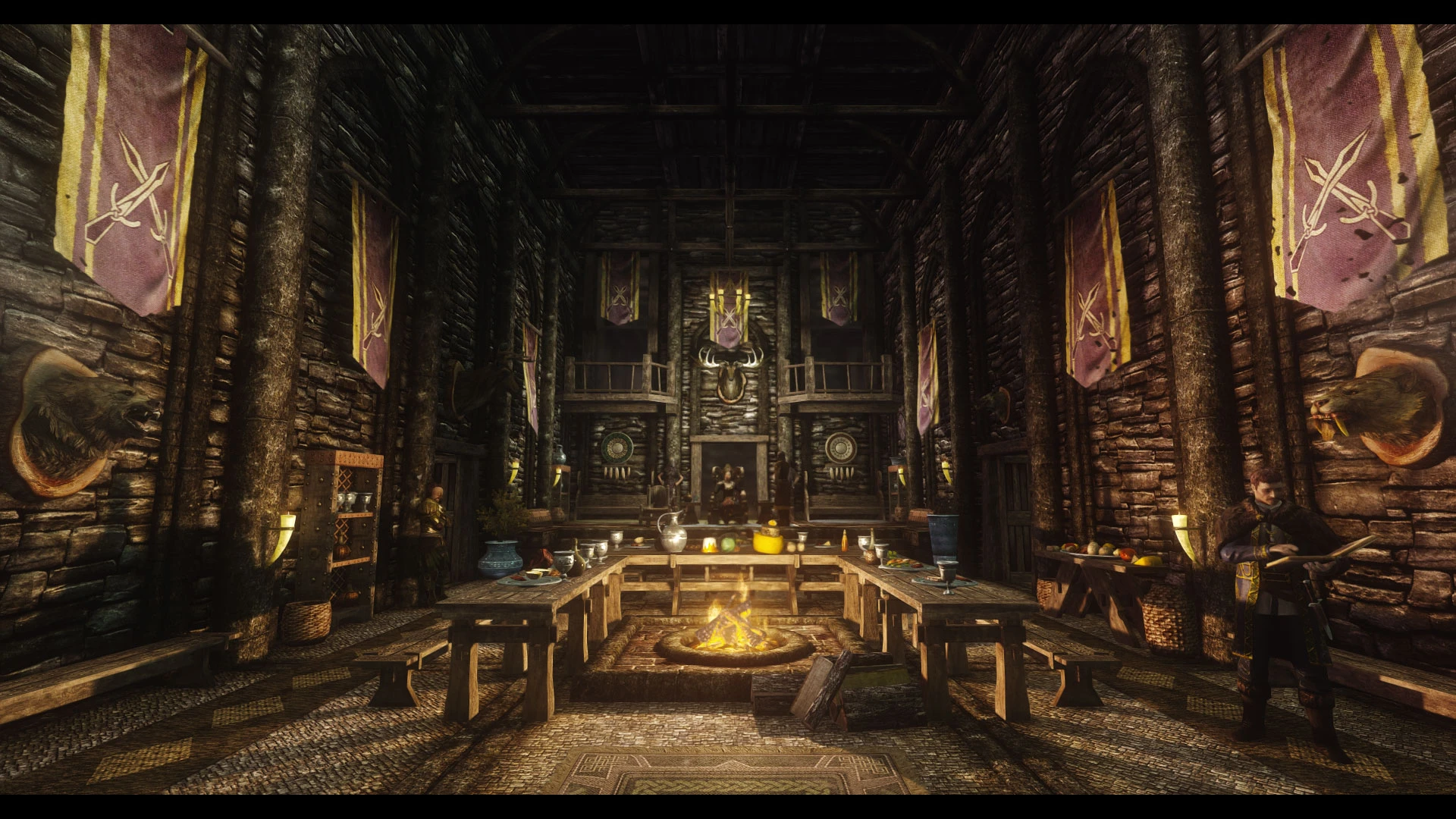
An enhanced palace overhaul.
Click here to manually download the mod OR here to automatically download the mod through Mod Organizer 2.
When downloaded go to the folder where the file has been downloaded, cut the file JK's Mistveil Keep-52462-1-0-2-1632027714.7z and copy it to your NOLVUS\ARCHIVE\5_VISUALS\5.14_INTERIORS directoryNexus mod page here
In Mod Organizer 2 click on add mod button
Browse to NOLVUS\ARCHIVE\5_VISUALS\5.14_INTERIORS\JK's Mistveil Keep-52462-1-0-2-1632027714.7z and select OK
Fill informations as shown and click on OK.
 Drag and drop JK's Mistveil Keep above OUTPUTS and check the mod.
In MO2 right panel (plugins), check the following plugin.


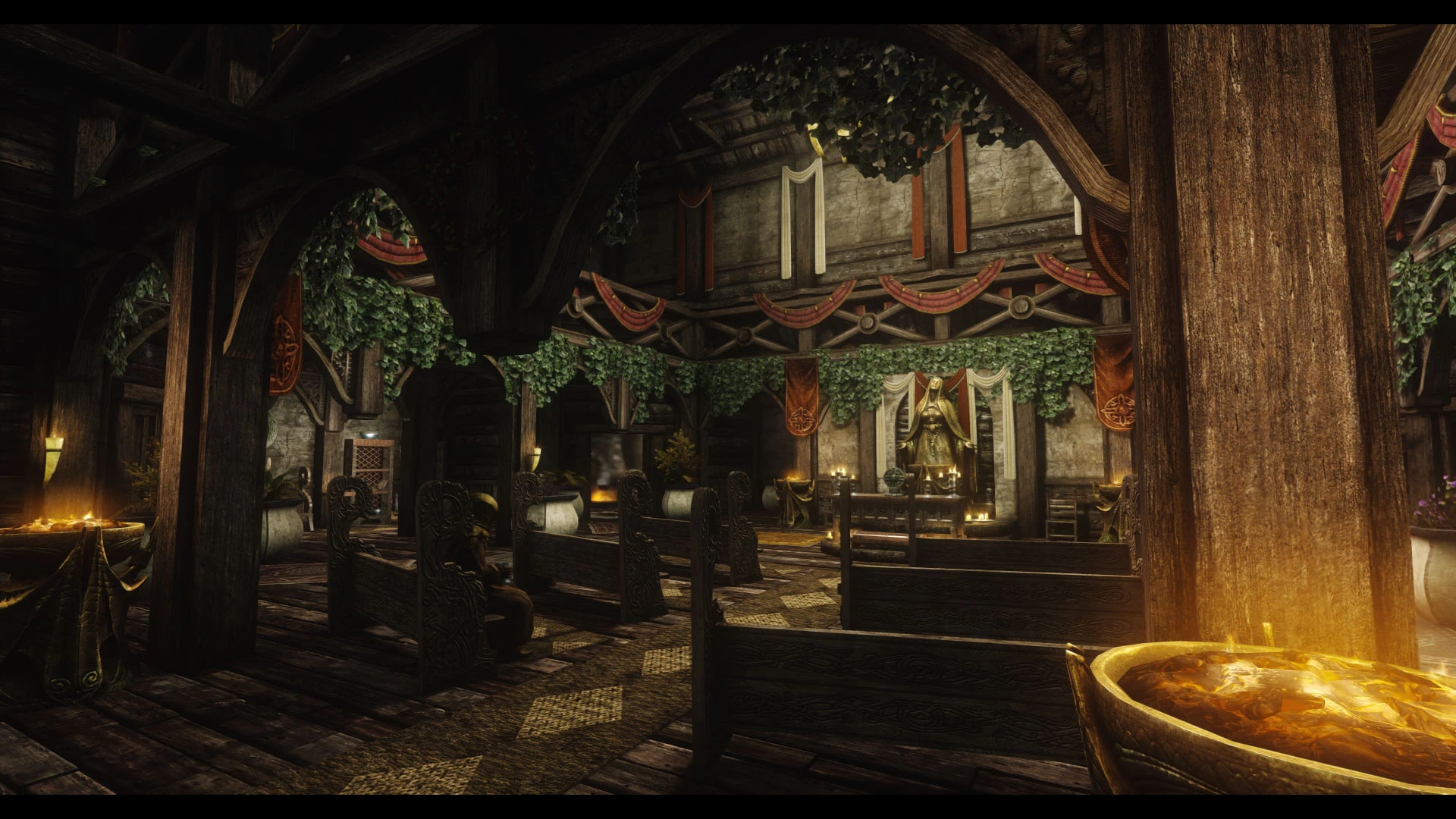
An enhanced Temple overhaul.
Click here to manually download the mod OR here to automatically download the mod through Mod Organizer 2.
When downloaded go to the folder where the file has been downloaded, cut the file JK's The Temple of Mara-52724-1-0-0-1627037521.rar and copy it to your NOLVUS\ARCHIVE\5_VISUALS\5.14_INTERIORS directoryNexus mod page here
In Mod Organizer 2 click on add mod button
Browse to NOLVUS\ARCHIVE\5_VISUALS\5.14_INTERIORS\JK's The Temple of Mara-52724-1-0-0-1627037521.rar and select OK
Fill informations as shown and click on OK.
 Drag and drop JK's The Temple of Mara above OUTPUTS and check the mod.
In MO2 right panel (plugins), check the following plugin.

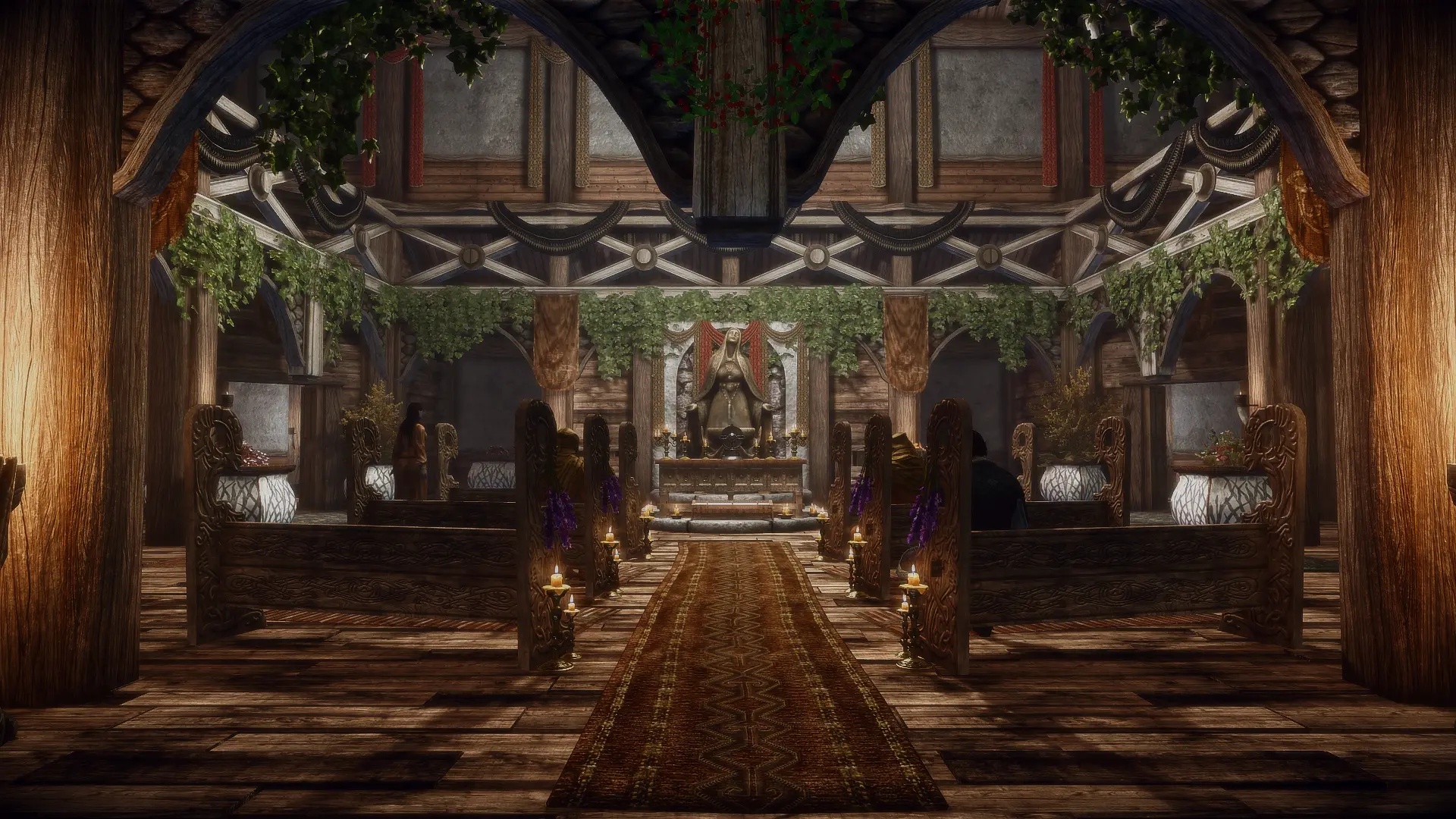
A simple compatibility patch for JK's Temple of Mara and Distinct Interiors
Click here to manually download the mod OR here to automatically download the mod through Mod Organizer 2.
When downloaded go to the folder where the file has been downloaded, cut the file Distinct JK's Temple of Mara-52750-1-0-1627071823.7z and copy it to your NOLVUS\ARCHIVE\5_VISUALS\5.14_INTERIORS directoryNexus mod page here
In Mod Organizer 2 click on add mod button
Browse to NOLVUS\ARCHIVE\5_VISUALS\5.14_INTERIORS\Distinct JK's Temple of Mara-52750-1-0-1627071823.7z and select OK
Fill informations as shown and click on OK.
 Drag and drop The Distinct JK's Temple of Mara above OUTPUTS and check the mod.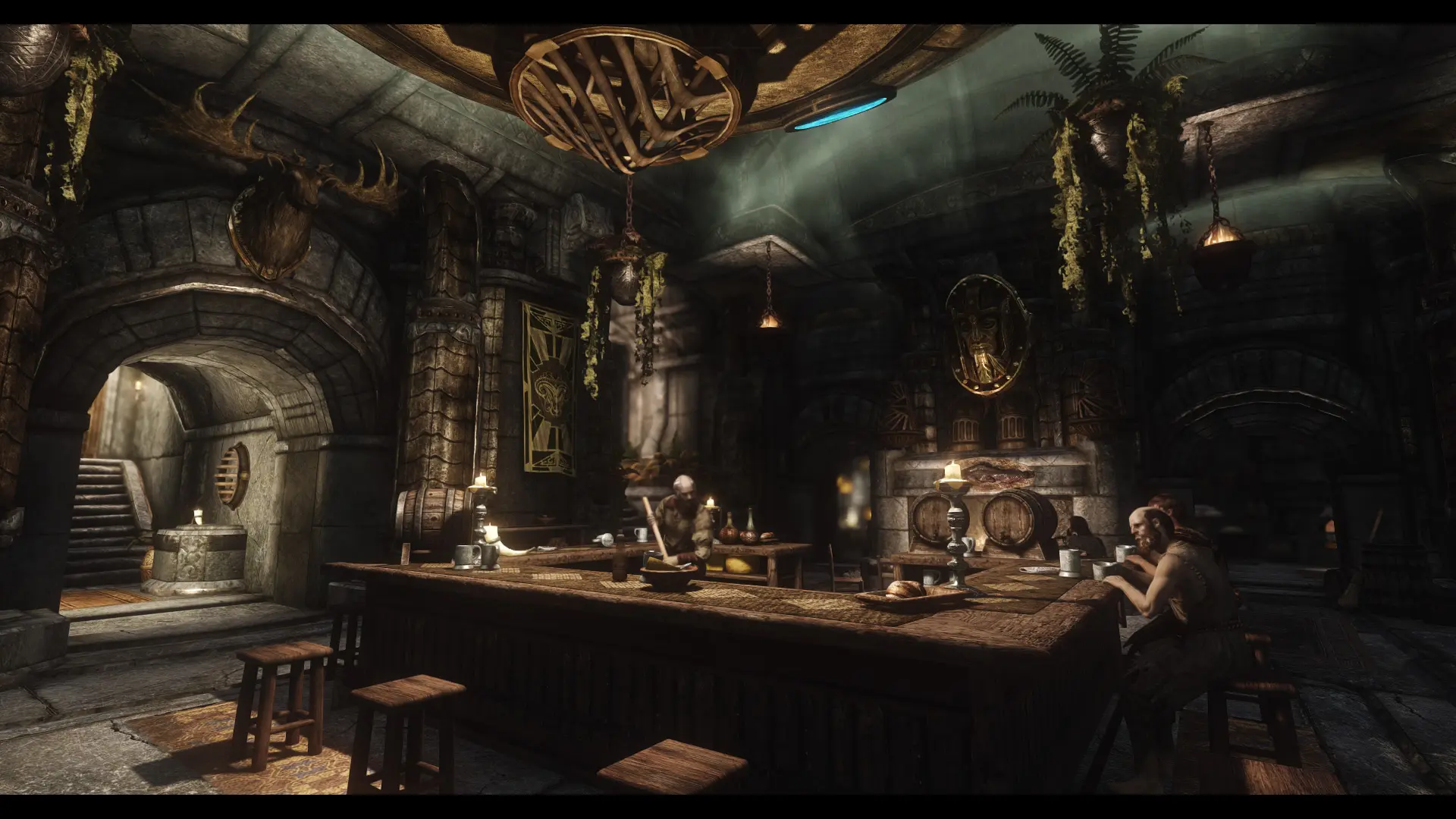
An enhanced Inn overhaul.
Click here to manually download the mod OR here to automatically download the mod through Mod Organizer 2.
When downloaded go to the folder where the file has been downloaded, cut the file JK's Silver-Blood Inn-53554-1-0-0-1628813882.rar and copy it to your NOLVUS\ARCHIVE\5_VISUALS\5.14_INTERIORS directoryNexus mod page here
In Mod Organizer 2 click on add mod button
Browse to NOLVUS\ARCHIVE\5_VISUALS\5.14_INTERIORS\JK's Silver-Blood Inn-53554-1-0-0-1628813882.rar and select OK
Fill informations as shown and click on OK.
 Drag and drop JK's Silver-Blood Inn above OUTPUTS and check the mod.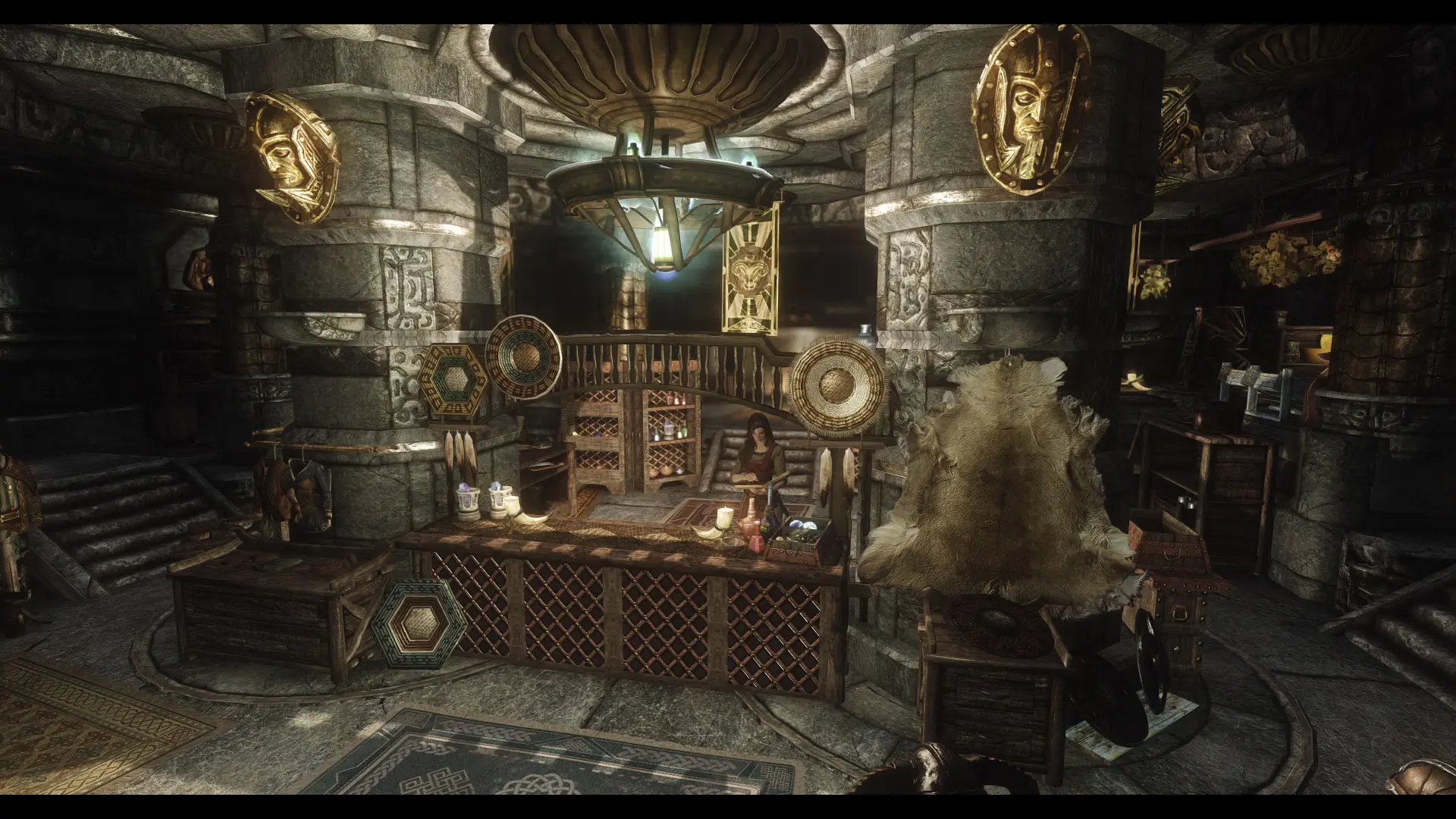
An enhanced shop overhaul.
Click here to manually download the mod OR here to automatically download the mod through Mod Organizer 2.
When downloaded go to the folder where the file has been downloaded, cut the file JK's Arnleif and Sons Trading Company-54166-1-0-0-1629458814.rar and copy it to your NOLVUS\ARCHIVE\5_VISUALS\5.14_INTERIORS directoryNexus mod page here
In Mod Organizer 2 click on add mod button
Browse to NOLVUS\ARCHIVE\5_VISUALS\5.14_INTERIORS\JK's Arnleif and Sons Trading Company-54166-1-0-0-1629458814.rar and select OK
Fill informations as shown and click on OK.
 Drag and drop JK's Arnleif and Sons Trading Company above OUTPUTS and check the mod.
In MO2 right panel (plugins), check the following plugin.

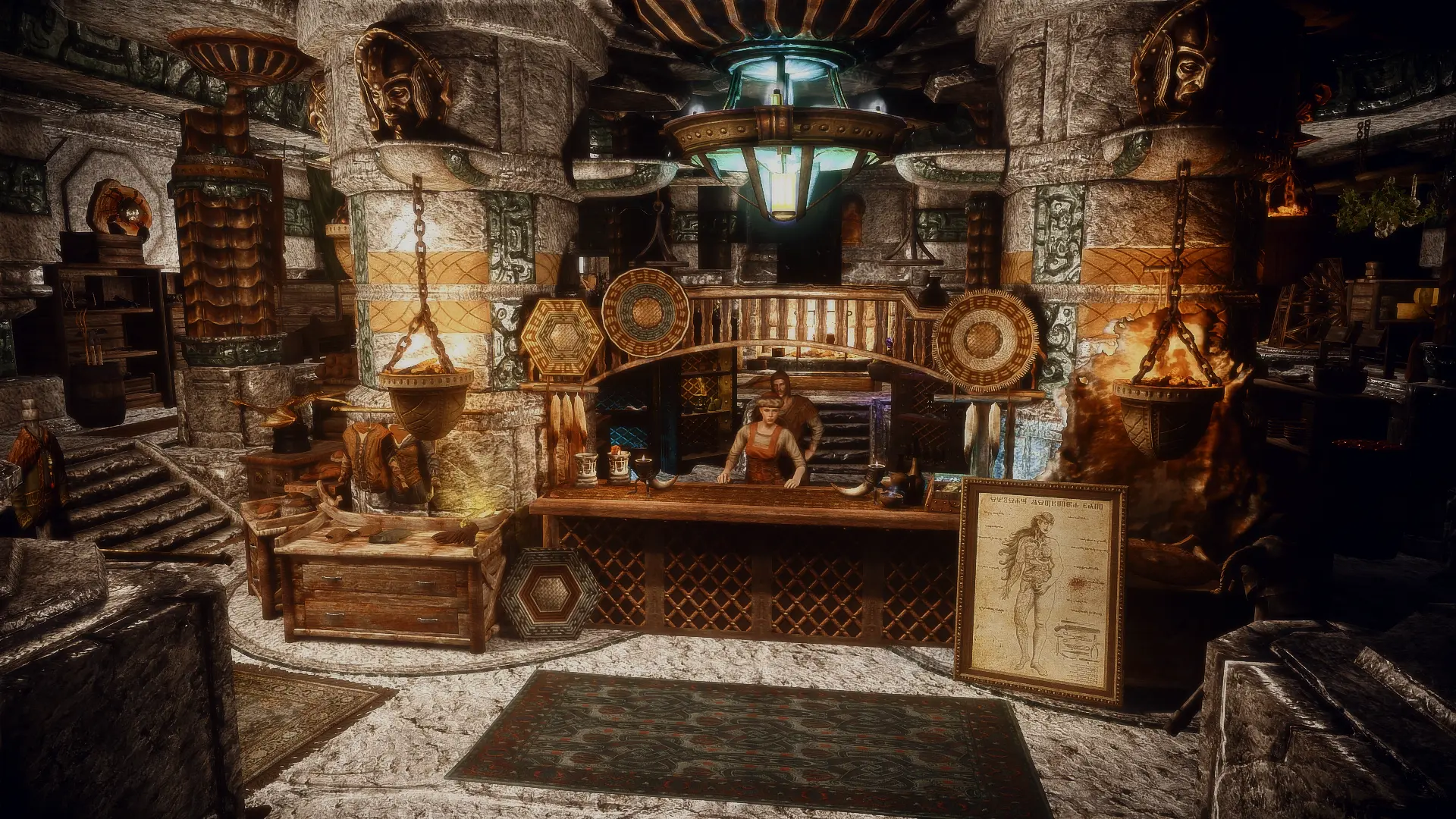
A simple compatibility patch for JK's Arnleif and Sons Trading Company and Distinct Interiors
Click here to manually download the mod OR here to automatically download the mod through Mod Organizer 2.
When downloaded go to the folder where the file has been downloaded, cut the file The Distinct JK's Arnleif and Sons Trading Company-54160-1-0-1629411346.7z and copy it to your NOLVUS\ARCHIVE\5_VISUALS\5.14_INTERIORS directoryNexus mod page here
In Mod Organizer 2 click on add mod button
Browse to NOLVUS\ARCHIVE\5_VISUALS\5.14_INTERIORS\The Distinct JK's Arnleif and Sons Trading Company-54160-1-0-1629411346.7z and select OK
Fill informations as shown and click on OK.
 Drag and drop The Distinct JK's Arnleif and Sons Trading Company above OUTPUTS and check the mod.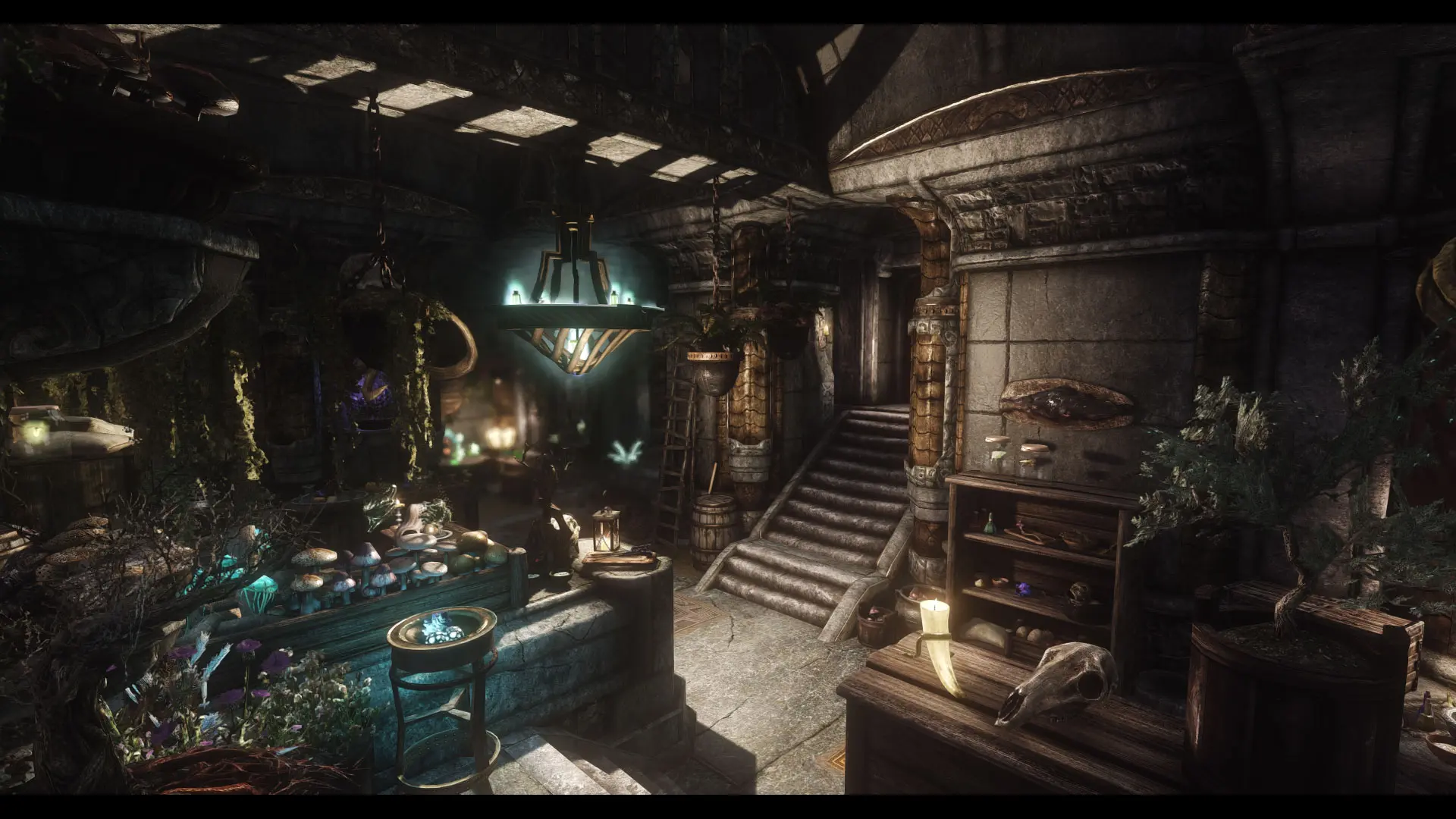
An enhanced shop overhaul.
Click here to manually download the mod OR here to automatically download the mod through Mod Organizer 2.
When downloaded go to the folder where the file has been downloaded, cut the file JK's The Hag's Cure-54587-1-0-0-1630035234.rar and copy it to your NOLVUS\ARCHIVE\5_VISUALS\5.14_INTERIORS directoryNexus mod page here
In Mod Organizer 2 click on add mod button
Browse to NOLVUS\ARCHIVE\5_VISUALS\5.14_INTERIORS\JK's The Hag's Cure-54587-1-0-0-1630035234.rar and select OK
Fill informations as shown and click on OK.
 Drag and drop JK's The Hag's Cure above OUTPUTS and check the mod.
In MO2 right panel (plugins), check the following plugin.

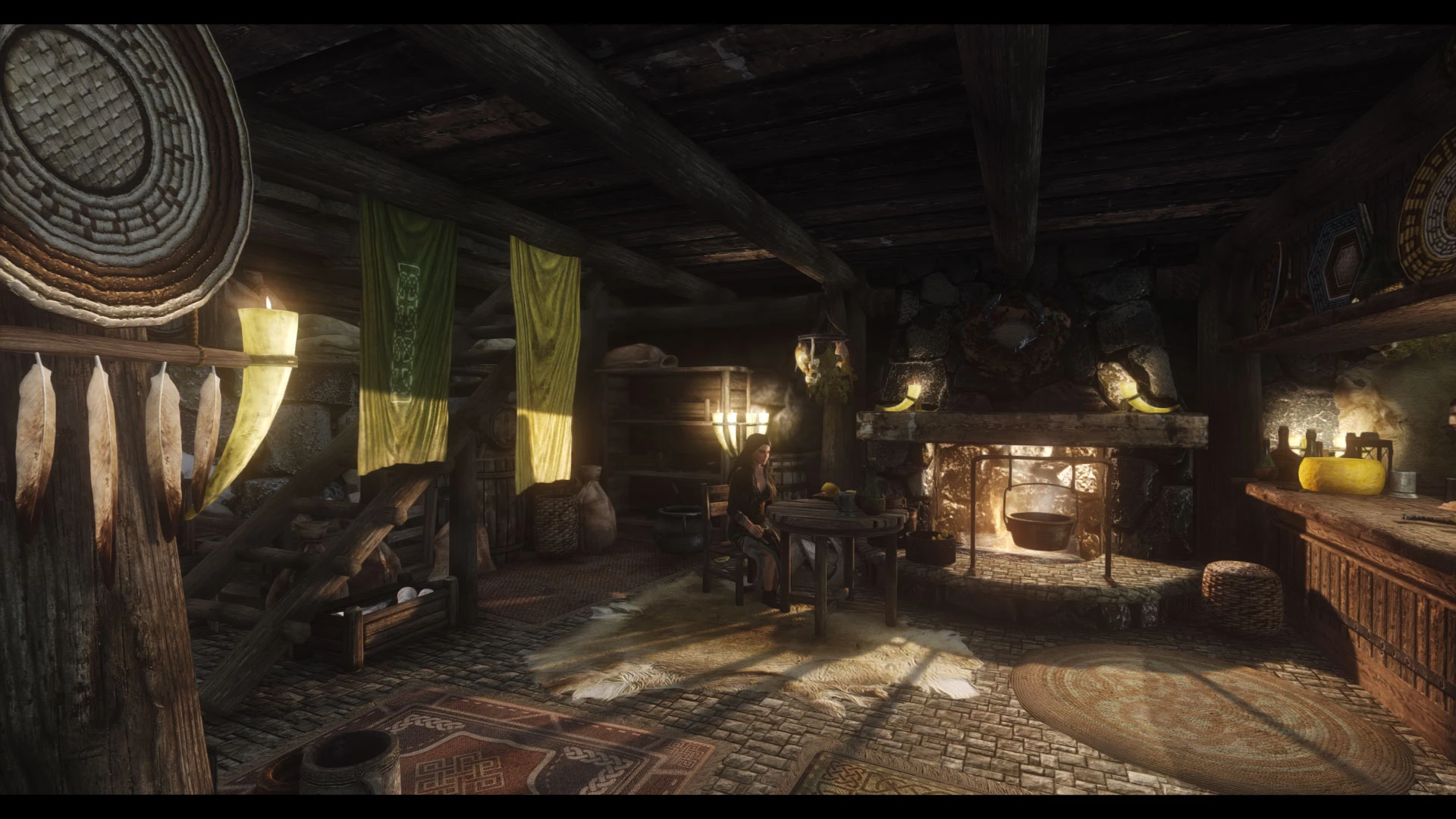
An enhanced shop overhaul.
Click here to manually download the mod OR here to automatically download the mod through Mod Organizer 2.
When downloaded go to the folder where the file has been downloaded, cut the file JK's Riverwood Trader-55959-1-1-0-1640099938.rar and copy it to your NOLVUS\ARCHIVE\5_VISUALS\5.14_INTERIORS directoryNexus mod page here
In Mod Organizer 2 click on add mod button
Browse to NOLVUS\ARCHIVE\5_VISUALS\5.14_INTERIORS\JK's Riverwood Trader-55959-1-1-0-1640099938.rar and select OK
Fill informations as shown and click on OK.
 Drag and drop JK's Riverwood Trader above OUTPUTS and check the mod.
In MO2 right panel (plugins), check the following plugins.

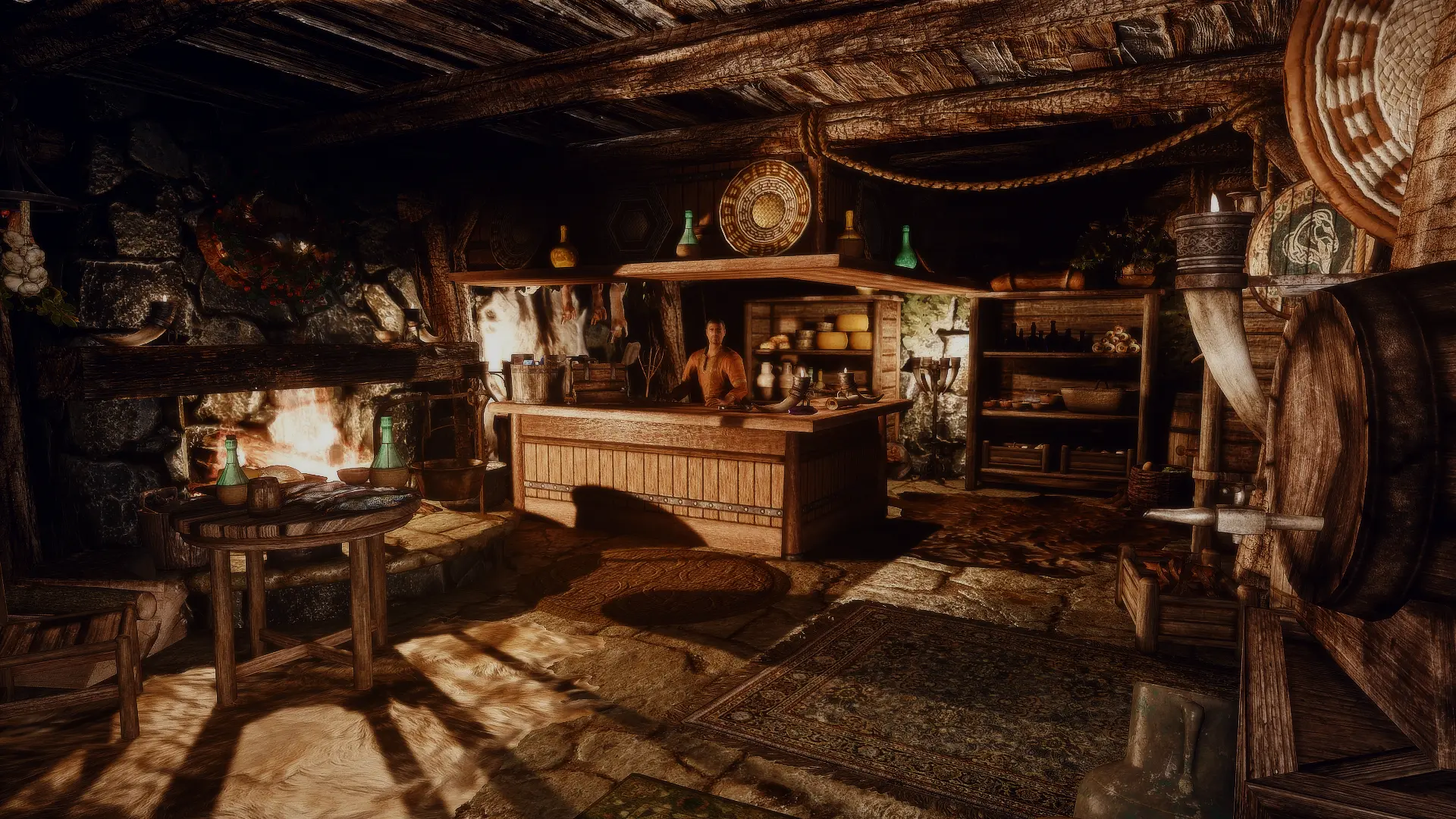
A simple compatibility patch for JK's Riverwood Trader and Distinct Interiors
Click here to manually download the mod OR here to automatically download the mod through Mod Organizer 2.
When downloaded go to the folder where the file has been downloaded, cut the file Distinct JK's Riverwood Trader-56016-1-0-1632470883.7z and copy it to your NOLVUS\ARCHIVE\5_VISUALS\5.14_INTERIORS directoryNexus mod page here
In Mod Organizer 2 click on add mod button
Browse to NOLVUS\ARCHIVE\5_VISUALS\5.14_INTERIORS\Distinct JK's Riverwood Trader-56016-1-0-1632470883.7z and select OK
Fill informations as shown and click on OK.
 Drag and drop The Distinct JK's Riverwood Trader above OUTPUTS and check the mod.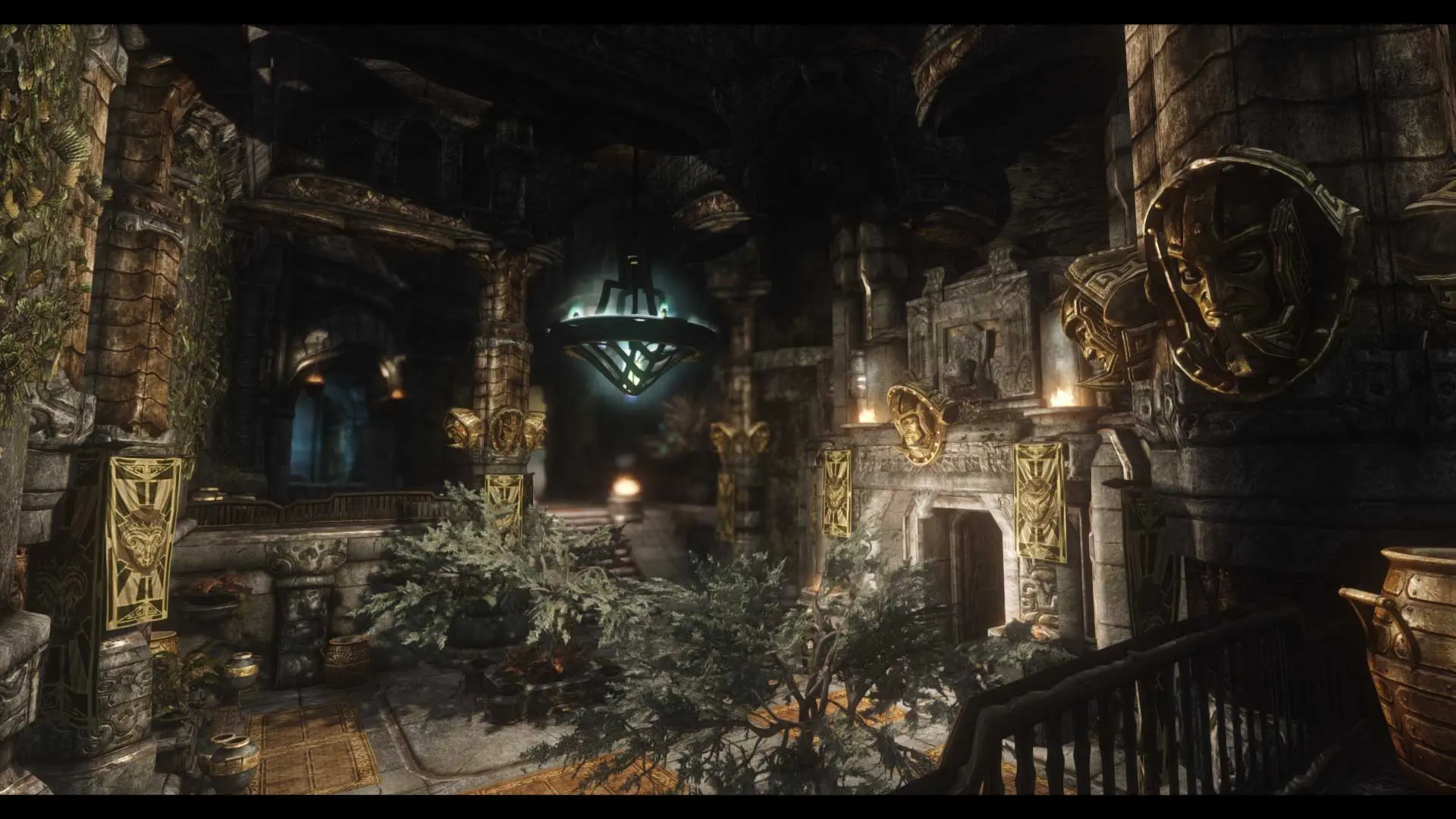
An enhanced Palace overhaul.
Click here to manually download the mod OR here to automatically download the mod through Mod Organizer 2.
When downloaded go to the folder where the file has been downloaded, cut the file JK's Understone Keep-55571-1-1-2-1645417899.zip and copy it to your NOLVUS\ARCHIVE\5_VISUALS\5.14_INTERIORS directoryNexus mod page here
In Mod Organizer 2 click on add mod button
Browse to NOLVUS\ARCHIVE\5_VISUALS\5.14_INTERIORS\JK's Understone Keep-55571-1-1-2-1645417899.zip and select OK
Fill informations as shown and click on OK.
 Drag and drop JK's Understone Keep above OUTPUTS and check the mod.
In MO2 right panel (plugins), check the following plugin.

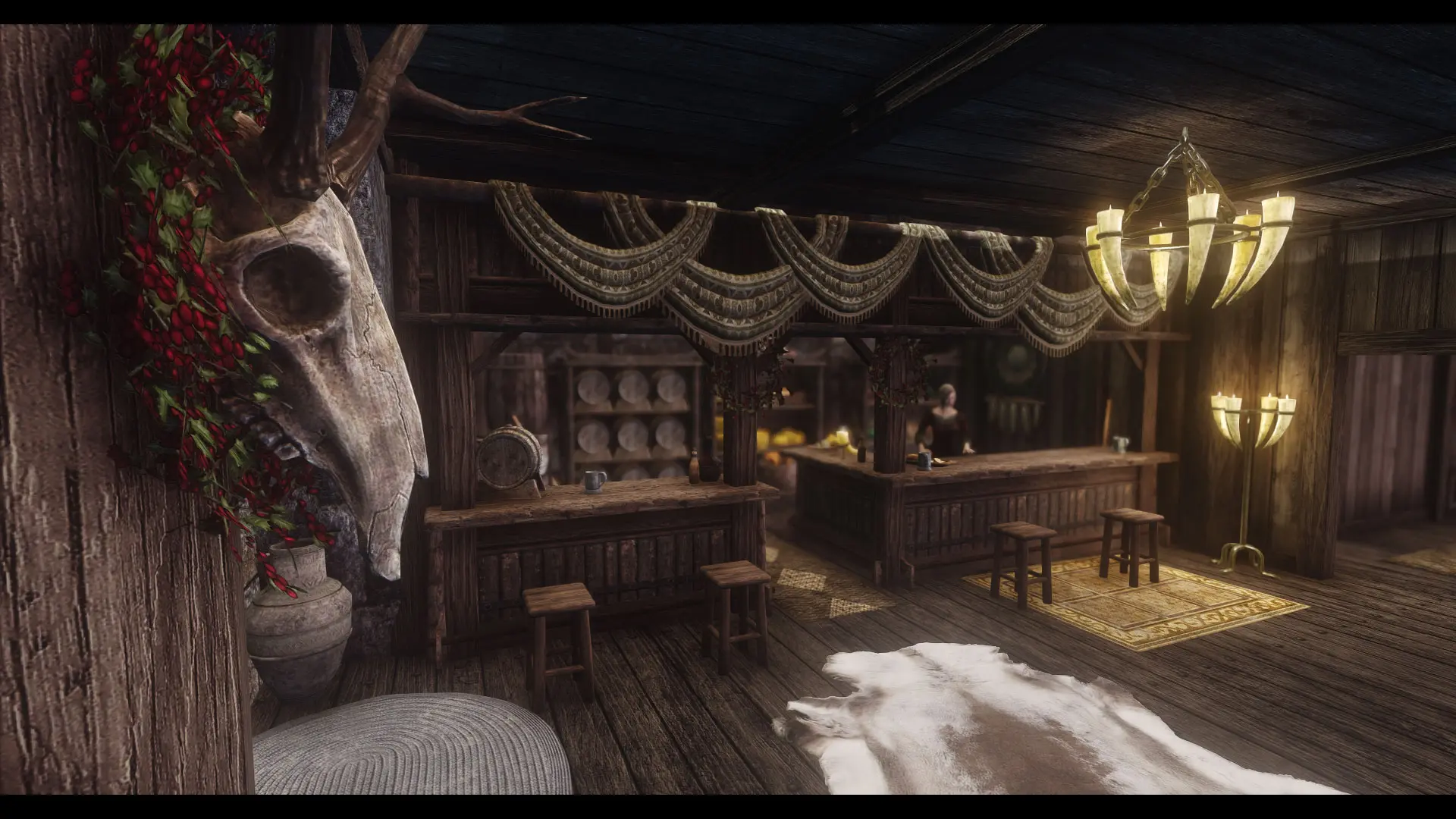
An enhanced Inn overhaul.
Click here to manually download the mod OR here to automatically download the mod through Mod Organizer 2.
When downloaded go to the folder where the file has been downloaded, cut the file JK's Candlehearth Hall-45617-1-0-0-1613177179.rar and copy it to your NOLVUS\ARCHIVE\5_VISUALS\5.14_INTERIORS directoryNexus mod page here
In Mod Organizer 2 click on add mod button
Browse to NOLVUS\ARCHIVE\5_VISUALS\5.14_INTERIORS\JK's Candlehearth Hall-45617-1-0-0-1613177179.rar and select OK
Fill informations as shown and click on OK.
 Drag and drop JK's Candlehearth Hall above OUTPUTS and check the mod.
In MO2 right panel (plugins), check the following plugin.


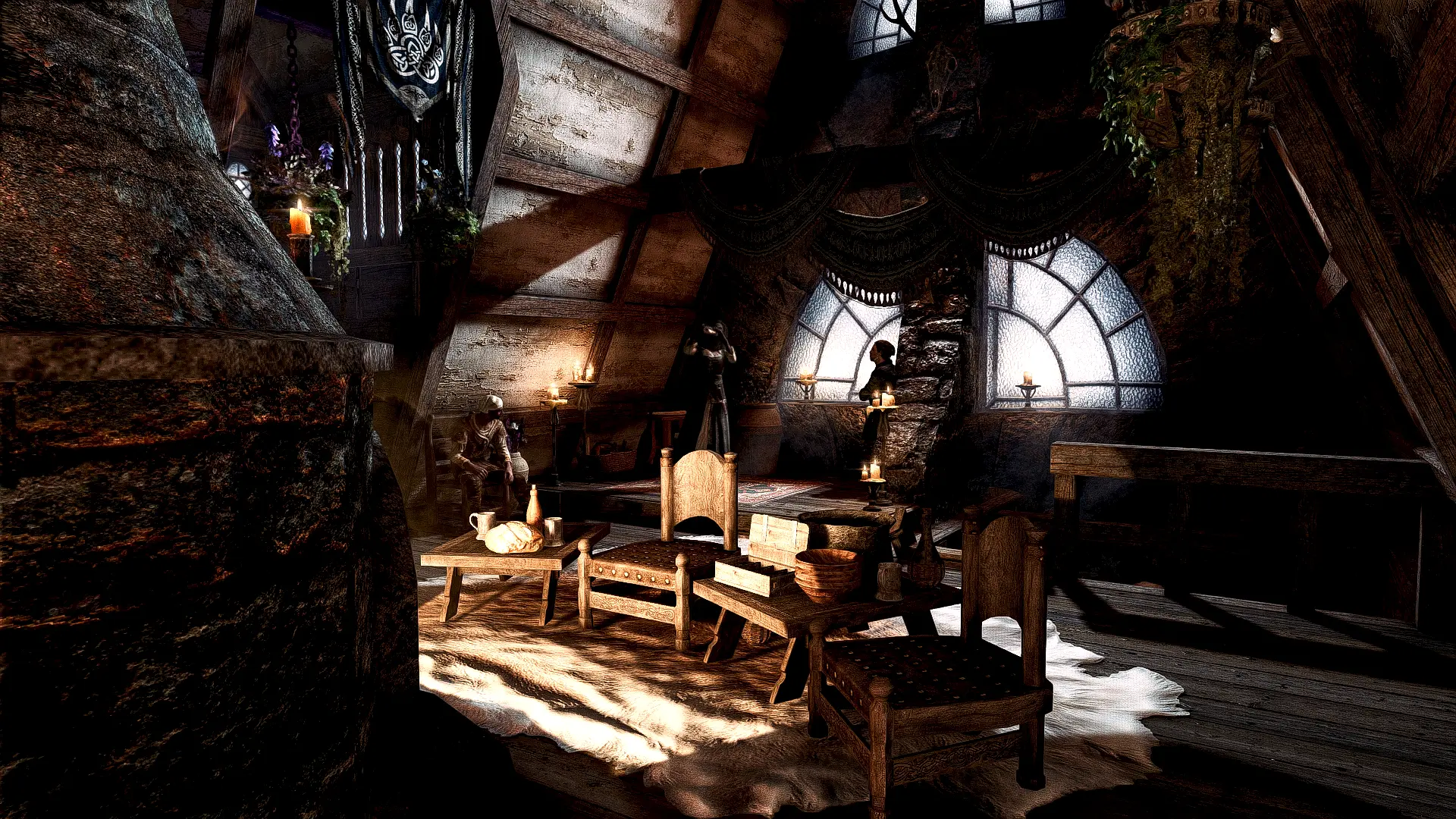
A simple compatibility patch for JK's Candlehearth Hall and Distinct Interiors
Click here to manually download the mod OR here to automatically download the mod through Mod Organizer 2.
When downloaded go to the folder where the file has been downloaded, cut the file Distinct JK's Candlehearth Hall-45806-1-31-1640116034.7z and copy it to your NOLVUS\ARCHIVE\5_VISUALS\5.14_INTERIORS directoryNexus mod page here
In Mod Organizer 2 click on add mod button
Browse to NOLVUS\ARCHIVE\5_VISUALS\5.14_INTERIORS\Distinct JK's Candlehearth Hall-45806-1-31-1640116034.7z and select OK
Fill informations as shown and click on OK.
 Drag and drop The Distinct JK's Candlehearth Hall above OUTPUTS and check the mod.
A simple compatibility patch for JK's Candlehearth Hall and Distinct Interiors
Click here to manually download the mod OR here to automatically download the mod through Mod Organizer 2.
When downloaded go to the folder where the file has been downloaded, cut the file Distinct JK's Candlehearth Hall - Lux patch-45806-1-3-1620638002.zip and copy it to your NOLVUS\ARCHIVE\5_VISUALS\5.14_INTERIORS directoryNexus mod page here
In Mod Organizer 2 click on add mod button
Browse to NOLVUS\ARCHIVE\5_VISUALS\5.14_INTERIORS\Distinct JK's Candlehearth Hall - Lux patch-45806-1-3-1620638002.zip and select OK
Fill informations as shown and click on OK.
 Drag and drop Distinct JK's Candlehearth Hall - Lux Patch above OUTPUTS and check the mod.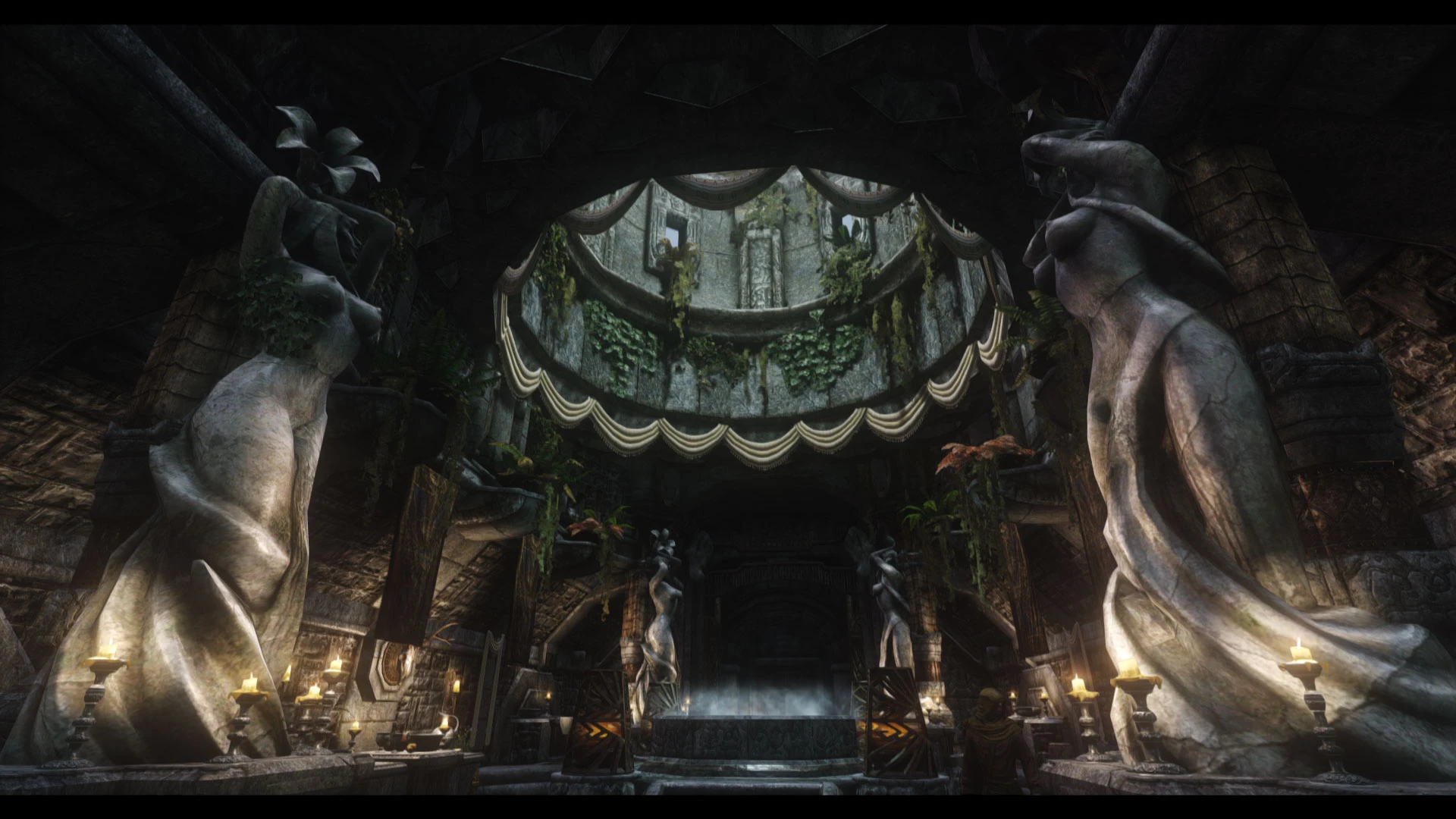
An enhanced Temple overhaul.
Click here to manually download the mod OR here to automatically download the mod through Mod Organizer 2.
When downloaded go to the folder where the file has been downloaded, cut the file JK's Temple of Dibella-56371-1-0-0-1633391770.rar and copy it to your NOLVUS\ARCHIVE\5_VISUALS\5.14_INTERIORS directoryNexus mod page here
In Mod Organizer 2 click on add mod button
Browse to NOLVUS\ARCHIVE\5_VISUALS\5.14_INTERIORS\JK's Temple of Dibella-56371-1-0-0-1633391770.rar and select OK
Fill informations as shown and click on OK.
 Drag and drop JK's Temple of Dibella above OUTPUTS and check the mod.
In MO2 right panel (plugins), check the following plugin.

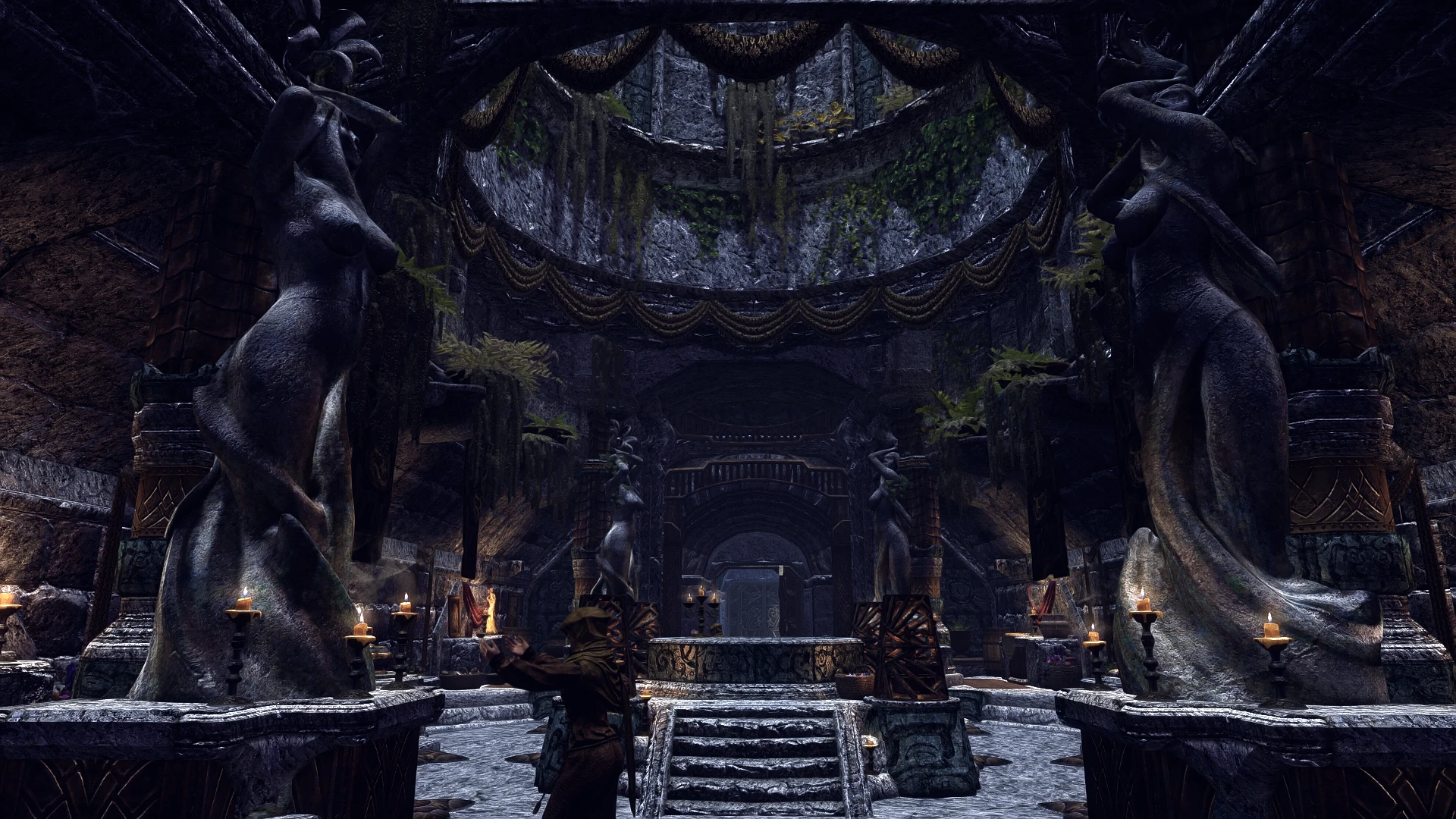
A simple compatibility patch for JK's Temple of Dibella and Distinct Interiors
Click here to manually download the mod OR here to automatically download the mod through Mod Organizer 2.
When downloaded go to the folder where the file has been downloaded, cut the file Distinct JK's Temple of Dibella-56456-1-0-1633185362.7z and copy it to your NOLVUS\ARCHIVE\5_VISUALS\5.14_INTERIORS directoryNexus mod page here
In Mod Organizer 2 click on add mod button
Browse to NOLVUS\ARCHIVE\5_VISUALS\5.14_INTERIORS\Distinct JK's Temple of Dibella-56456-1-0-1633185362.7z and select OK
Fill informations as shown and click on OK.
 Drag and drop The Distinct JK's Temple of Dibella above OUTPUTS and check the mod.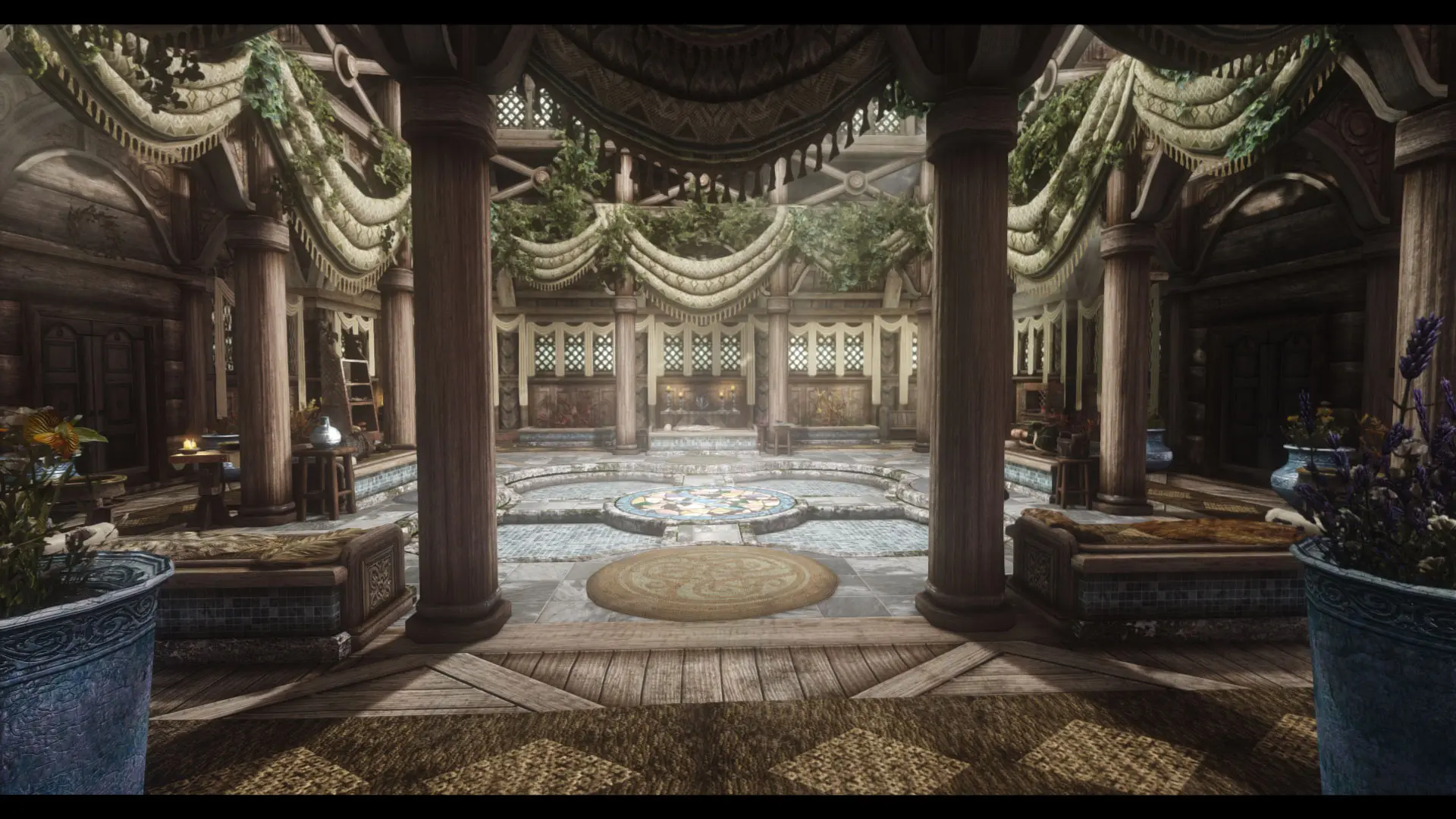
An enhanced temple overhaul.
Click here to manually download the mod OR here to automatically download the mod through Mod Organizer 2.
When downloaded go to the folder where the file has been downloaded, cut the file JK's Temple of Kynareth-56737-1-0-0-1634924579.rar and copy it to your NOLVUS\ARCHIVE\5_VISUALS\5.14_INTERIORS directoryNexus mod page here
In Mod Organizer 2 click on add mod button
Browse to NOLVUS\ARCHIVE\5_VISUALS\5.14_INTERIORS\JK's Temple of Kynareth-56737-1-0-0-1634924579.rar and select OK
Fill informations as shown and click on OK.
 Drag and drop JK's Temple of Kynareth above OUTPUTS and check the mod.
In MO2 right panel (plugins), check the following plugin.

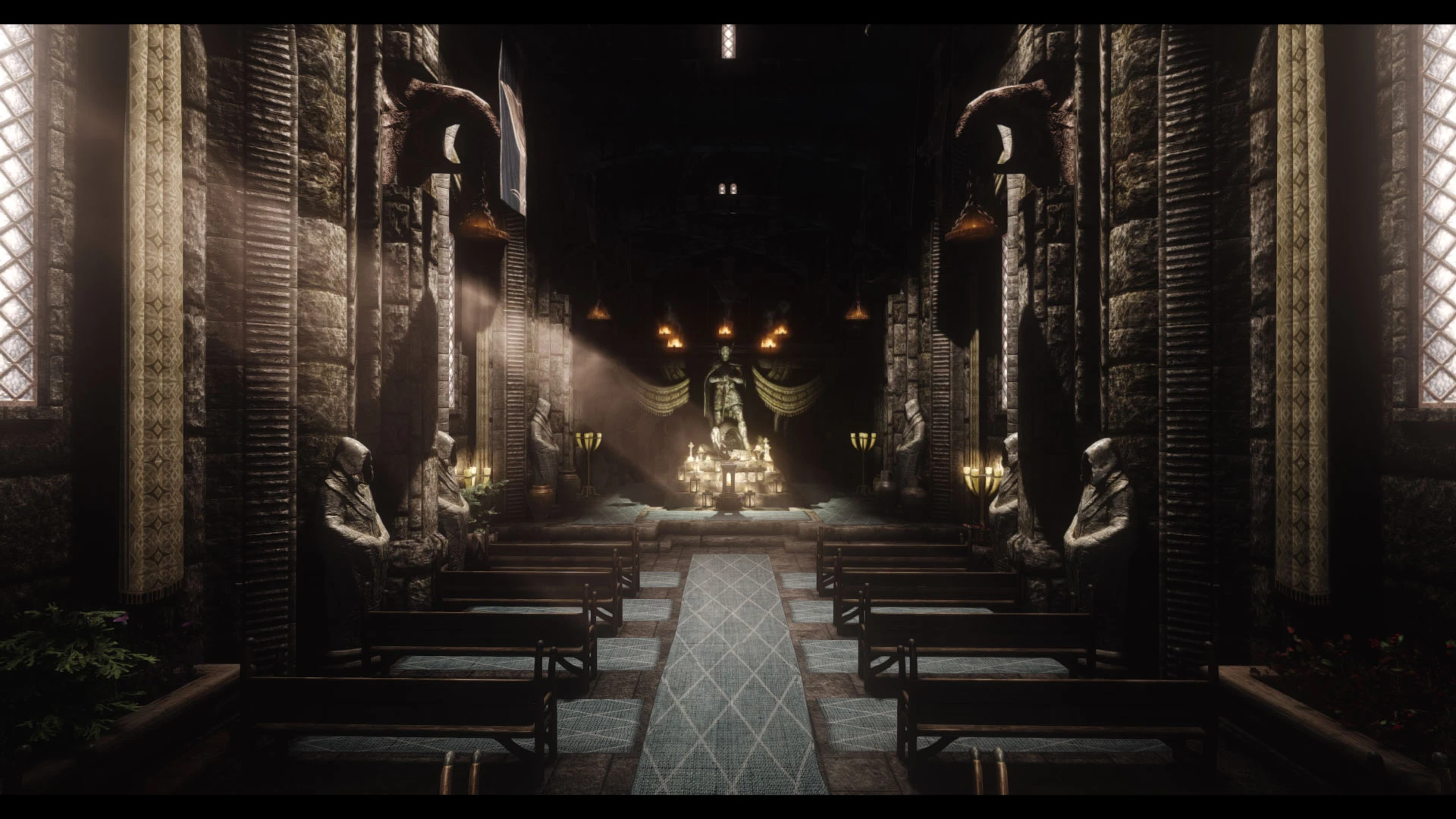
An enhanced Temple overhaul.
Click here to manually download the mod OR here to automatically download the mod through Mod Organizer 2.
When downloaded go to the folder where the file has been downloaded, cut the file JK's Temple of Talos-56971-1-1-1637910811.7z and copy it to your NOLVUS\ARCHIVE\5_VISUALS\5.14_INTERIORS directoryNexus mod page here
In Mod Organizer 2 click on add mod button
Browse to NOLVUS\ARCHIVE\5_VISUALS\5.14_INTERIORS\JK's Temple of Talos-56971-1-1-1637910811.7z and select OK
Fill informations as shown and click on OK.
 Drag and drop JK's Temple of Talos above OUTPUTS and check the mod.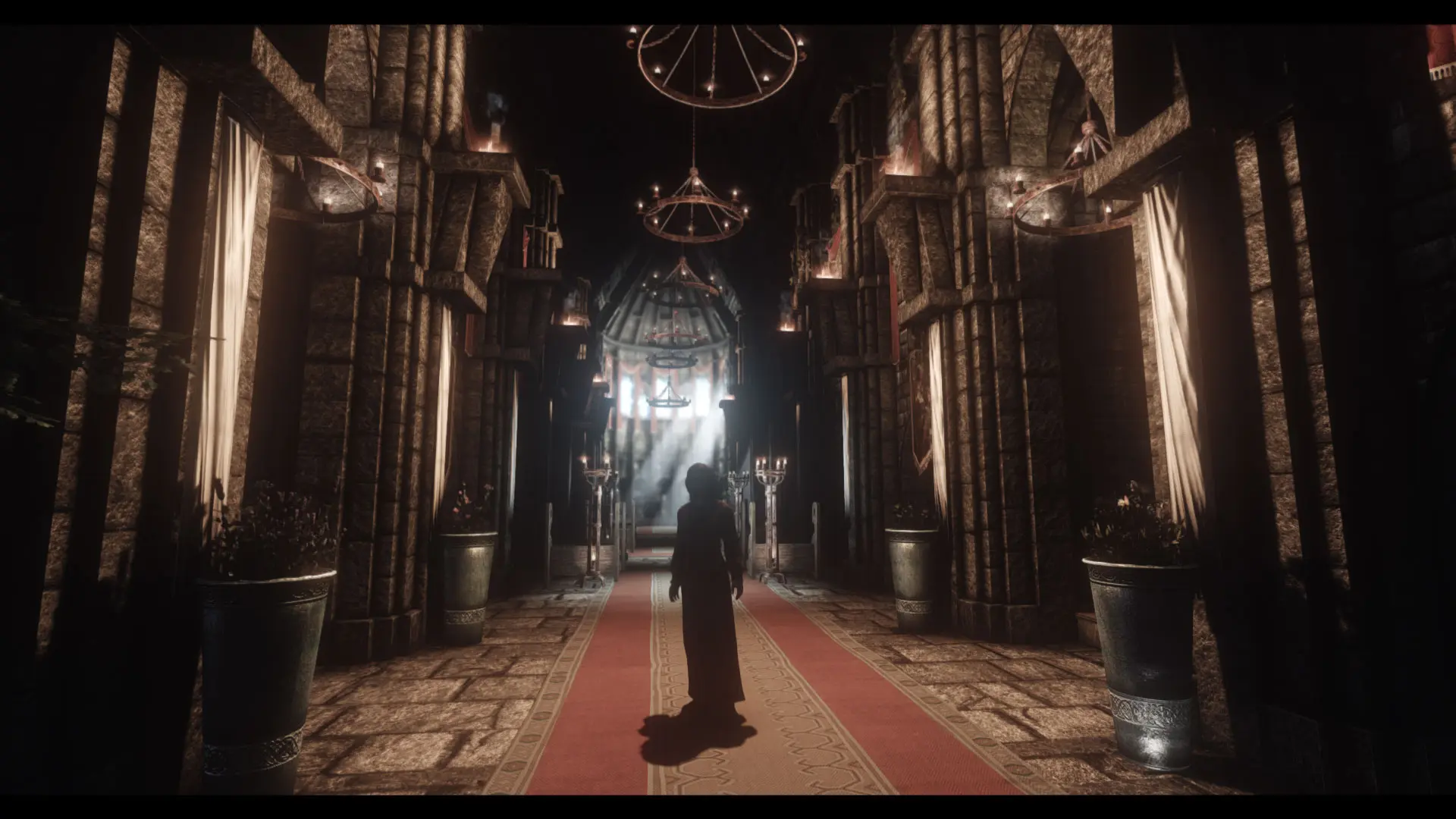
An enhanced Temple overhaul.
Click here to manually download the mod OR here to automatically download the mod through Mod Organizer 2.
When downloaded go to the folder where the file has been downloaded, cut the file JK's Temple of the Divines-57304-1-1-1637911302.7z and copy it to your NOLVUS\ARCHIVE\5_VISUALS\5.14_INTERIORS directoryNexus mod page here
In Mod Organizer 2 click on add mod button
Browse to NOLVUS\ARCHIVE\5_VISUALS\5.14_INTERIORS\JK's Temple of the Divines-57304-1-1-1637911302.7z and select OK
Fill informations as shown and click on OK.
 Drag and drop JK's Temple of the Divines above OUTPUTS and check the mod.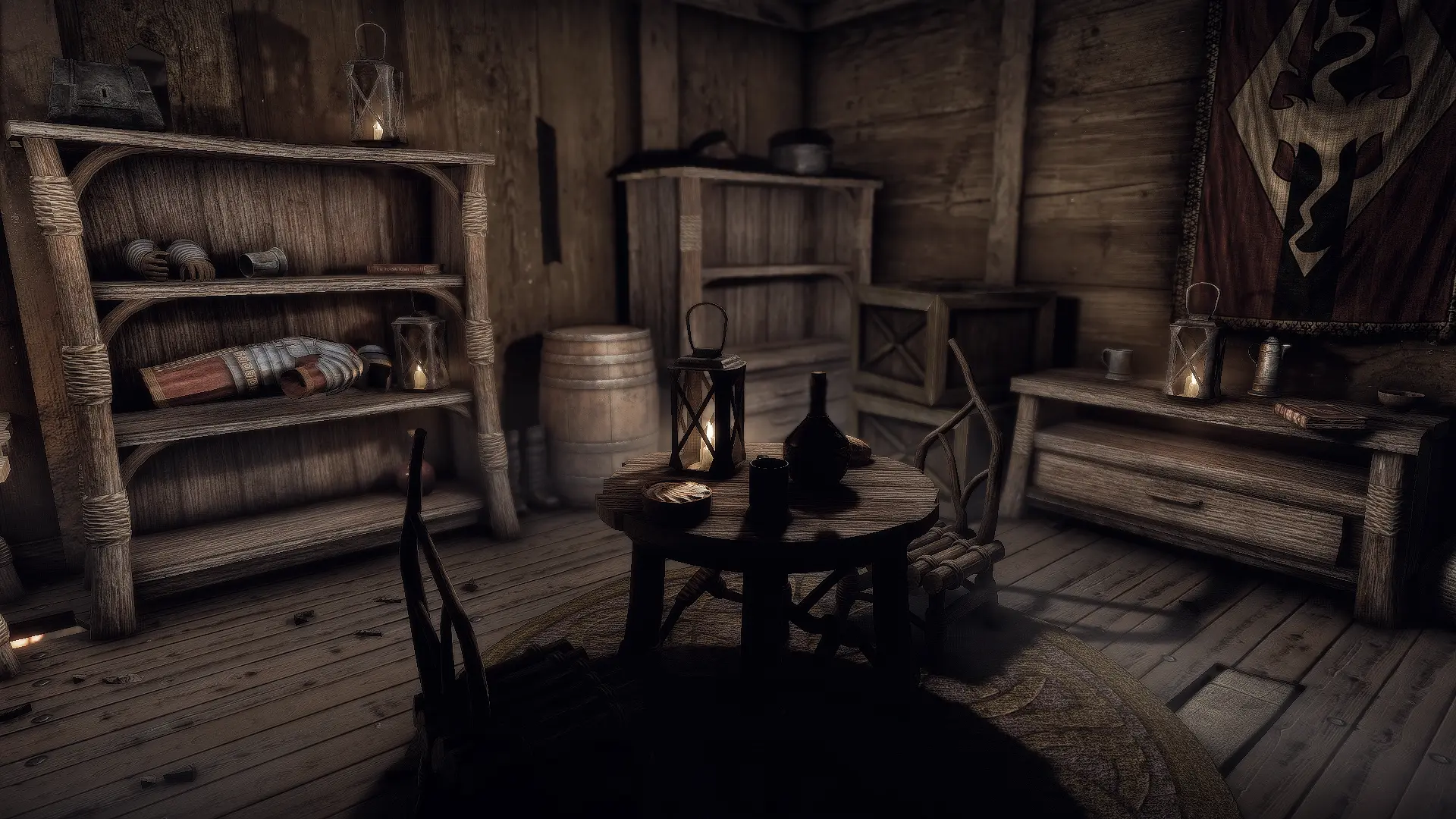
Introduces dark elf furniture in Windhelm's Gray Quarter locations
Click here to manually download the mod OR here to automatically download the mod through Mod Organizer 2.
When downloaded go to the folder where the file has been downloaded, cut the file Dunmeri Furniture in Gray Quarter-60077-1-1-1639784428.7z and copy it to your NOLVUS\ARCHIVE\5_VISUALS\5.14_INTERIORS directoryNexus mod page here
In Mod Organizer 2 click on add mod button
Browse to NOLVUS\ARCHIVE\5_VISUALS\5.14_INTERIORS\Dunmeri Furniture in Gray Quarter-60077-1-1-1639784428.7z and select OK
1. Select options as shown and click on Install.
 Drag and drop Dunmeri Furniture in Gray Quarter above OUTPUTS and check the mod.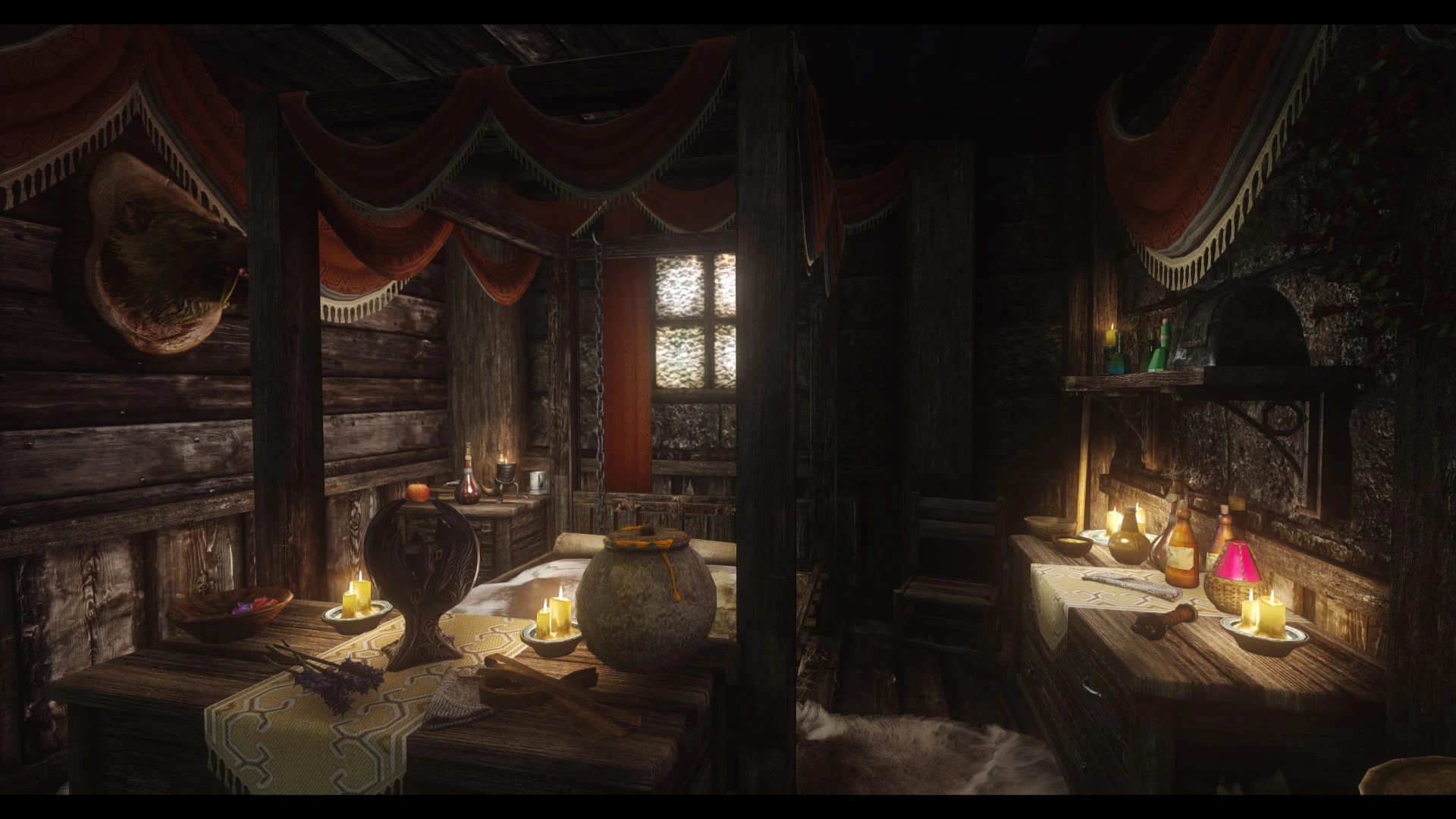
An enhanced Bunkhouse overhaul.
Click here to manually download the mod OR here to automatically download the mod through Mod Organizer 2.
When downloaded go to the folder where the file has been downloaded, cut the file JK's Haelga's Bunkhouse-60085-1-1-1-1645417321.zip and copy it to your NOLVUS\ARCHIVE\5_VISUALS\5.14_INTERIORS directoryNexus mod page here
In Mod Organizer 2 click on add mod button
Browse to NOLVUS\ARCHIVE\5_VISUALS\5.14_INTERIORS\JK's Haelga's Bunkhouse-60085-1-1-1-1645417321.zip and select OK
Fill informations as shown and click on OK.
 Drag and drop JK's Haelga's Bunkhouse above OUTPUTS and check the mod.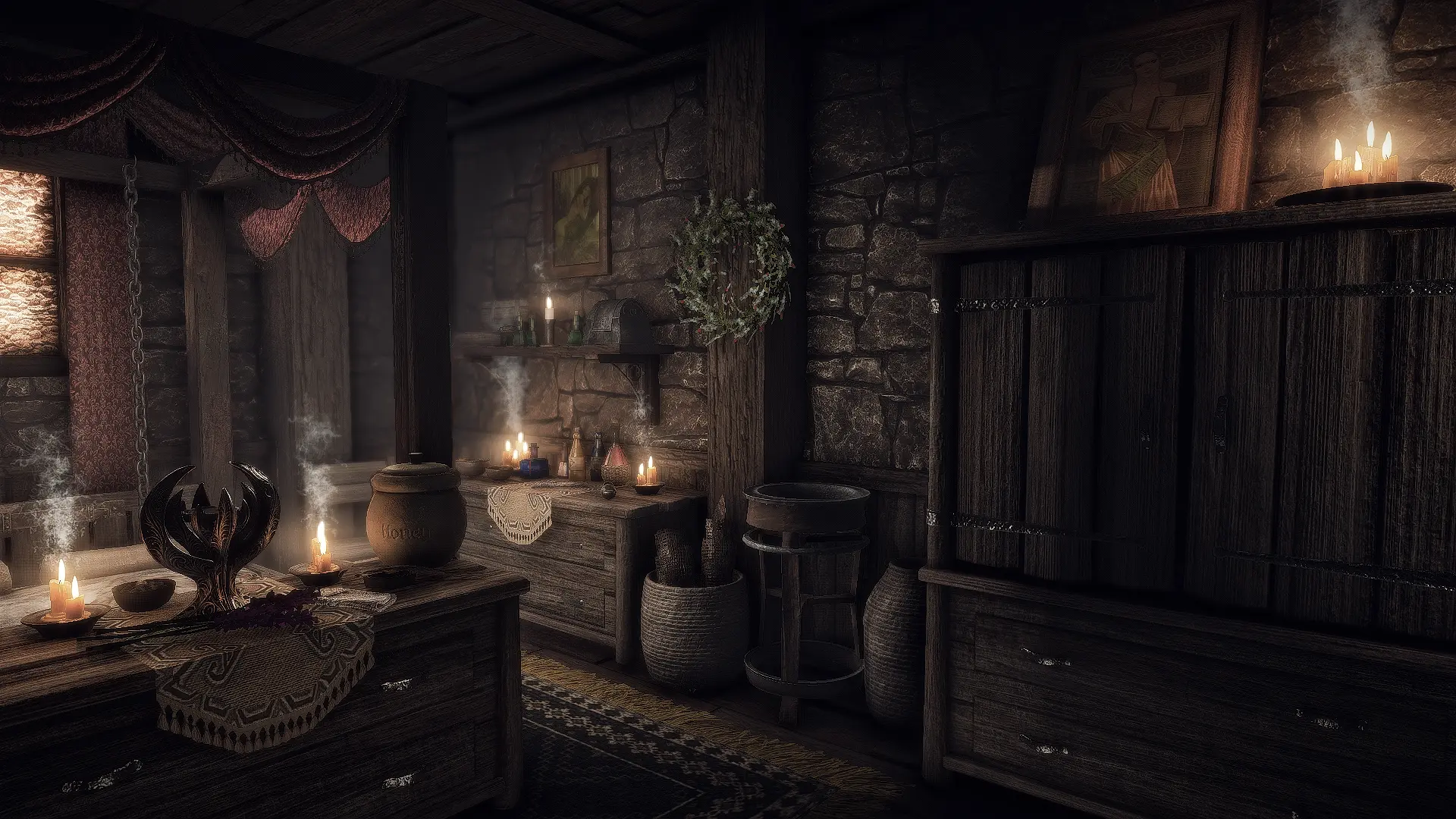
A simple compatibility patch for JK's Haelga's Bunkhouse and Distinct Interiors
Click here to manually download the mod OR here to automatically download the mod through Mod Organizer 2.
When downloaded go to the folder where the file has been downloaded, cut the file Distinct JK's Haelga's Bunkhouse-60240-1-0-1639759740.7z and copy it to your NOLVUS\ARCHIVE\5_VISUALS\5.14_INTERIORS directoryNexus mod page here
In Mod Organizer 2 click on add mod button
Browse to NOLVUS\ARCHIVE\5_VISUALS\5.14_INTERIORS\Distinct JK's Haelga's Bunkhouse-60240-1-0-1639759740.7z and select OK
Fill informations as shown and click on OK.
 Drag and drop The Distinct JK's Haelga's Bunkhouse above OUTPUTS and check the mod.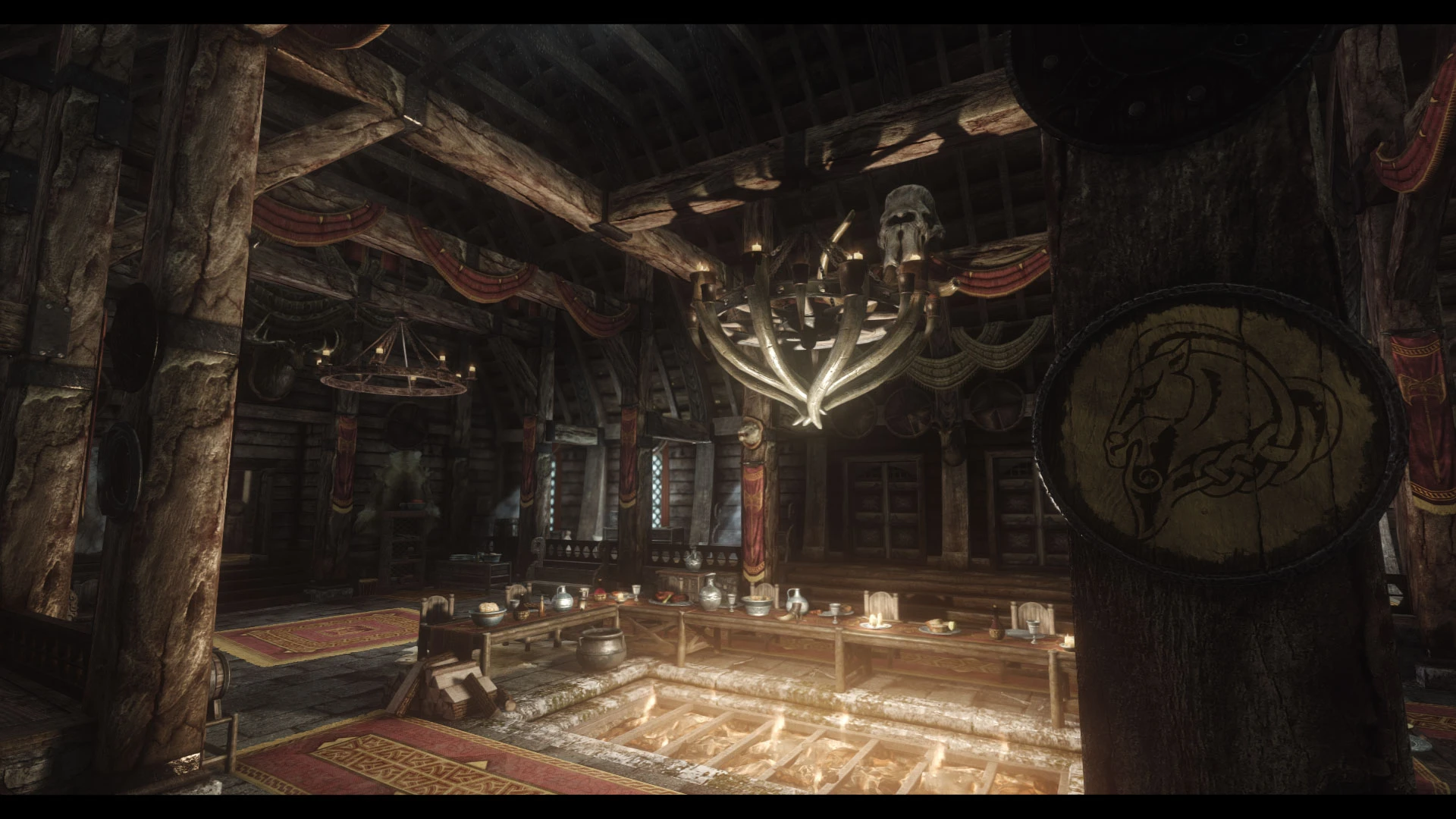
An enhanced guild overhaul.
Click here to manually download the mod OR here to automatically download the mod through Mod Organizer 2.
When downloaded go to the folder where the file has been downloaded, cut the file JK's Jorrvaskr-60738-1-1-2-1648230128.7z and copy it to your NOLVUS\ARCHIVE\5_VISUALS\5.14_INTERIORS directoryNexus mod page here
In Mod Organizer 2 click on add mod button
Browse to NOLVUS\ARCHIVE\5_VISUALS\5.14_INTERIORS\JK's Jorrvaskr-60738-1-1-2-1648230128.7z and select OK
Fill informations as shown and click on OK.
 Drag and drop JK's Jorrvaskr above OUTPUTS and check the mod.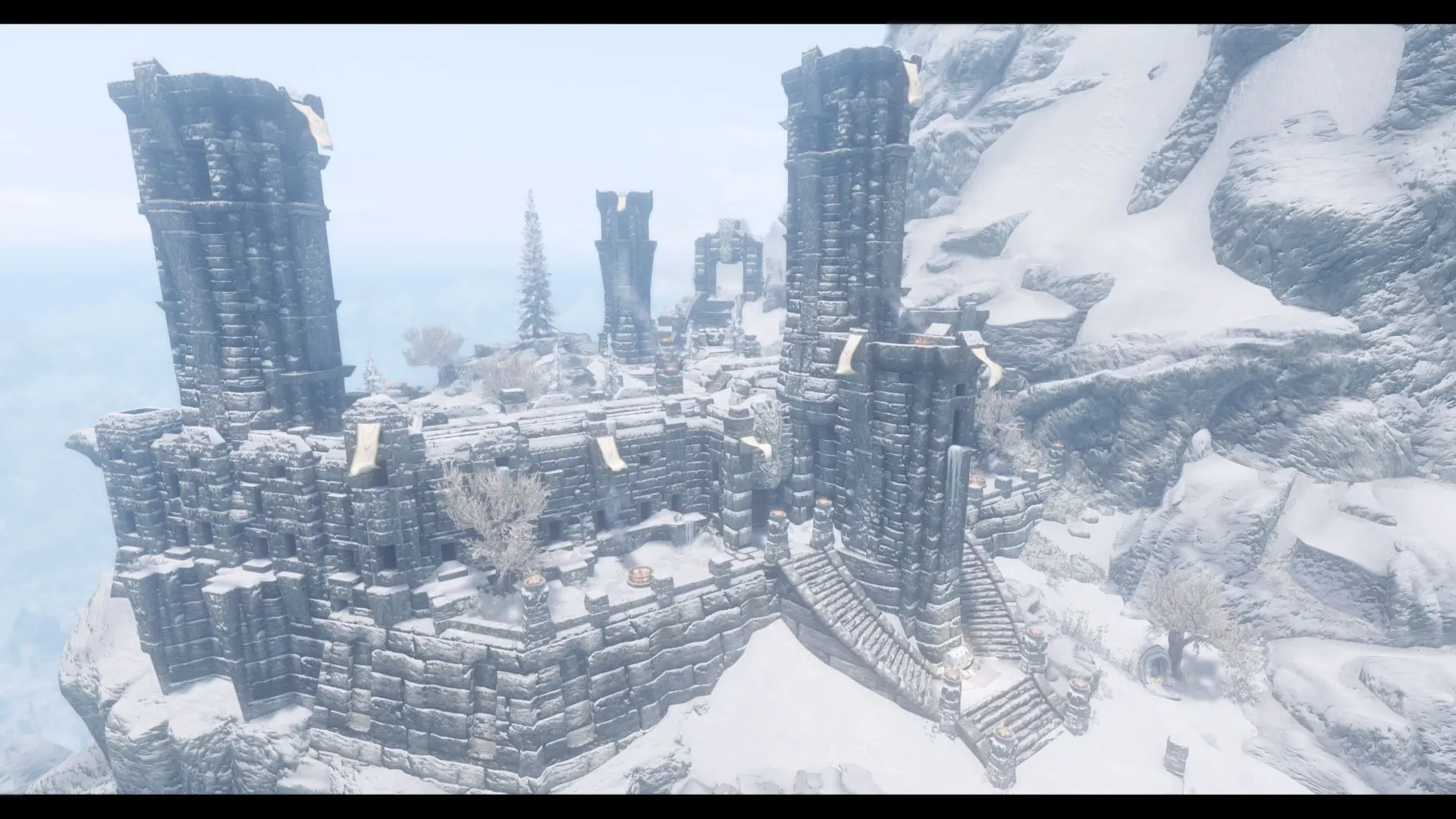
An enhanced Temple overhaul.
Click here to manually download the mod OR here to automatically download the mod through Mod Organizer 2.
When downloaded go to the folder where the file has been downloaded, cut the file JK's High Hrothgar-62219-1-0-1-1645417650.zip and copy it to your NOLVUS\ARCHIVE\5_VISUALS\5.14_INTERIORS directoryNexus mod page here
In Mod Organizer 2 click on add mod button
Browse to NOLVUS\ARCHIVE\5_VISUALS\5.14_INTERIORS\JK's High Hrothgar-62219-1-0-1-1645417650.zip and select OK
Fill informations as shown and click on OK.

On MO2 right panel (plugins), check the following plugin.
 Drag and drop JK's High Hrothgar above OUTPUTS and check the mod.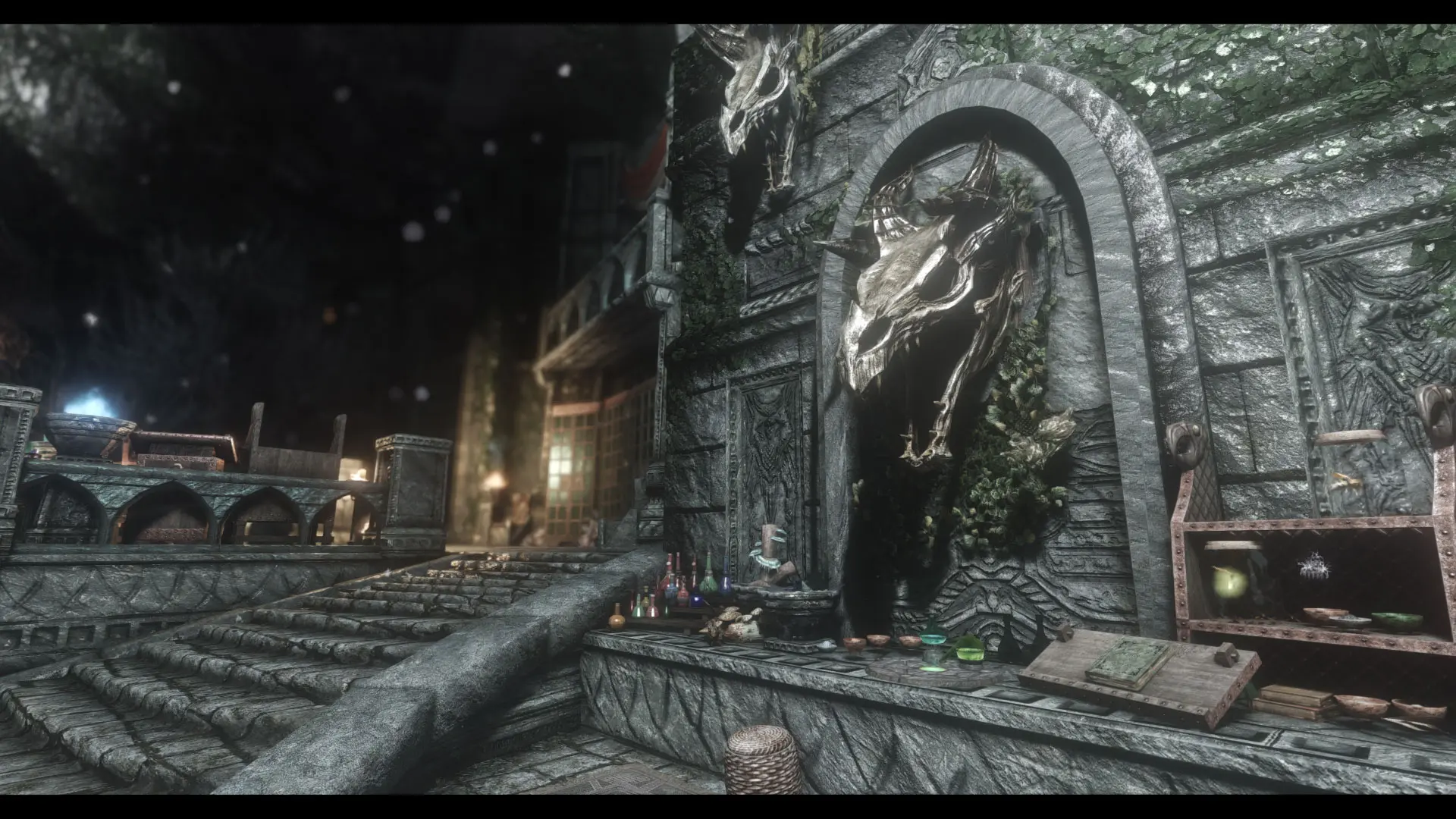
An enhanced Temple overhaul.
Click here to manually download the mod OR here to automatically download the mod through Mod Organizer 2.
When downloaded go to the folder where the file has been downloaded, cut the file JK's Sky Haven Temple-63039-1-0-0-1644576562.rar and copy it to your NOLVUS\ARCHIVE\5_VISUALS\5.14_INTERIORS directoryNexus mod page here
In Mod Organizer 2 click on add mod button
Browse to NOLVUS\ARCHIVE\5_VISUALS\5.14_INTERIORS\JK's Sky Haven Temple-63039-1-0-0-1644576562.rar and select OK
Fill informations as shown and click on OK.
 Drag and drop JK's Sky Haven Temple above OUTPUTS and check the mod.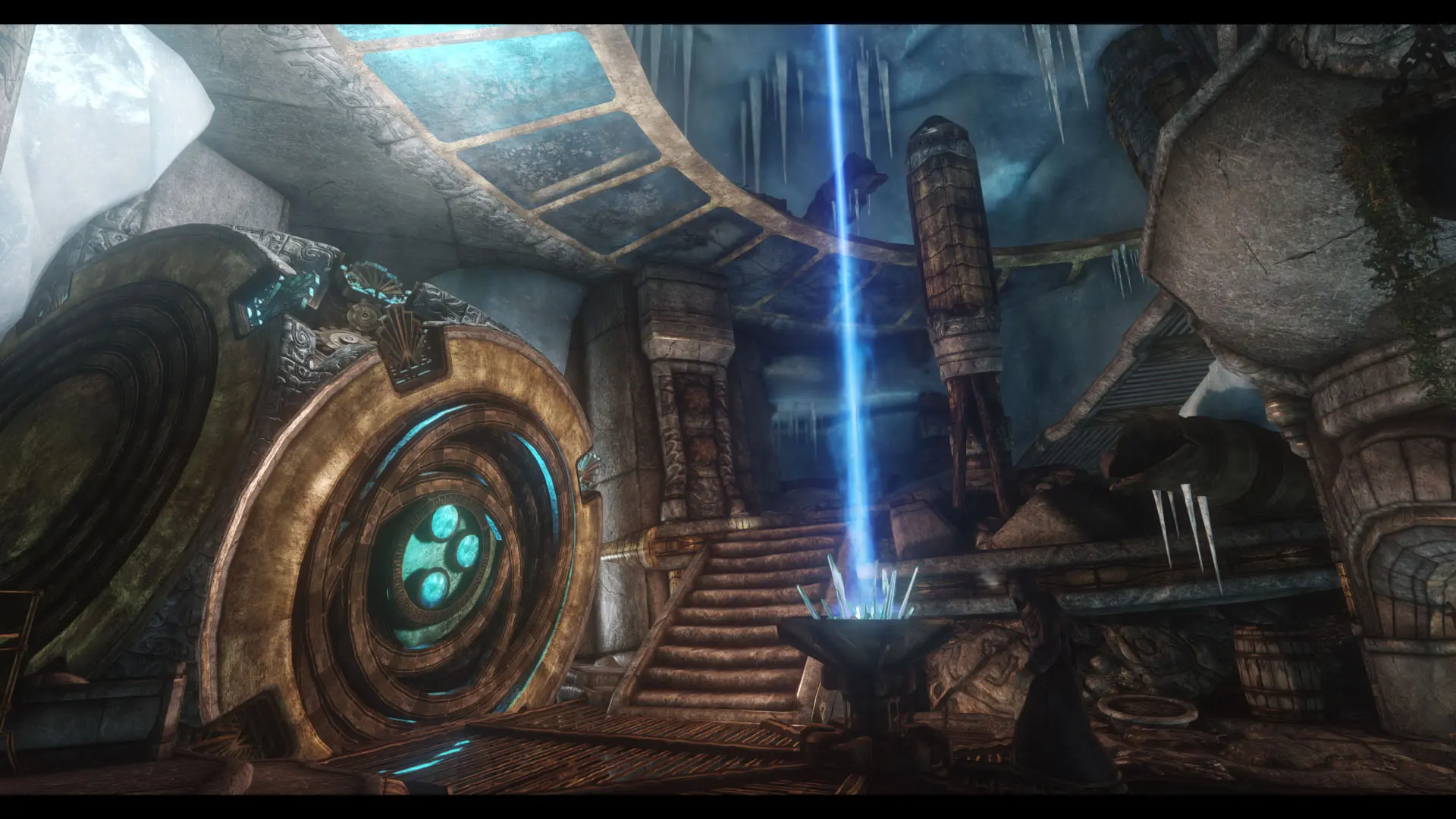
An enhanced outpost overhaul.
Click here to manually download the mod OR here to automatically download the mod through Mod Organizer 2.
When downloaded go to the folder where the file has been downloaded, cut the file JK's Septimus Signus's Outpost-66915-1-0-0-1650602783.rar and copy it to your NOLVUS\ARCHIVE\5_VISUALS\5.14_INTERIORS directoryNexus mod page here
In Mod Organizer 2 click on add mod button
Browse to NOLVUS\ARCHIVE\5_VISUALS\5.14_INTERIORS\JK's Septimus Signus's Outpost-66915-1-0-0-1650602783.rar and select OK
Fill informations as shown and click on OK.
 Drag and drop JK's Septimus Signus's Outpost above OUTPUTS and check the mod.
Consistent and complete rework of Skyrim interiors lighting. This mod takes advantage of the latest developments in enb, including enb light, and has for main objective to offer a gaming experience as realistic as it is dramatic.
Click here to manually download the mod OR here to automatically download the mod through Mod Organizer 2.
When downloaded go to the folder where the file has been downloaded, cut the file Lux - JK's Septimus Thingus patch-43158-4-1-2-1650705641.rar and copy it to your NOLVUS\ARCHIVE\5_VISUALS\5.14_INTERIORS directoryNexus mod page here
In Mod Organizer 2 click on add mod button
Browse to NOLVUS\ARCHIVE\5_VISUALS\5.14_INTERIORS\Lux - JK's Septimus Thingus patch-43158-4-1-2-1650705641.rar and select OK
Fill informations as shown and click on OK.
 Drag and drop JK's Septimus Signus's Outpost - Lux Patch above OUTPUTS and check the mod.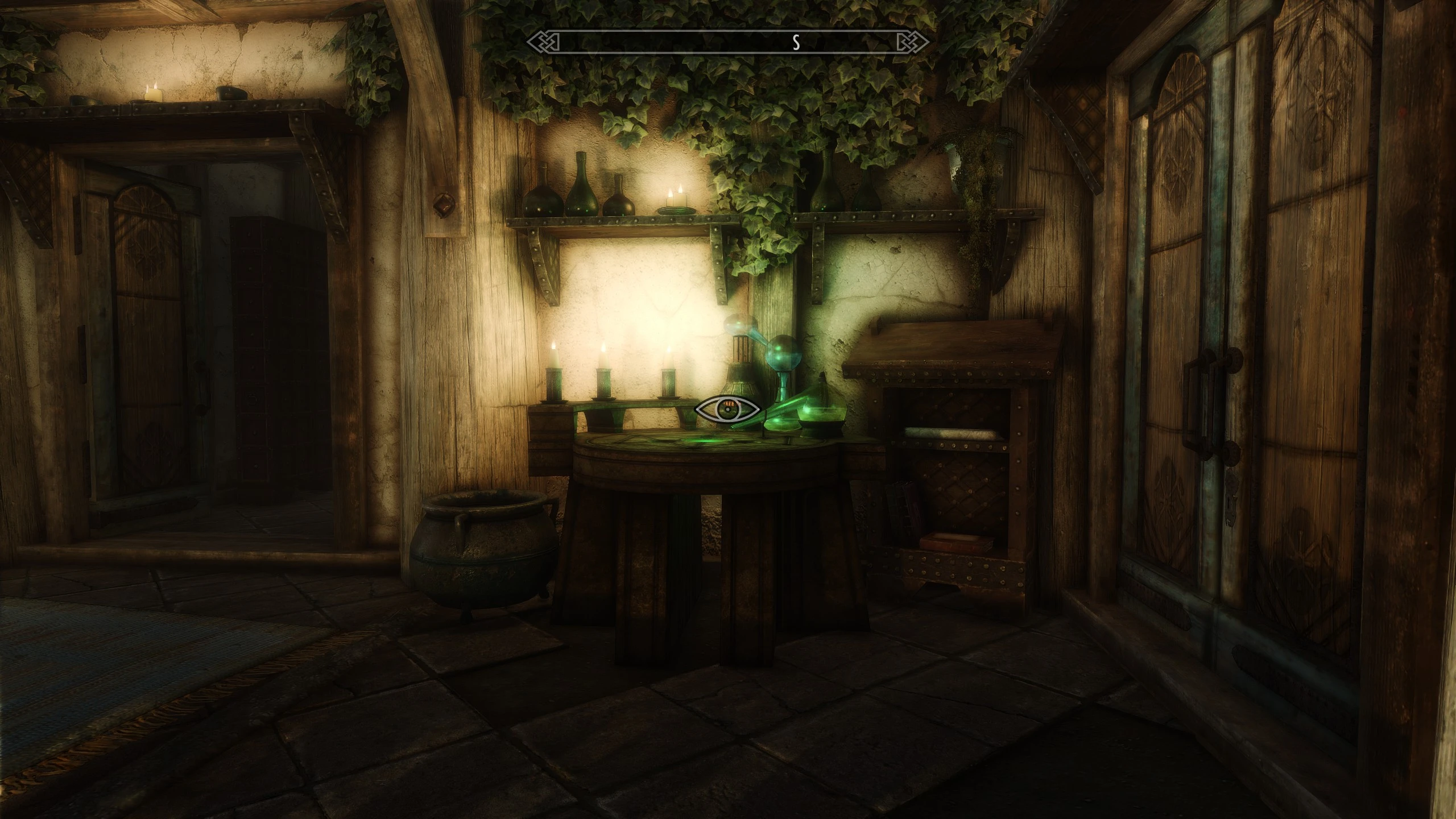
A collection of small patches/tweaks to help various mods play well with JK's Interiors series
Click here to manually download the mod OR here to automatically download the mod through Mod Organizer 2.
When downloaded go to the folder where the file has been downloaded, cut the file JKs Interiors Patch Collection-35910-5-10-1650640513.7z and copy it to your NOLVUS\ARCHIVE\5_VISUALS\5.14_INTERIORS directoryNexus mod page here
In Mod Organizer 2 click on add mod button
Browse to NOLVUS\ARCHIVE\5_VISUALS\5.14_INTERIORS\JKs Interiors Patch Collection-35910-5-10-1650640513.7z and select OK

1. Select options as shown and click on Next.
1. Select options as shown and click on Next.
JK's Interiors Patch Collection Setup

2. Select options as shown and click on Next.
2. Select options as shown and click on Next.
JK's Interiors Patch Collection Setup

3. Select options as shown and click on Next.
3. Select options as shown and click on Next.
JK's Interiors Patch Collection Setup

4. Select options as shown and click on Next.
4. Select options as shown and click on Next.
JK's Interiors Patch Collection Setup

5. Select options as shown and click on Next.
5. Select options as shown and click on Next.
JK's Interiors Patch Collection Setup

6. Select options as shown and click on Next.
6. Select options as shown and click on Next.
JK's Interiors Patch Collection Setup

7. Select options as shown and click on Next.
7. Select options as shown and click on Next.
JK's Interiors Patch Collection Setup

8. Select options as shown and click on Next.
8. Select options as shown and click on Next.
JK's Interiors Patch Collection Setup

9. Select options as shown and click on Next.
9. Select options as shown and click on Next.
JK's Interiors Patch Collection Setup

10. Select options as shown and click on Next.
10. Select options as shown and click on Next.
JK's Interiors Patch Collection Setup

11. Select options as shown and click on Next.
11. Select options as shown and click on Next.
JK's Interiors Patch Collection Setup

12. Select options as shown and click on Next.
12. Select options as shown and click on Next.
JK's Interiors Patch Collection Setup

13. Select options as shown and click on Next.
13. Select options as shown and click on Next.
JK's Interiors Patch Collection Setup

14. Select options as shown and click on Next.
14. Select options as shown and click on Next.
JK's Interiors Patch Collection Setup

15. Select options as shown and click on Next.
15. Select options as shown and click on Next.
JK's Interiors Patch Collection Setup

16. Select options as shown and click on Next.
16. Select options as shown and click on Next.
JK's Interiors Patch Collection Setup

17. Select options as shown and click on Next.
17. Select options as shown and click on Next.
JK's Interiors Patch Collection Setup

18. Select options as shown and click on Next.
18. Select options as shown and click on Next.
JK's Interiors Patch Collection Setup

19. Select options as shown and click on Next.
19. Select options as shown and click on Next.
JK's Interiors Patch Collection Setup

20. Fill informations as shown and click on Manual.
20. Fill informations as shown and click on Manual.
JK's Interiors Patch Collection Setup

21. Select options as shown and click on Next.
21. Select options as shown and click on Next.
JK's Interiors Patch Collection Setup

22. Select options as shown and click on Next.
22. Select options as shown and click on Next.
JK's Interiors Patch Collection Setup

23. Select options as shown and click on Next.
23. Select options as shown and click on Next.
JK's Interiors Patch Collection Setup

24. Select options as shown and click on Next.
24. Select options as shown and click on Next.
JK's Interiors Patch Collection Setup

25. Select options as shown and click on Next.
25. Select options as shown and click on Next.
JK's Interiors Patch Collection Setup

26. Select options as shown and click on Next.
26. Select options as shown and click on Next.
JK's Interiors Patch Collection Setup

27. Select options as shown and click on Next.
27. Select options as shown and click on Next.
JK's Interiors Patch Collection Setup

28. Select options as shown and click on Next.
28. Select options as shown and click on Next.
JK's Interiors Patch Collection Setup

29. Select options as shown and click on Next.
29. Select options as shown and click on Next.
JK's Interiors Patch Collection Setup

30. Select options as shown and click on Next.
30. Select options as shown and click on Next.
JK's Interiors Patch Collection Setup

31. Select options as shown and click on Next.
31. Select options as shown and click on Next.
JK's Interiors Patch Collection Setup

32. Select options as shown and click on Next.
32. Select options as shown and click on Next.
JK's Interiors Patch Collection Setup

33. Select options as shown and click on Next.
33. Select options as shown and click on Next.
JK's Interiors Patch Collection Setup

34. Select options as shown and click on Next.
34. Select options as shown and click on Next.
JK's Interiors Patch Collection Setup

35. Select options as shown and click on Next.
35. Select options as shown and click on Next.
JK's Interiors Patch Collection Setup

36. Select options as shown and click on Next.
36. Select options as shown and click on Next.
JK's Interiors Patch Collection Setup

37. Select options as shown and click on Install.
37. Select options as shown and click on Install.
JK's Interiors Patch Collection Setup
On MO2 right panel (plugins), uncheck the following plugin.


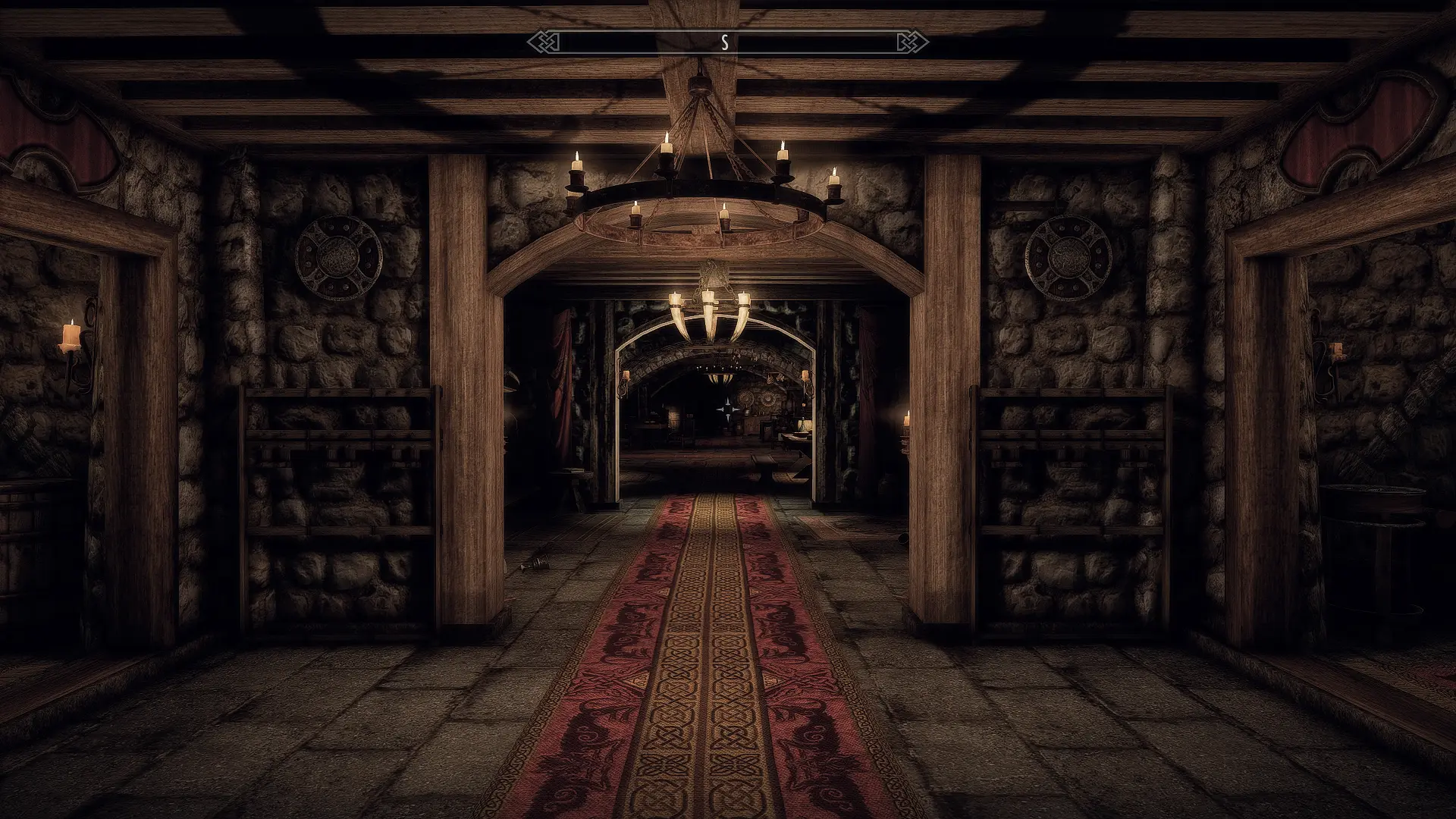
Separate page for patches for any JK's Interiors which are Guild HQs, as those tend to be "busy" places and should need many patches, and the general Interiors Patch page is getting a bit unwieldy to manage updates for.
Click here to manually download the mod OR here to automatically download the mod through Mod Organizer 2.
When downloaded go to the folder where the file has been downloaded, cut the file JKs Guild HQ Intreriors Patch Collection-61416-1-6-1649397826.7z and copy it to your NOLVUS\ARCHIVE\5_VISUALS\5.14_INTERIORS directoryNexus mod page here
In Mod Organizer 2 click on add mod button
Browse to NOLVUS\ARCHIVE\5_VISUALS\5.14_INTERIORS\JKs Guild HQ Intreriors Patch Collection-61416-1-6-1649397826.7z and select OK

1. Select options as shown and click on Next.
1. Select options as shown and click on Next.
JK's Guild HQ Interiors Patch Collection Setup

2. Select options as shown and click on Next.
2. Select options as shown and click on Next.
JK's Guild HQ Interiors Patch Collection Setup

3. Select options as shown and click on Next.
3. Select options as shown and click on Next.
JK's Guild HQ Interiors Patch Collection Setup

4. Select options as shown and click on Next.
4. Select options as shown and click on Next.
JK's Guild HQ Interiors Patch Collection Setup

5. Select options as shown and click on Install.
5. Select options as shown and click on Install.
JK's Guild HQ Interiors Patch Collection Setup
On MO2 right panel (plugins), uncheck the following plugin.

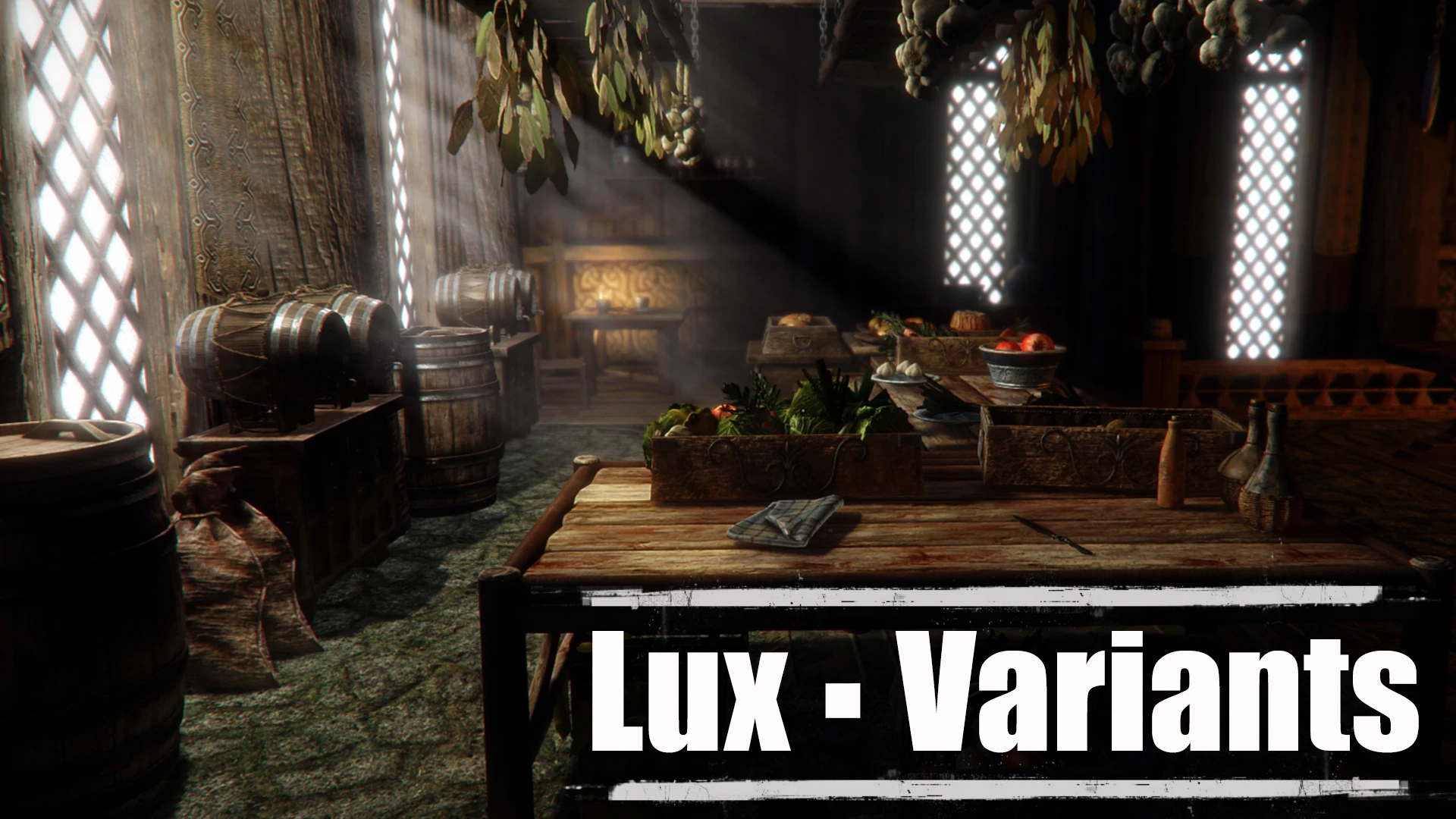
Official repository for all Lux interior lighting variants and optional patches such as lightweight patches that can't be automated in Lux main FOMOD.
Click here to manually download the mod OR here to automatically download the mod through Mod Organizer 2.
When downloaded go to the folder where the file has been downloaded, cut the file Lux - Variants-60524-1-1-1-1650556415.rar and copy it to your NOLVUS\ARCHIVE\5_VISUALS\5.14_INTERIORS directoryNexus mod page here
In Mod Organizer 2 click on add mod button
Browse to NOLVUS\ARCHIVE\5_VISUALS\5.14_INTERIORS\Lux - Variants-60524-1-1-1-1650556415.rar and select OK

1. Select options as shown and click on Next.
1. Select options as shown and click on Next.
Lux Interiors Variants Setup

2. Select options as shown and click on Next.
2. Select options as shown and click on Next.
Lux Interiors Variants Setup

3. Select options as shown and click on Install.
3. Select options as shown and click on Install.
Lux Interiors Variants Setup
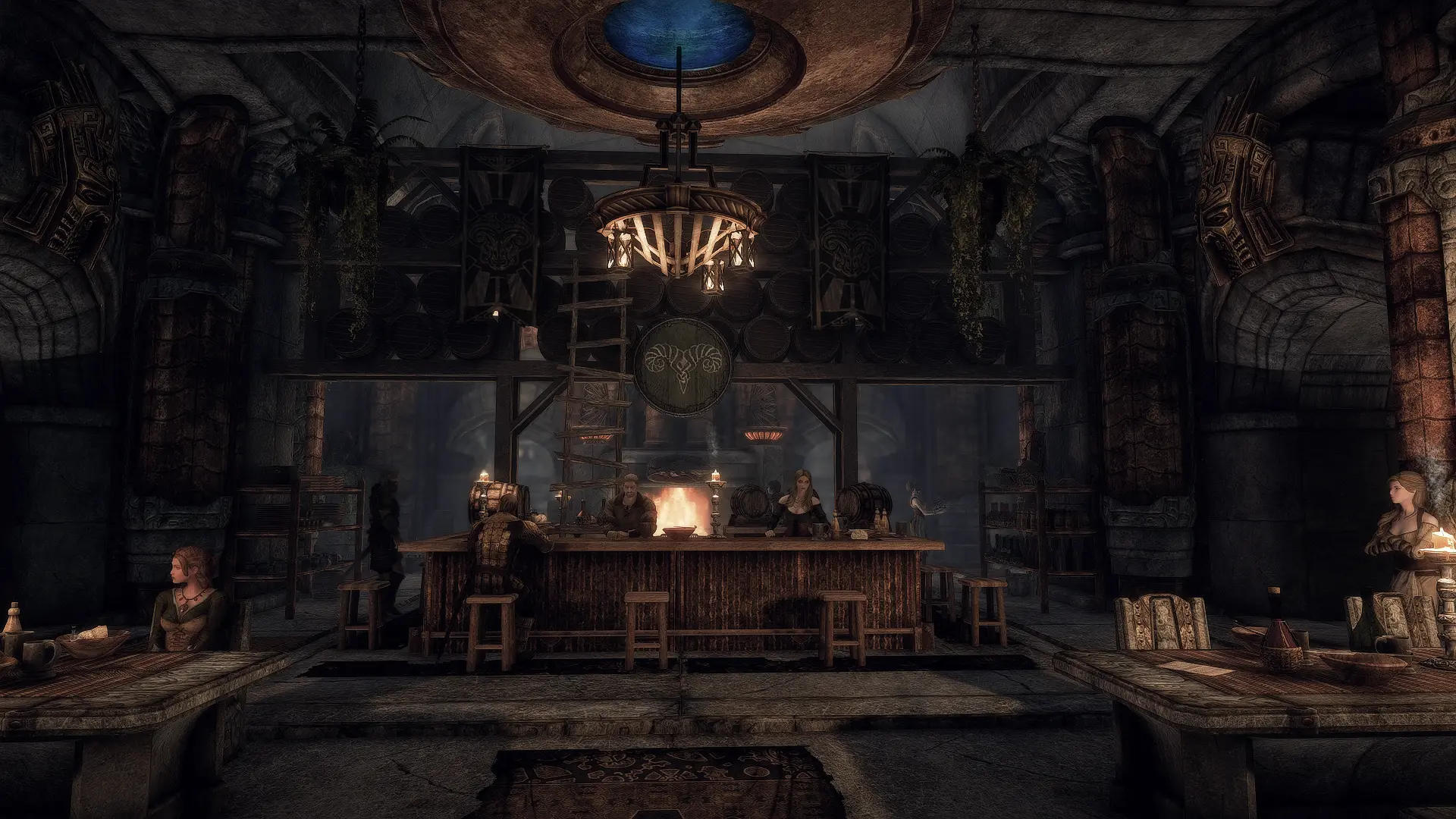
Alternative version of the JK's/Distinct Interiors/Lux Silver-Blood Inn Overhaul.
Click here to manually download the mod OR here to automatically download the mod through Mod Organizer 2.
When downloaded go to the folder where the file has been downloaded, cut the file Lux Interiora Distincta - JK's Silver-Blood Inn Variante-60527-1-2-1642708768.7z and copy it to your NOLVUS\ARCHIVE\5_VISUALS\5.14_INTERIORS directoryNexus mod page here
In Mod Organizer 2 click on add mod button
Browse to NOLVUS\ARCHIVE\5_VISUALS\5.14_INTERIORS\Lux Interiora Distincta - JK's Silver-Blood Inn Variante-60527-1-2-1642708768.7z and select OK
1. Select options as shown and click on Install.
 Drag and drop Lux Interiora Distincta - JK's Silver-Blood Inn Variante above OUTPUTS and check the mod.
On MO2 right panel (plugins), uncheck the following plugin.

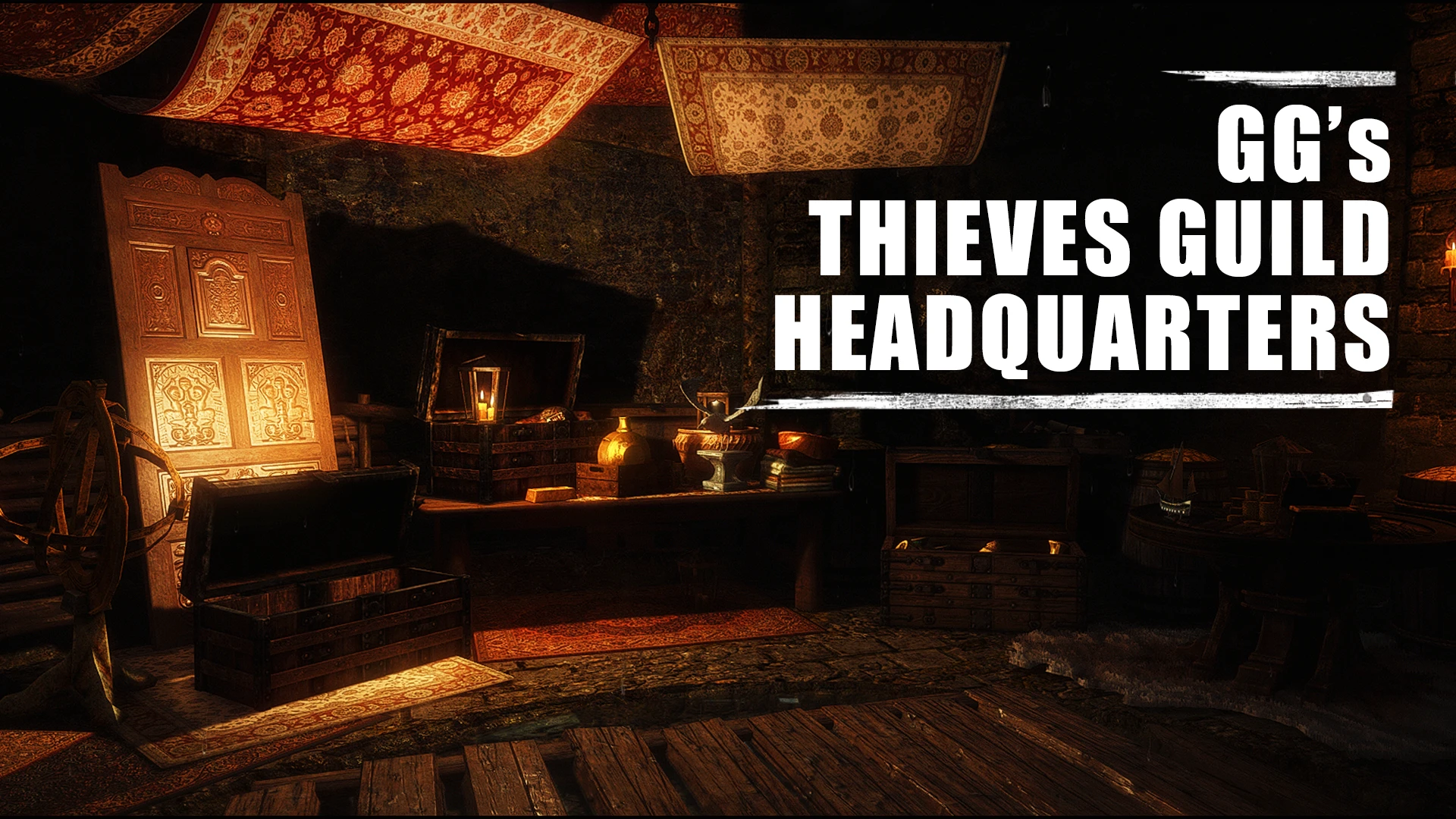
Complete rework of Riften's Thieves Guild Cistern, new architecture, new rooms, new NPCs, dynamic clutters and lots of secrets. This mod doesn't modify Ragged Flagon, so it is compatible with all mods which edit thieves guild tavern
Click here to manually download the mod OR here to automatically download the mod through Mod Organizer 2.
When downloaded go to the folder where the file has been downloaded, cut the file GG's Thieves Guild Headquarters-64018-1-2-1647067978.rar and copy it to your NOLVUS\ARCHIVE\5_VISUALS\5.14_INTERIORS directoryNexus mod page here
In Mod Organizer 2 click on add mod button
Browse to NOLVUS\ARCHIVE\5_VISUALS\5.14_INTERIORS\GG's Thieves Guild Headquarters-64018-1-2-1647067978.rar and select OK
Fill informations as shown and click on OK.
 Drag and drop GG's Thieves Guild Headquarters above OUTPUTS and check the mod.
Complete rework of Riften's Thieves Guild Cistern, new architecture, new rooms, new NPCs, dynamic clutters and lots of secrets. This mod doesn't modify Ragged Flagon, so it is compatible with all mods which edit thieves guild tavern
Click here to manually download the mod OR here to automatically download the mod through Mod Organizer 2.
When downloaded go to the folder where the file has been downloaded, cut the file GG's Thieves Guild Headquarters - Lux patch-64018-1-0-1645442097.rar and copy it to your NOLVUS\ARCHIVE\5_VISUALS\5.14_INTERIORS directoryNexus mod page here
In Mod Organizer 2 click on add mod button
Browse to NOLVUS\ARCHIVE\5_VISUALS\5.14_INTERIORS\GG's Thieves Guild Headquarters - Lux patch-64018-1-0-1645442097.rar and select OK
Fill informations as shown and click on OK.
 Drag and drop GG's Thieves Guild Headquarters - Lux Patch above OUTPUTS and check the mod.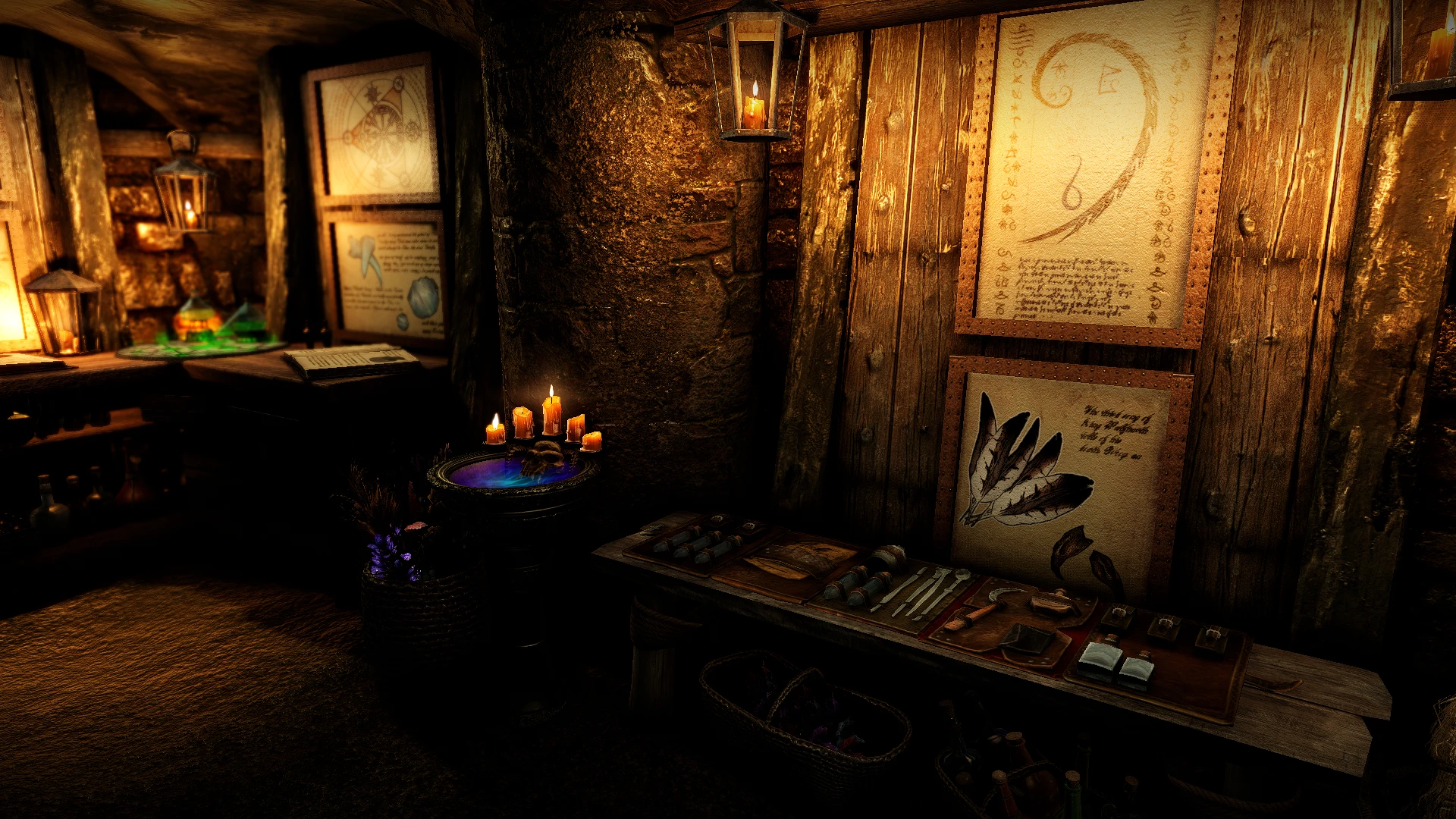
Collection of patches for GG's Thieves Guild Headquarters
Click here to manually download the mod OR here to automatically download the mod through Mod Organizer 2.
When downloaded go to the folder where the file has been downloaded, cut the file GG's Thieves Guild HQ Patch Collection-63967-1-3-1646942912.zip and copy it to your NOLVUS\ARCHIVE\5_VISUALS\5.14_INTERIORS directoryNexus mod page here
In Mod Organizer 2 click on add mod button
Browse to NOLVUS\ARCHIVE\5_VISUALS\5.14_INTERIORS\GG's Thieves Guild HQ Patch Collection-63967-1-3-1646942912.zip and select OK
1. Select options as shown and click on Install.
 Drag and drop GG's Thieves Guild HQ Patch Collection above OUTPUTS and check the mod.
On MO2 right panel (plugins), uncheck the following plugin.

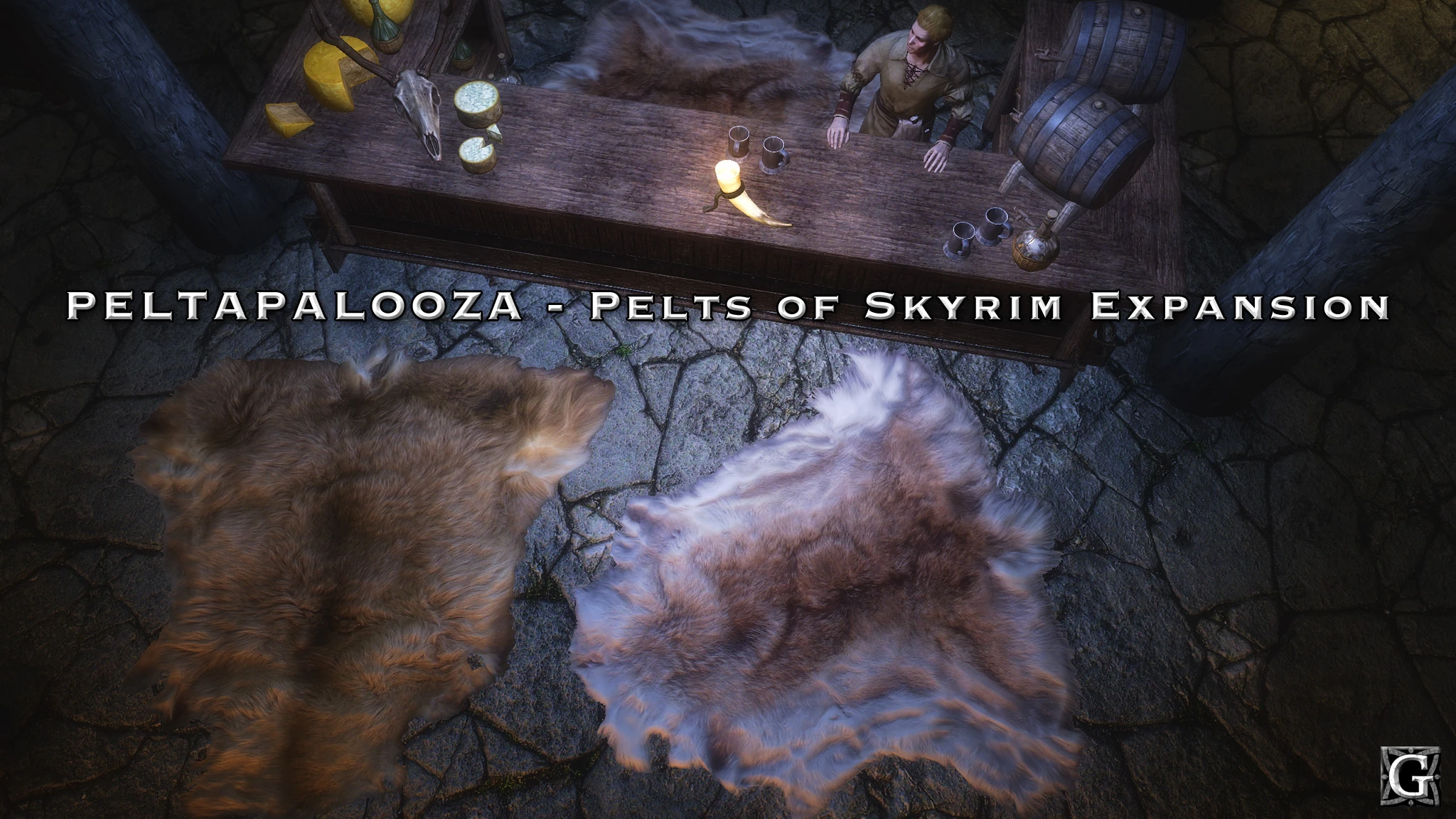
This mod expands from the 3 default pelt used in farmhouses and inns to have as many as 9 different pelts in the game at one time. There are different sets for the floors, walls, and beds.
There is also a Lite version that has a shared set for the walls and beds, and a separate set for the floors.
Click here to manually download the mod OR here to automatically download the mod through Mod Organizer 2.
When downloaded go to the folder where the file has been downloaded, cut the file PELTAPALOOZA Special Edition - FULL-5442-1-0.7z and copy it to your NOLVUS\ARCHIVE\5_VISUALS\5.14_INTERIORS directoryNexus mod page here
In Mod Organizer 2 click on add mod button
Browse to NOLVUS\ARCHIVE\5_VISUALS\5.14_INTERIORS\PELTAPALOOZA Special Edition - FULL-5442-1-0.7z and select OK
Fill informations as shown and click on OK
 Drag and drop Peltapalooza above OUTPUTS and check the mod.
Double click on the mod, select Filetree tab and hide these files

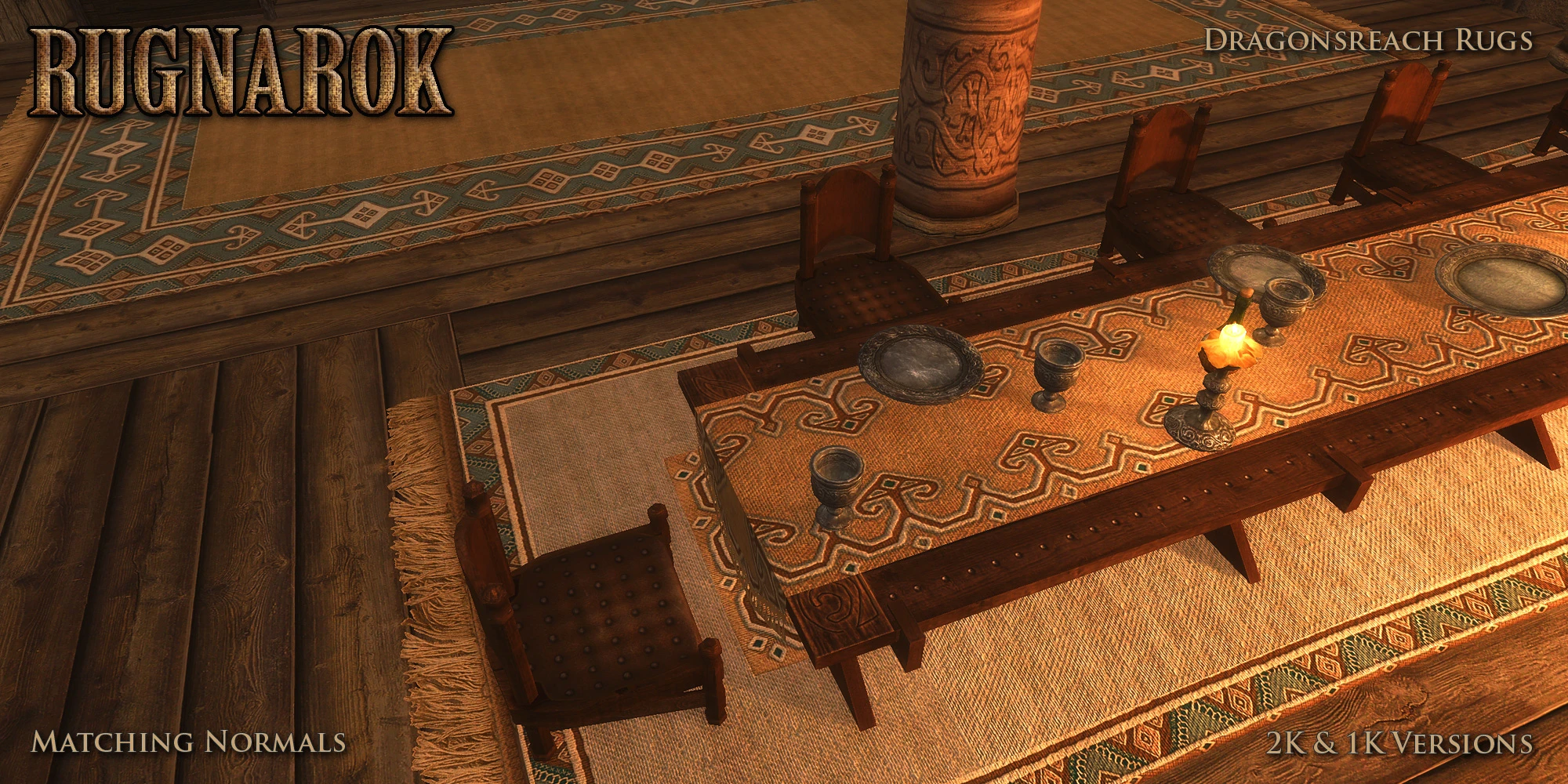
This mod is an overhaul and expansion of the rugs of Skyrim. Now every rug has a matching normal map, and every rug mesh has a different rug texture set. 2K & 1K versions available.
Click here to manually download the mod OR here to automatically download the mod through Mod Organizer 2.
When downloaded go to the folder where the file has been downloaded, cut the file RUGNAROK - Special Edition - 2K-5436-1-1.7z and copy it to your NOLVUS\ARCHIVE\5_VISUALS\5.14_INTERIORS directoryNexus mod page here
In Mod Organizer 2 click on add mod button
Browse to NOLVUS\ARCHIVE\5_VISUALS\5.14_INTERIORS\RUGNAROK - Special Edition - 2K-5436-1-1.7z and select OK
Fill informations as shown and click on OK
 Drag and drop Rugnarok above OUTPUTS and check the mod.
Double click on the mod, select Filetree tab and hide these files.

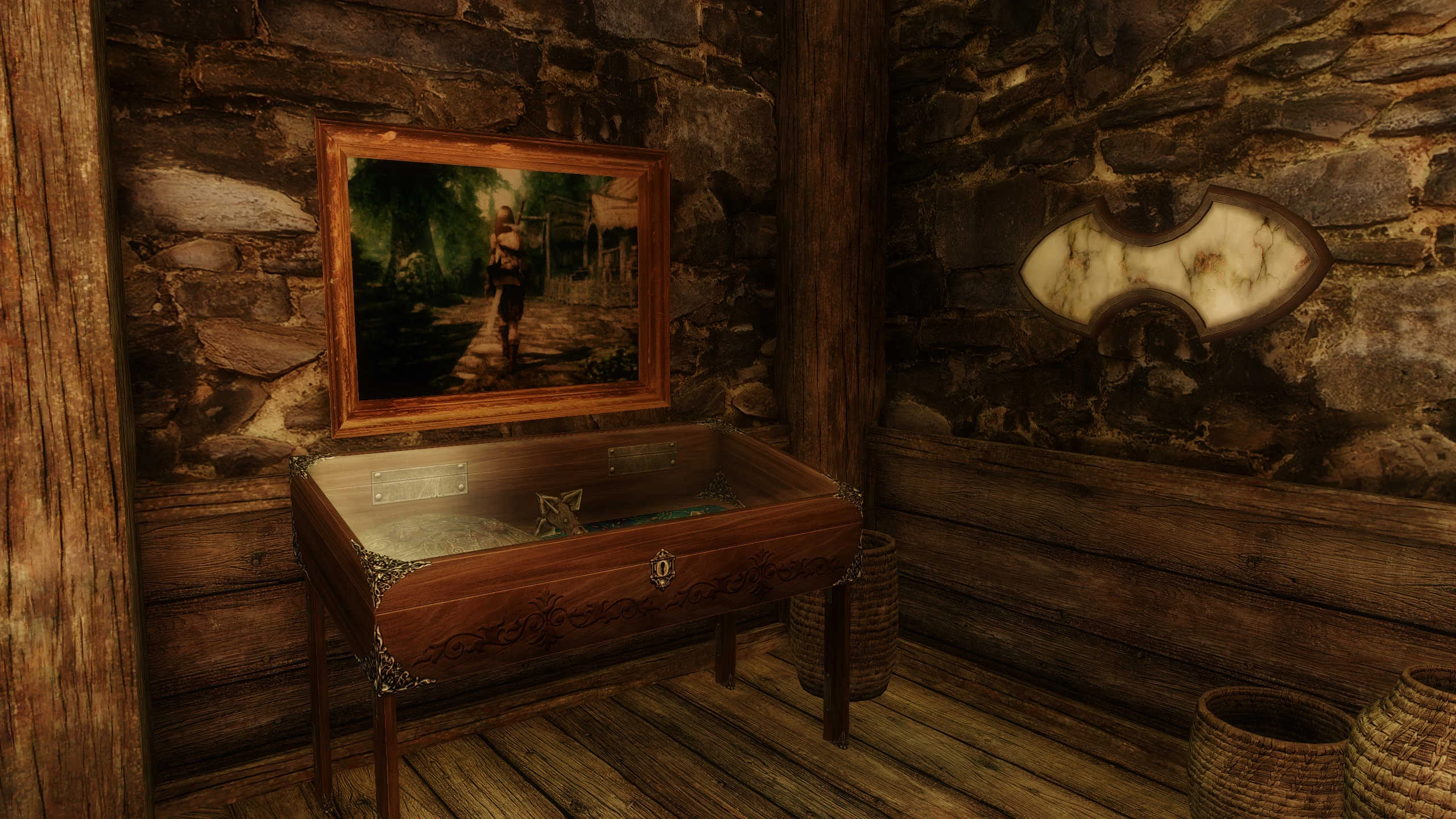
Comprehensive overhaul of furniture and clutter throughout Tamriel.
Click here to manually download the mod OR here to automatically download the mod through Mod Organizer 2.
When downloaded go to the folder where the file has been downloaded, cut the file Snazzy Furniture and Clutter Overhaul SE-2414-1-73-1593875089.7z and copy it to your NOLVUS\ARCHIVE\5_VISUALS\5.14_INTERIORS directoryNexus mod page here
In Mod Organizer 2 click on add mod button
Browse to NOLVUS\ARCHIVE\5_VISUALS\5.14_INTERIORS\Snazzy Furniture and Clutter Overhaul SE-2414-1-73-1593875089.7z and select OK

1. Select options as shown and click on Next.
1. Select options as shown and click on Next.
Snazzy Furniture and Clutter Overhaul SE Setup

2. Select options as shown and click on Next.
2. Select options as shown and click on Next.
Snazzy Furniture and Clutter Overhaul SE Setup

3. Select the option(s) you want and click on Install.
3. Select the option(s) you want and click on Install.
Snazzy Furniture and Clutter Overhaul SE Setup
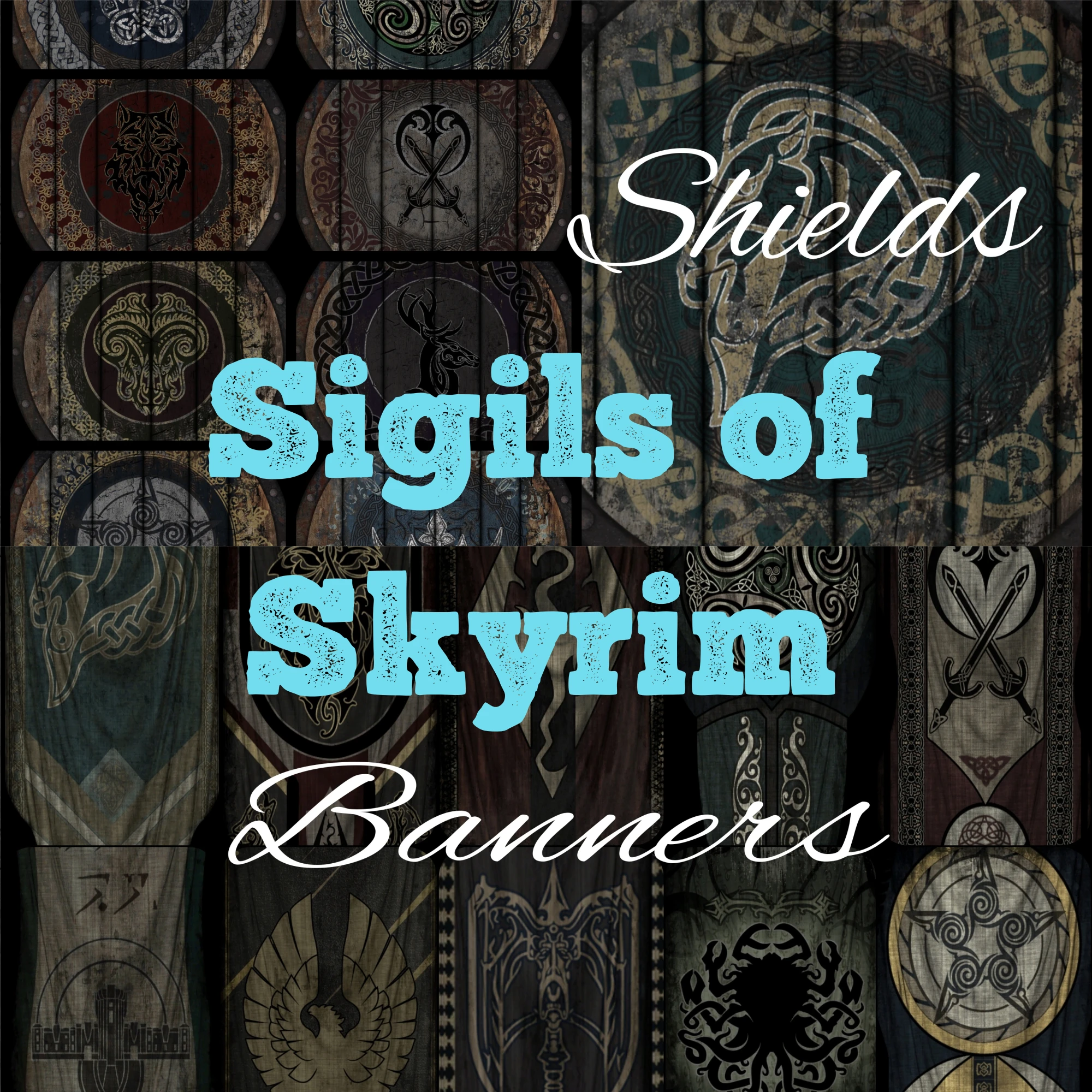
Welcome to a revamped, realistic, and complete Banner Retexture Project. The successor to "Designs of the Nords" now featuring all base game and DLC banners.
Click here to manually download the mod OR here to automatically download the mod through Mod Organizer 2.
When downloaded go to the folder where the file has been downloaded, cut the file Sigils of Skyrim - Banners-54108-1-0-1629337038.7z and copy it to your NOLVUS\ARCHIVE\5_VISUALS\5.14_INTERIORS directoryNexus mod page here
In Mod Organizer 2 click on add mod button
Browse to NOLVUS\ARCHIVE\5_VISUALS\5.14_INTERIORS\Sigils of Skyrim - Banners-54108-1-0-1629337038.7z and select OK
Fill informations as shown and click on OK.
 Drag and drop Sigils of Skyrim - Banners above OUTPUTS and check the mod.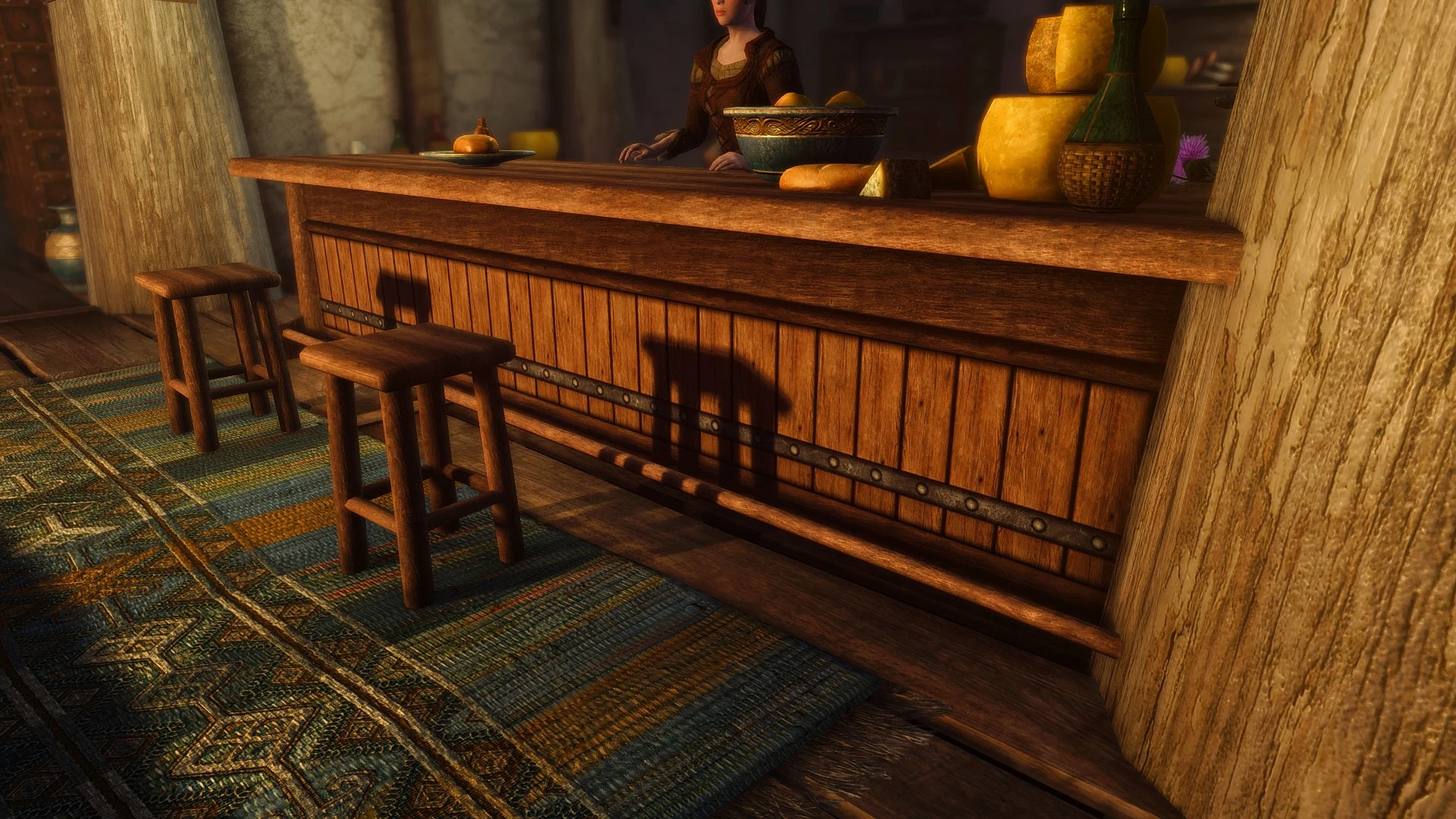
A simple texture mod to replace the ugly vanilla barset and barstools
Click here to manually download the mod OR here to automatically download the mod through Mod Organizer 2.
When downloaded go to the folder where the file has been downloaded, cut the file CC's HQ Barset - 4K - 1.2-7974-1-2.7z and copy it to your NOLVUS\ARCHIVE\5_VISUALS\5.14_INTERIORS directoryNexus mod page here
In Mod Organizer 2 click on add mod button
Browse to NOLVUS\ARCHIVE\5_VISUALS\5.14_INTERIORS\CC's HQ Barset - 4K - 1.2-7974-1-2.7z and select OK
Fill informations as shown and click on OK
 Drag and drop CC's HQ Barset above OUTPUTS and check the mod.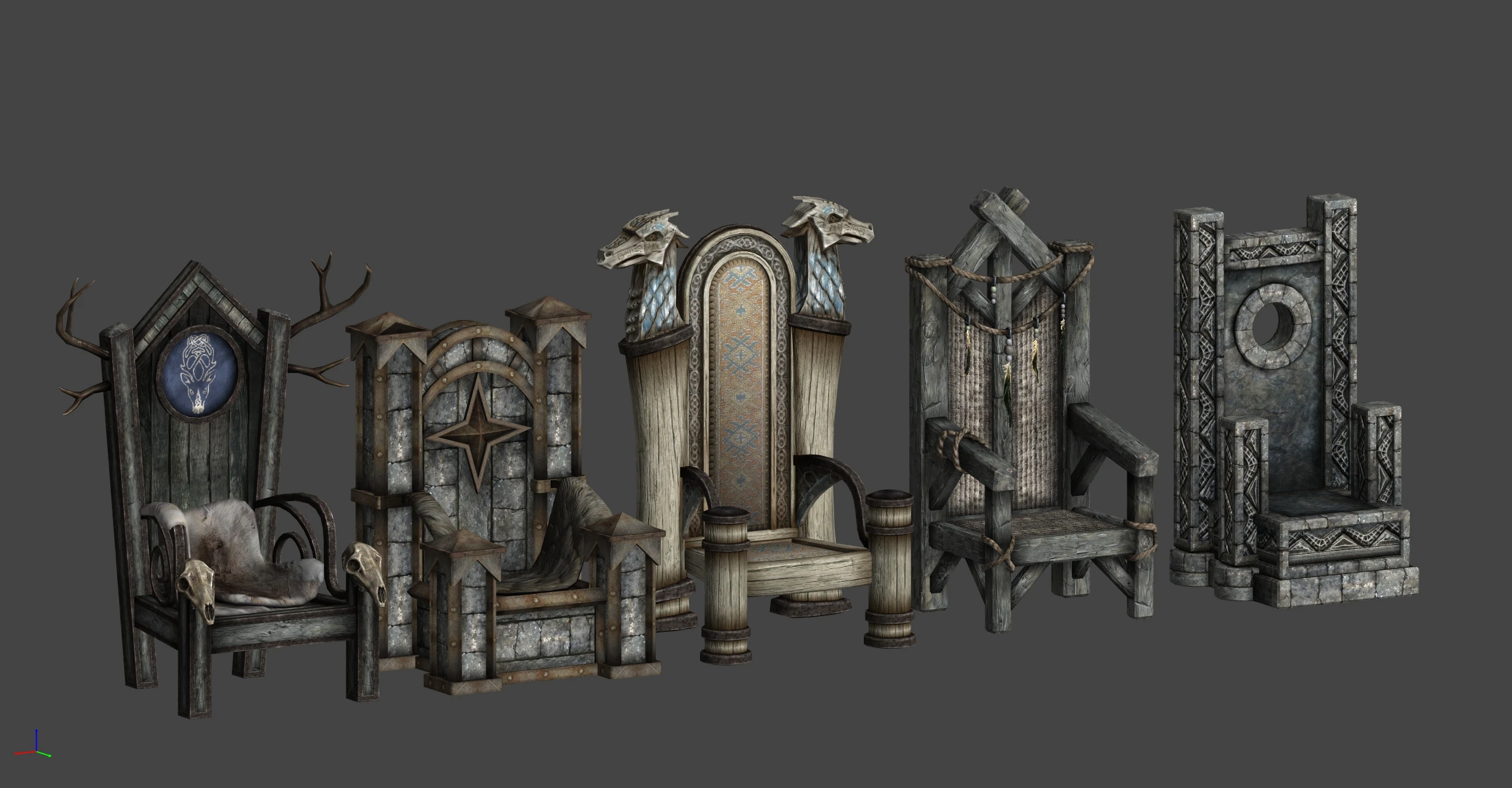
Replaces the generic thrones of the various holds.
Click here to manually download the mod OR here to automatically download the mod through Mod Organizer 2.
When downloaded go to the folder where the file has been downloaded, cut the file Thrones of Skyrim SE-41198-1-0-1602101281.zip and copy it to your NOLVUS\ARCHIVE\5_VISUALS\5.14_INTERIORS directoryNexus mod page here
In Mod Organizer 2 click on add mod button
Browse to NOLVUS\ARCHIVE\5_VISUALS\5.14_INTERIORS\Thrones of Skyrim SE-41198-1-0-1602101281.zip and select OK
Fill informations as shown and click on OK
 Drag and drop Thrones of Skyrim SE above OUTPUTS and check the mod.
A collection of patches for Cities of the North - Falkreath, primarily moving object placements to match the new interiors, along with a few Worldspace patches
Click here to manually download the mod OR here to automatically download the mod through Mod Organizer 2.
When downloaded go to the folder where the file has been downloaded, cut the file COTN Falkreath - Thrones of Skyrim Patch-56734-1-0-1633839444.7z and copy it to your NOLVUS\ARCHIVE\5_VISUALS\5.14_INTERIORS directoryNexus mod page here
In Mod Organizer 2 click on add mod button
Browse to NOLVUS\ARCHIVE\5_VISUALS\5.14_INTERIORS\COTN Falkreath - Thrones of Skyrim Patch-56734-1-0-1633839444.7z and select OK
Fill informations as shown and click on OK.
 Drag and drop Thrones of Skyrim SE - Cities of the North - Falkreath Patch above OUTPUTS and check the mod.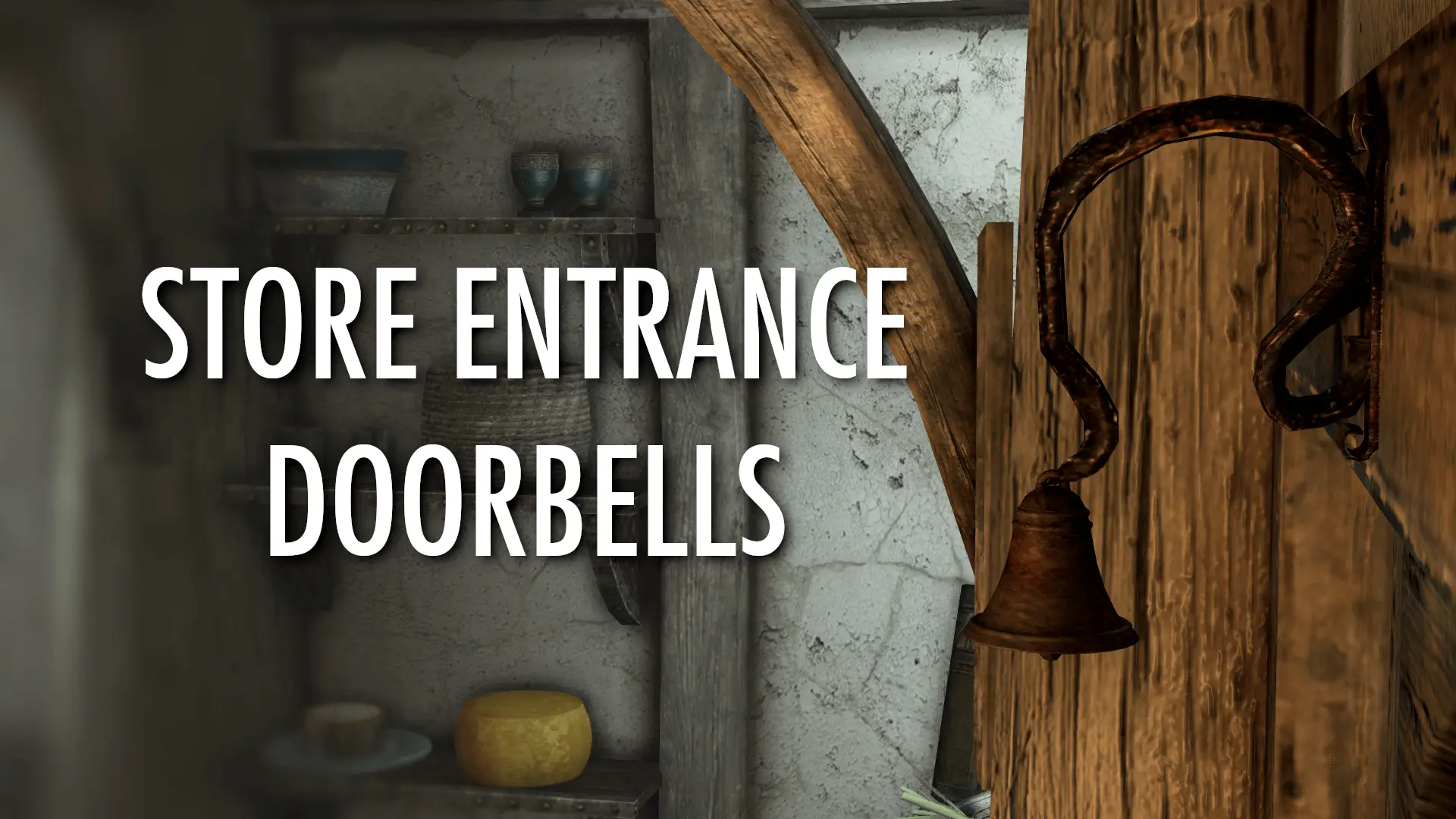
Adds store entrance doorbells with animation and sound effects.
Click here to manually download the mod OR here to automatically download the mod through Mod Organizer 2.
When downloaded go to the folder where the file has been downloaded, cut the file Store Entrance Doorbells-56196-2-0-1633022060.zip and copy it to your NOLVUS\ARCHIVE\5_VISUALS\5.14_INTERIORS directoryNexus mod page here
In Mod Organizer 2 click on add mod button
Browse to NOLVUS\ARCHIVE\5_VISUALS\5.14_INTERIORS\Store Entrance Doorbells-56196-2-0-1633022060.zip and select OK
1. Select options as shown and click on Install.
 Drag and drop Store Entrance Doorbells above OUTPUTS and check the mod.
LOOT is used to order mods plugin but sometimes it is necessary to add a custom ordering rule to tell LOOT the right load order.
Select LOOT from the right combobox and click on Run button (Always run it from Mod Organizer)

Distinct Interiors.esp loaded after The Great Town of Ivarstead.esp
Distinct Interiors.esp loaded after The Great Village of Kynesgrove.esp
Distinct JK's Candlehearth Hall - Lux patch.esp loaded after Lux - JK's Candlehearth Hall patch.esp
Distinct JK's Ragged Flagon - Lux patch.esp loaded after Lux - JK's Ragged Flagon patch.esp
JK's Arnleif and Sons Trading Company.esp loaded after Distinct Interiors.esp
JK's Candlehearth Hall.esp loaded after Distinct Interiors.esp
JK's New Gnisis Cornerclub.esp loaded after Distinct Interiors.esp
JK's Riverwood Trader.esp loaded after Distinct Interiors.esp
JK's Sadris Used Wares.esp loaded after Distinct Interiors.esp
JK's Silver-Blood Inn.esp loaded after Distinct Interiors.esp
JK's Temple of Dibella.esp loaded after Distinct Interiors.esp
JK's Temple of Mara.esp loaded after Distinct Interiors.esp
JK's The Pawned Prawn.esp loaded after Riften Docks Overhaul.esp
JKs The Drunken Huntsman.esp loaded after Distinct Interiors.esp
JKs Sky Haven Temple -Landscape Grass Patch.esp loaded after Landscape Fixes For Grass Mods.esp
Distinct JK's Ragged Flagon.esp loaded after JKs Ragged Flagon - USSEP Patch.esp
Click on the sort button (on the top right corner).

Click on Apply.

If you like my work please subscribe to my Youtube chanel, it helps a lot!
If you want to actively support Nolvus, you can become a Patreon and get more benefits!
PatreonIf you want to give some support to help keep this web site running and constantly updated click on the button below.
Donations are not mandatory but highly appreciated
DONATEVMP Corporation 200,00 EUR
SebCain 181,44 EUR
Ragnar the Red 153,39 EUR
Jerilith 130,00 EUR
Dark Dominion 110,00 USD
aMasTerMiiNd 100,00 USD
werwin1 100,00 EUR
Bazhruul 100,00 EUR
TheGeorge1980 100,00 EUR
lxlmongooselxl 100,00 USD
Kevin K 88,00 EUR
Corrupt Bliss 80,67 EUR
Halo 80,00 EUR
CYRIL888 60,00 EUR
Illusive Bro 60,00 EUR
renekunisz 50,00 EUR
Discrepancy 50,00 EUR
Lodreyon 50,00 EUR
Daskard 50,00 EUR
GarbrielWithoutWings 50,00 USD
Vonk 50,00 USD
Bryan W 50,00 USD
Thanks a lot to all of them!
Subscribe to our News letter if you want to be noticed for guide updates.